
01
CRM & Leads
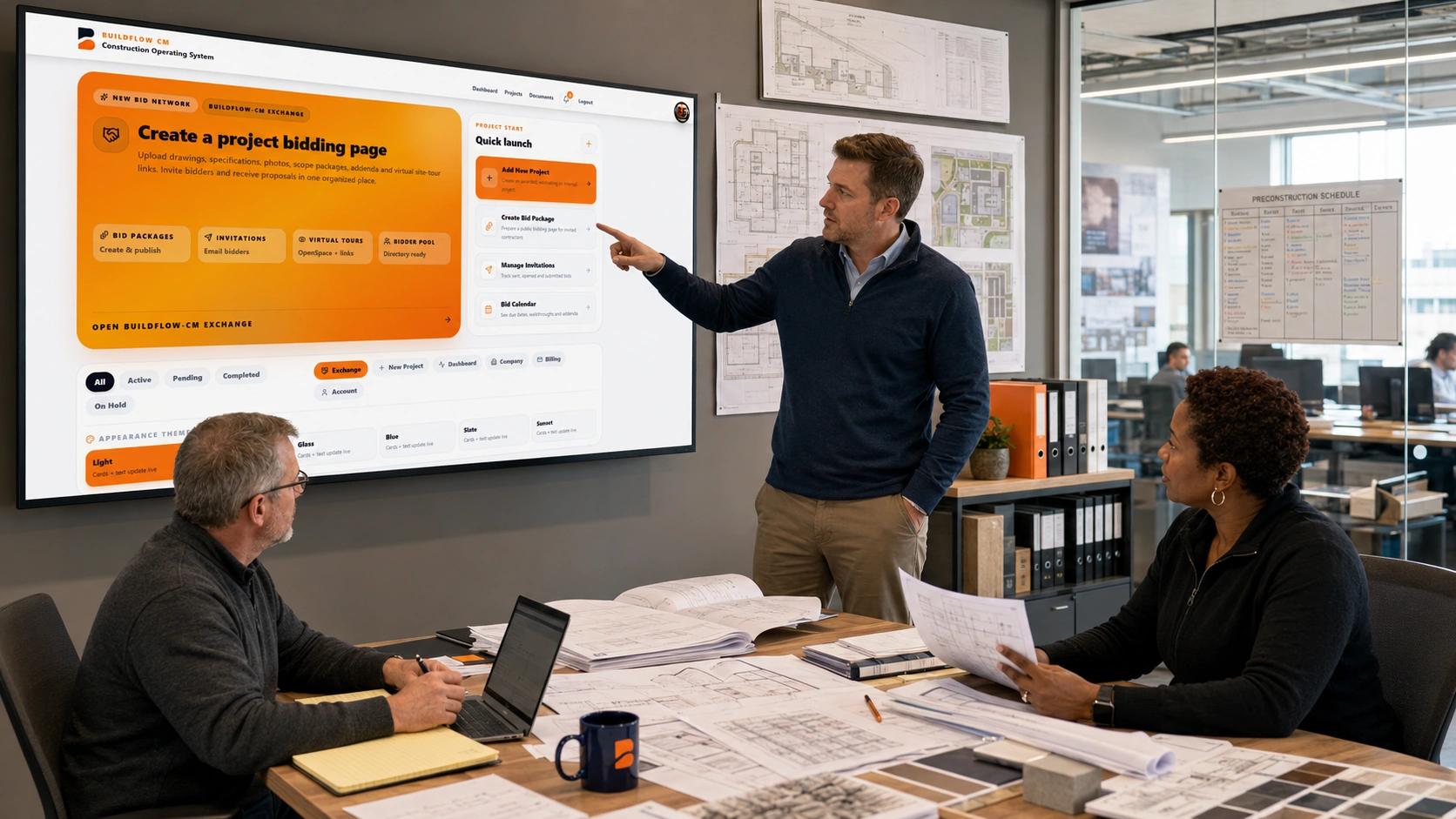
Capture opportunities, organize customer details, follow up, and move qualified leads directly into estimating.
BuildFlow-CM connects the field, office and financial side of your business so your team can standardize processes, control project information and make better decisions from estimate through closeout.
Your new command center
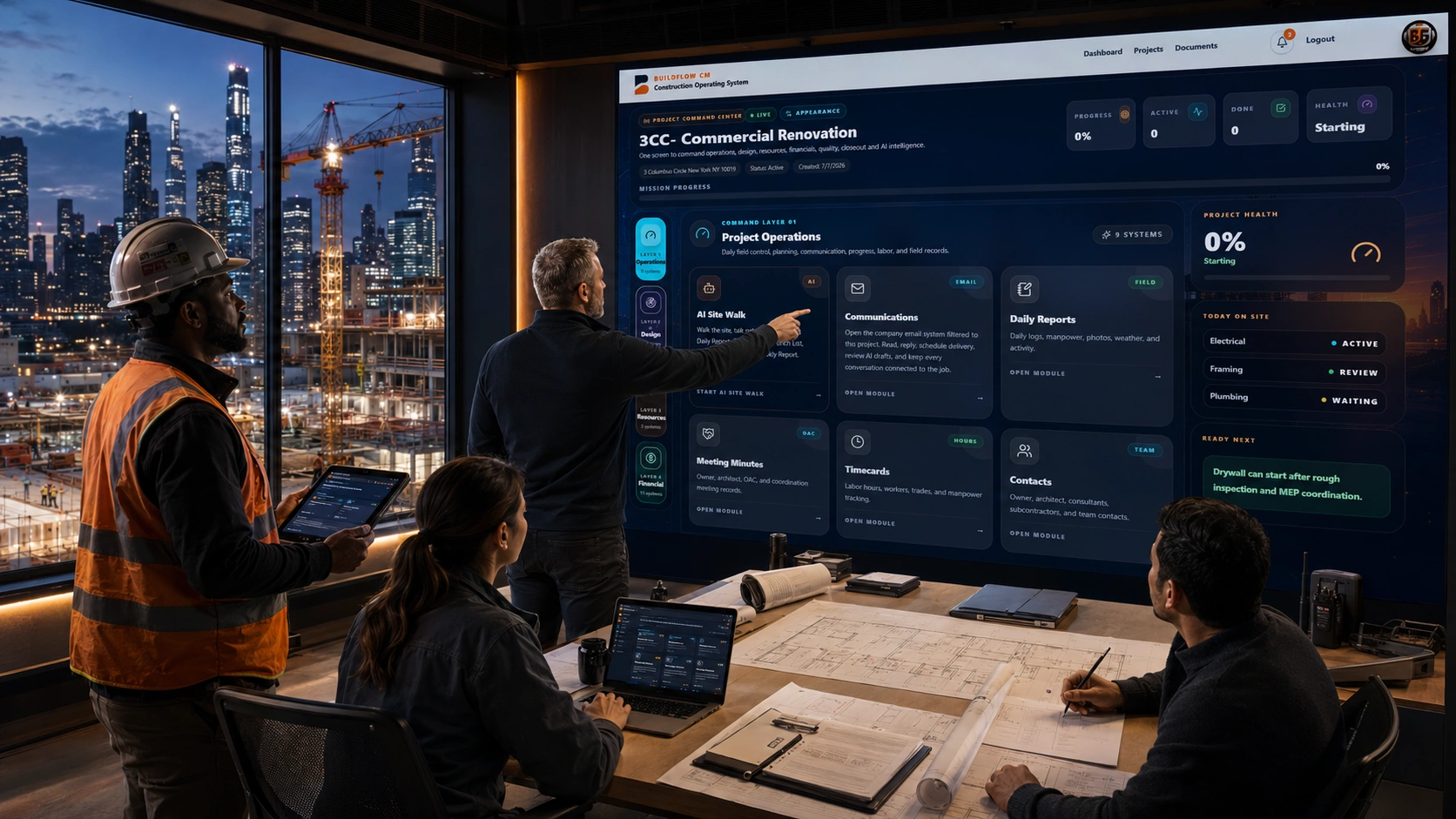
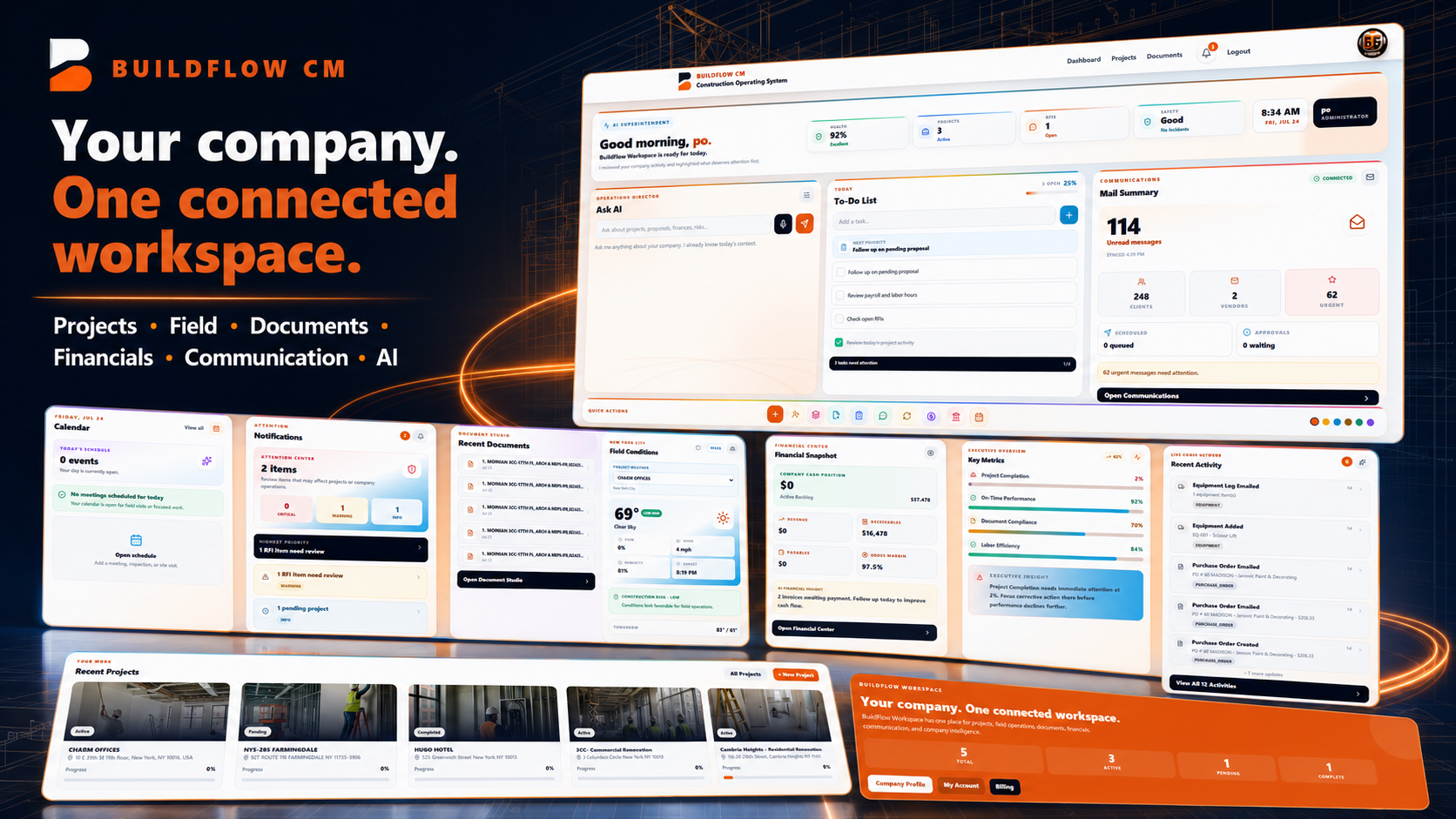
Open BuildFlow-CM and know where to start. Your projects, daily priorities, documents, communications and AI all come together in a single workspace.
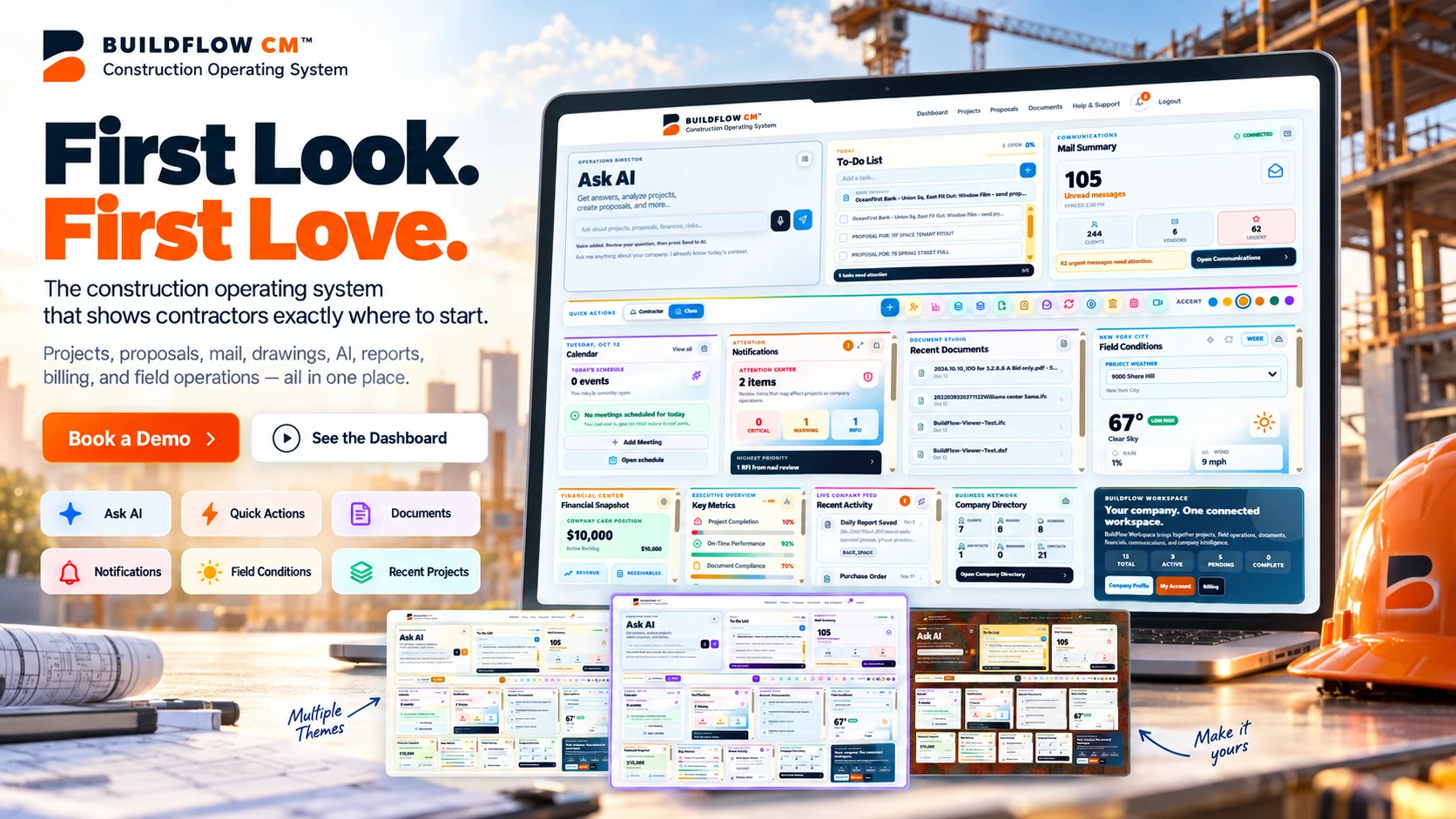
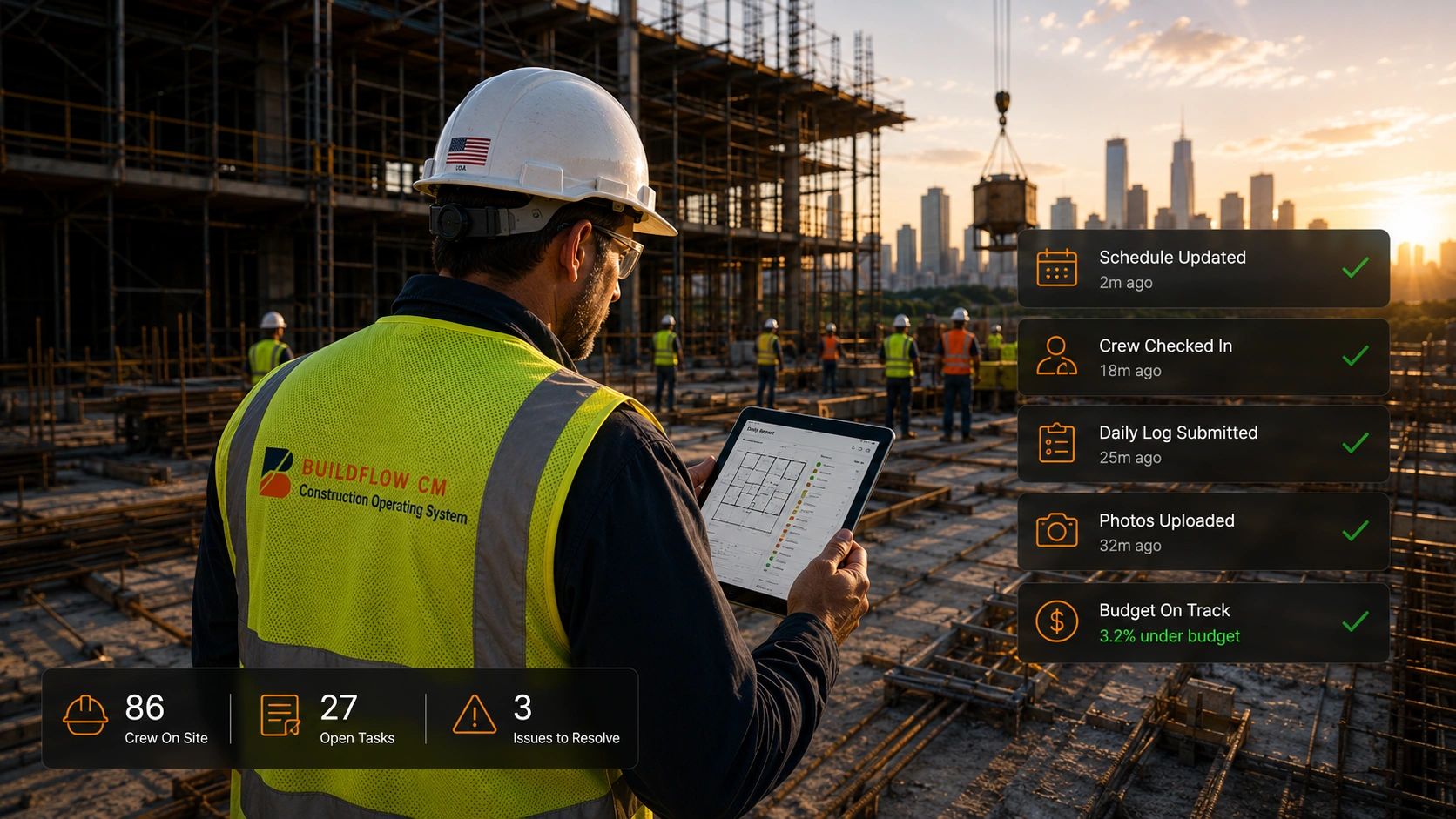
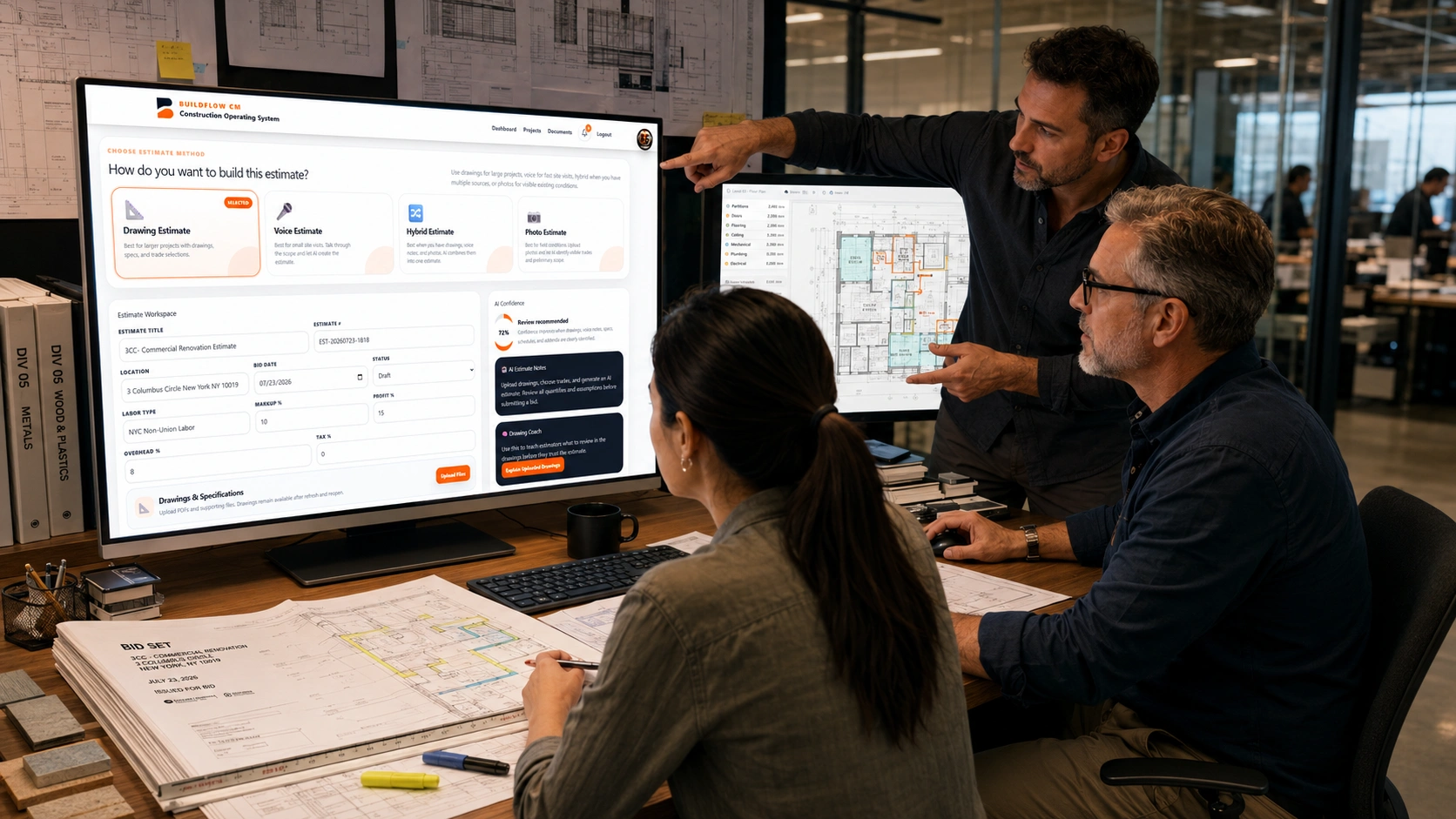
Campaign artwork inspired by the BuildFlow-CM dashboard; interactive screens are available inside the app.
BuildFlow-CM was created by TheSquare.NYC CORP. from the everyday need to manage serious construction projects professionally without requiring a separate app or office handoff for every responsibility. It was shaped around real estimating, project controls, field records, workforce, billing, documents, client communication, and closeout work.
We knew how to use many different programs. We just did not believe contractors should have to.
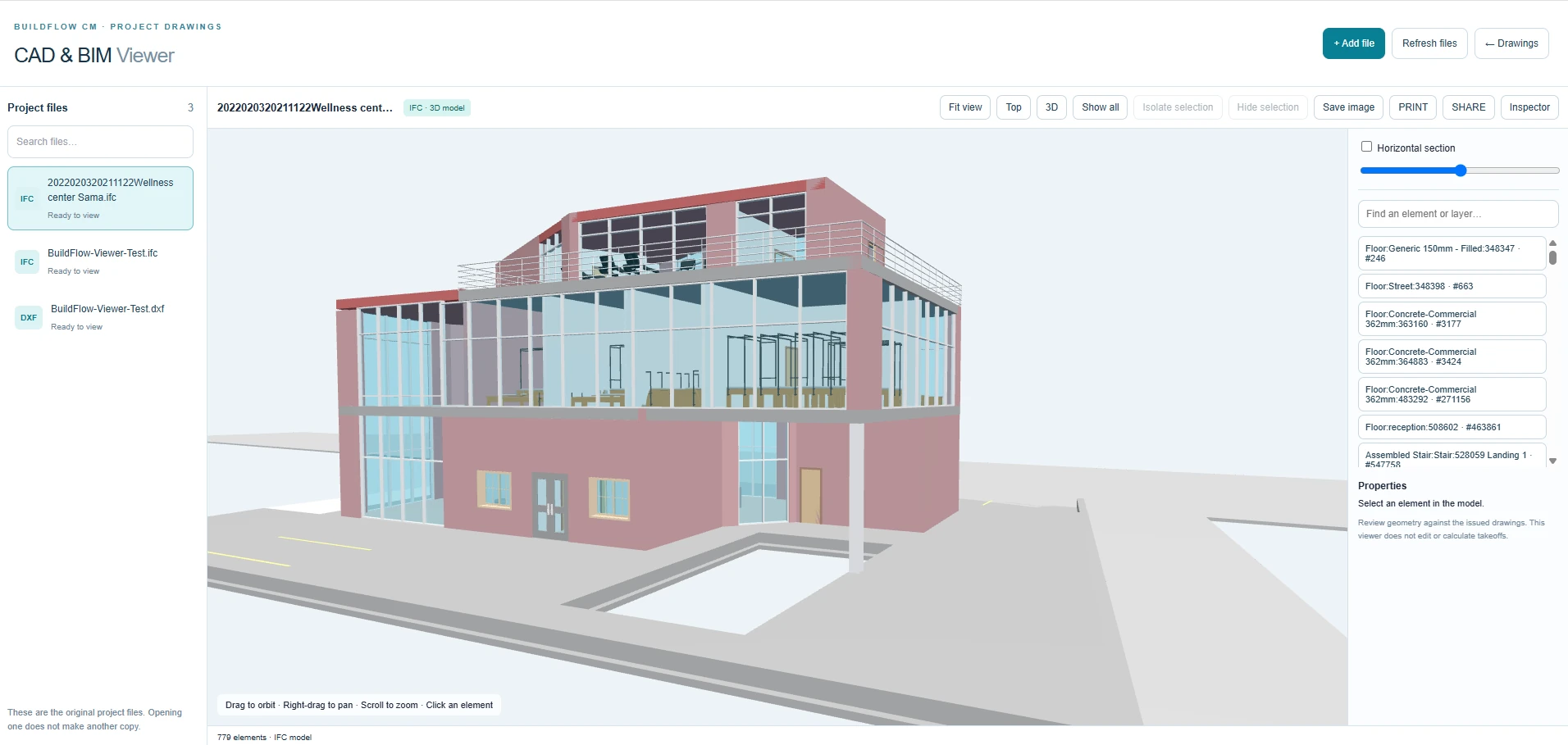
Now available · CAD & BIM Viewer
Open IFC building models in 3D and DXF CAD drawings in 2D, directly from your project documents. Give your team a clearer view of the work, without an Autodesk account.
View IFC and DXF files. Export DWG to DXF and Revit models to IFC before viewing.
A connected construction company
No separate collection of tabs and spreadsheets. Bring jobsite activity, estimates, project information, finances, and communications into one place your team can actually use.
Explore the Platform →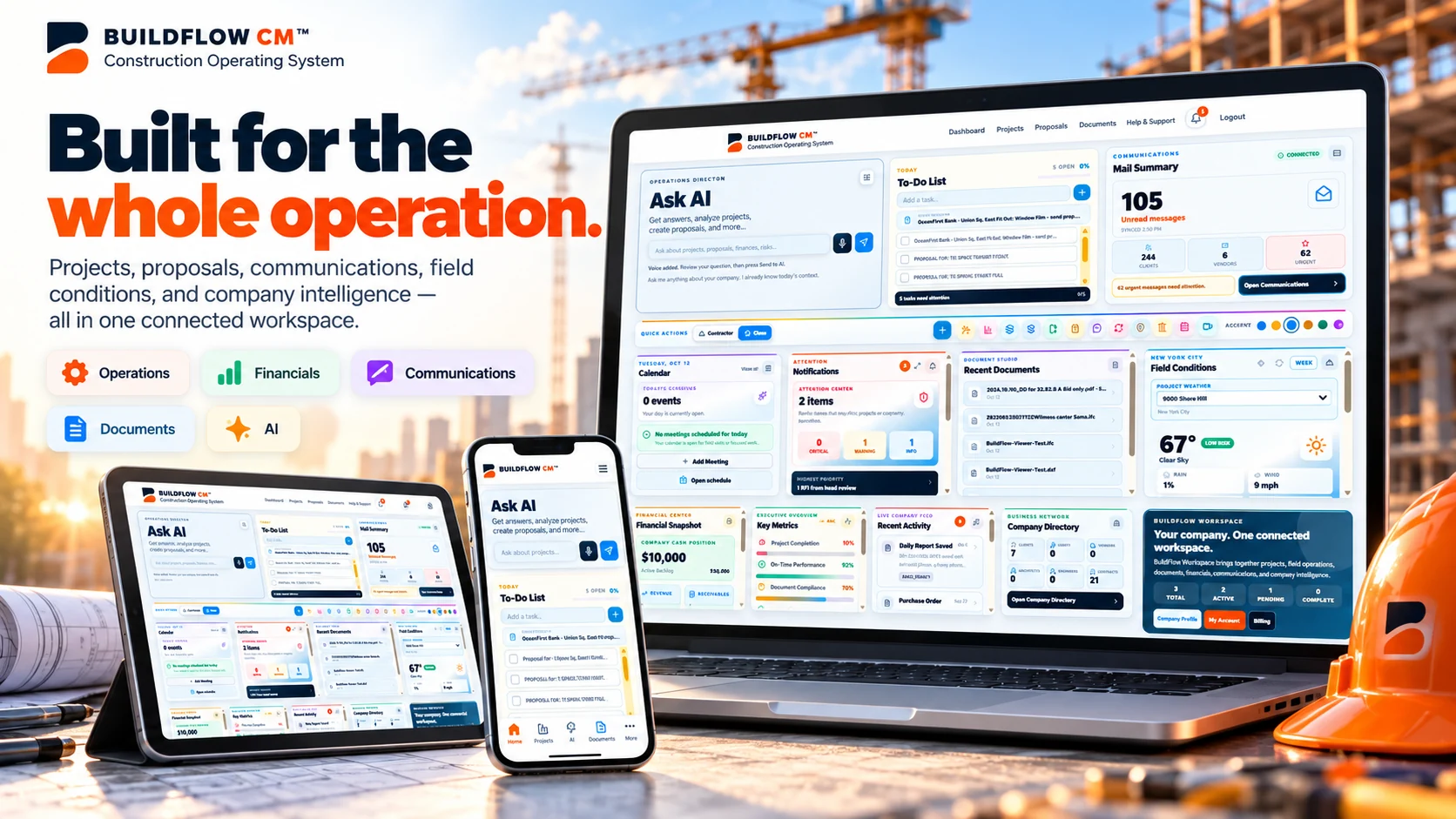
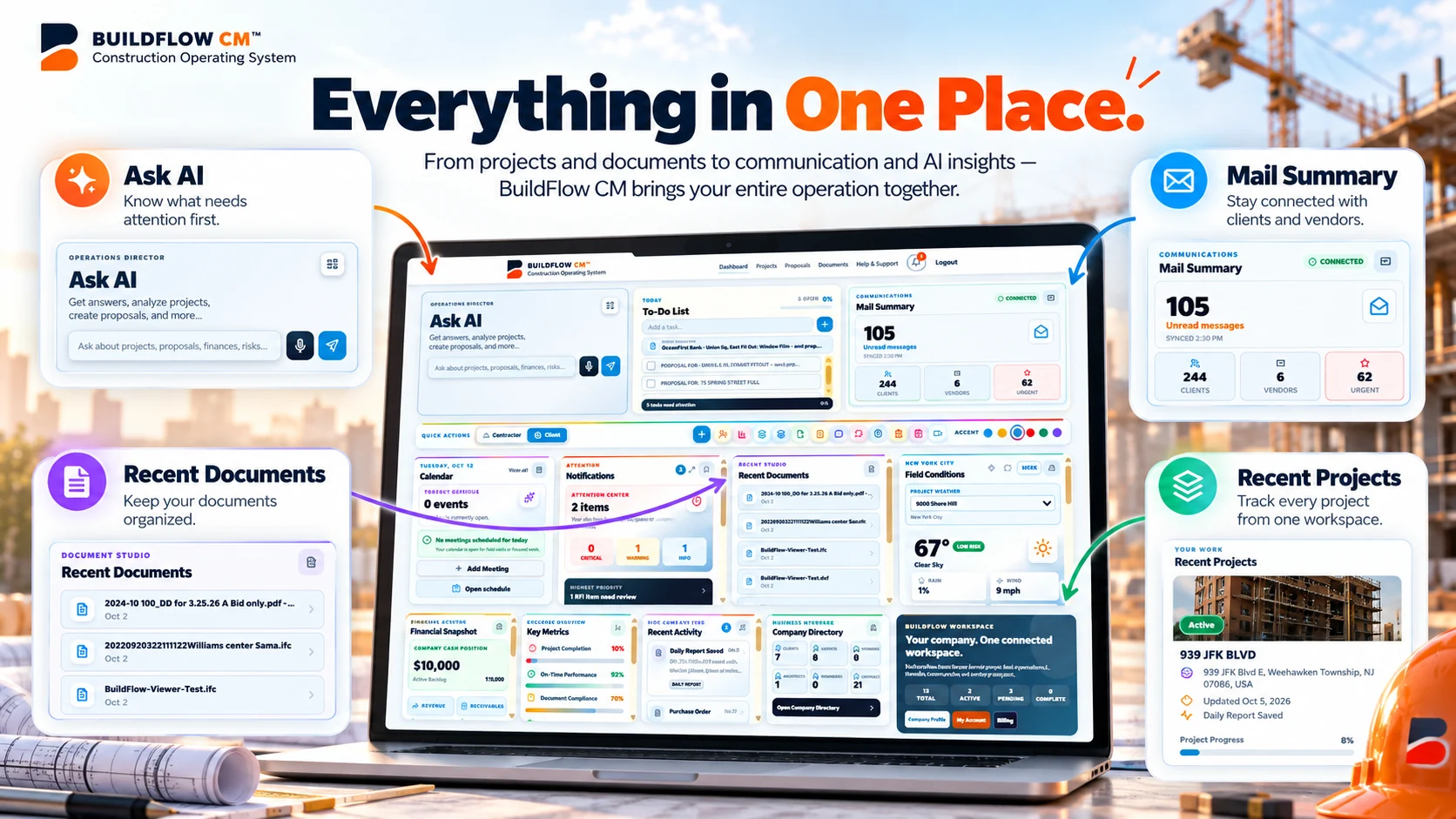
One place for work that matters
Start with a clear dashboard. Move from an alert to its project, open the document that needs attention, or prepare the next proposal without rebuilding the story of the job.
A dashboard that feels like your company
From construction-inspired Contractor mode to an elegant Clean workspace, BuildFlow-CM lets you choose the look that suits your team. Clean mode also includes accent-color options.
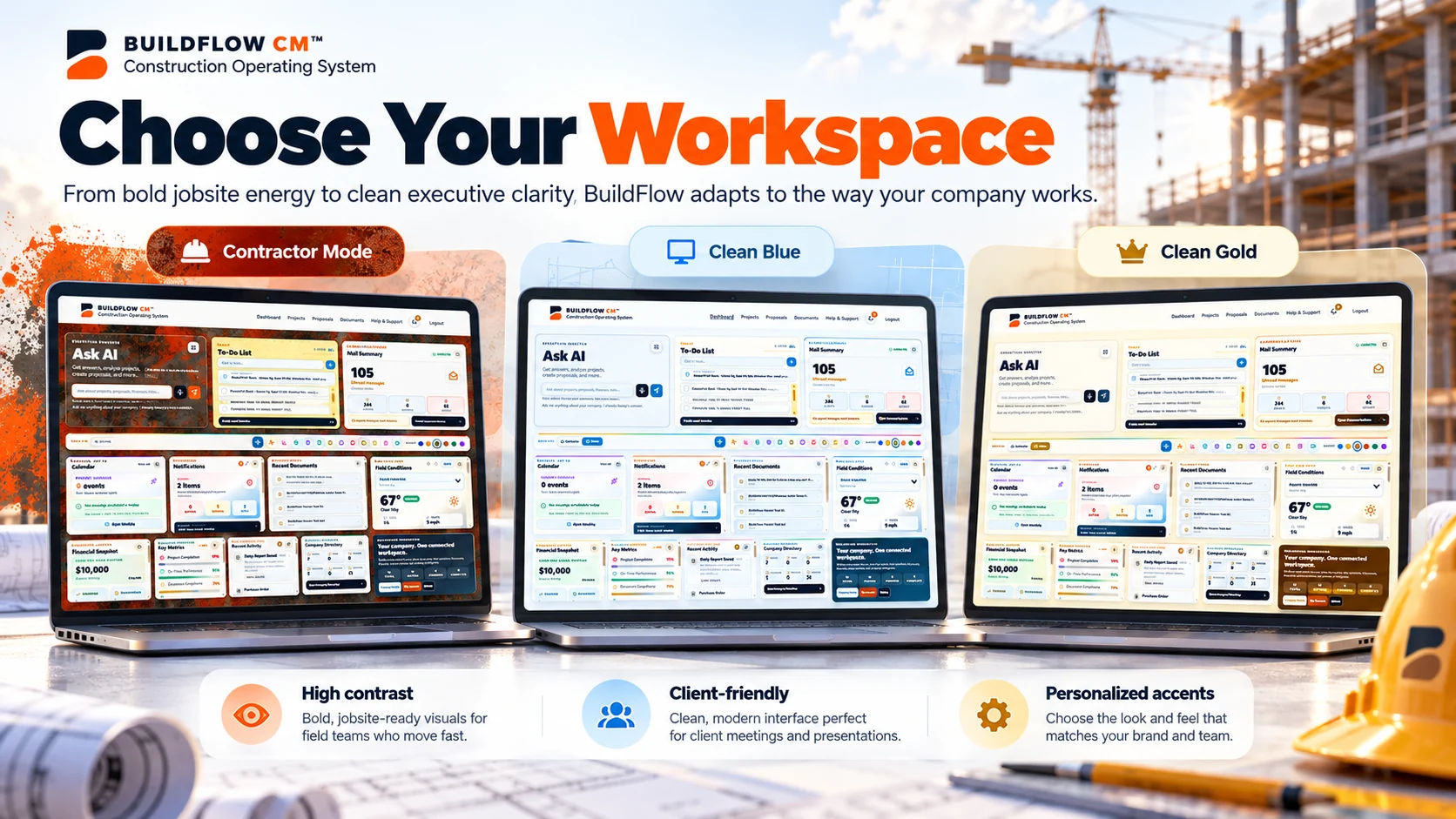
Industrial steel and paper textures inspired by the jobsite.
A crisp, minimal workspace for office and client meetings.
Pick accent colors in Clean mode without changing how BuildFlow works.
Theme comparison is campaign artwork; current dashboard appearance may vary with account settings.
Budget drives the operation. Workforce executes it. Responsibilities, schedules, documents, timecards, payroll preparation, reports, payment requests, change orders, and cost control keep it moving. BuildFlow-CM was built so those parts work together instead of becoming separate islands of information.
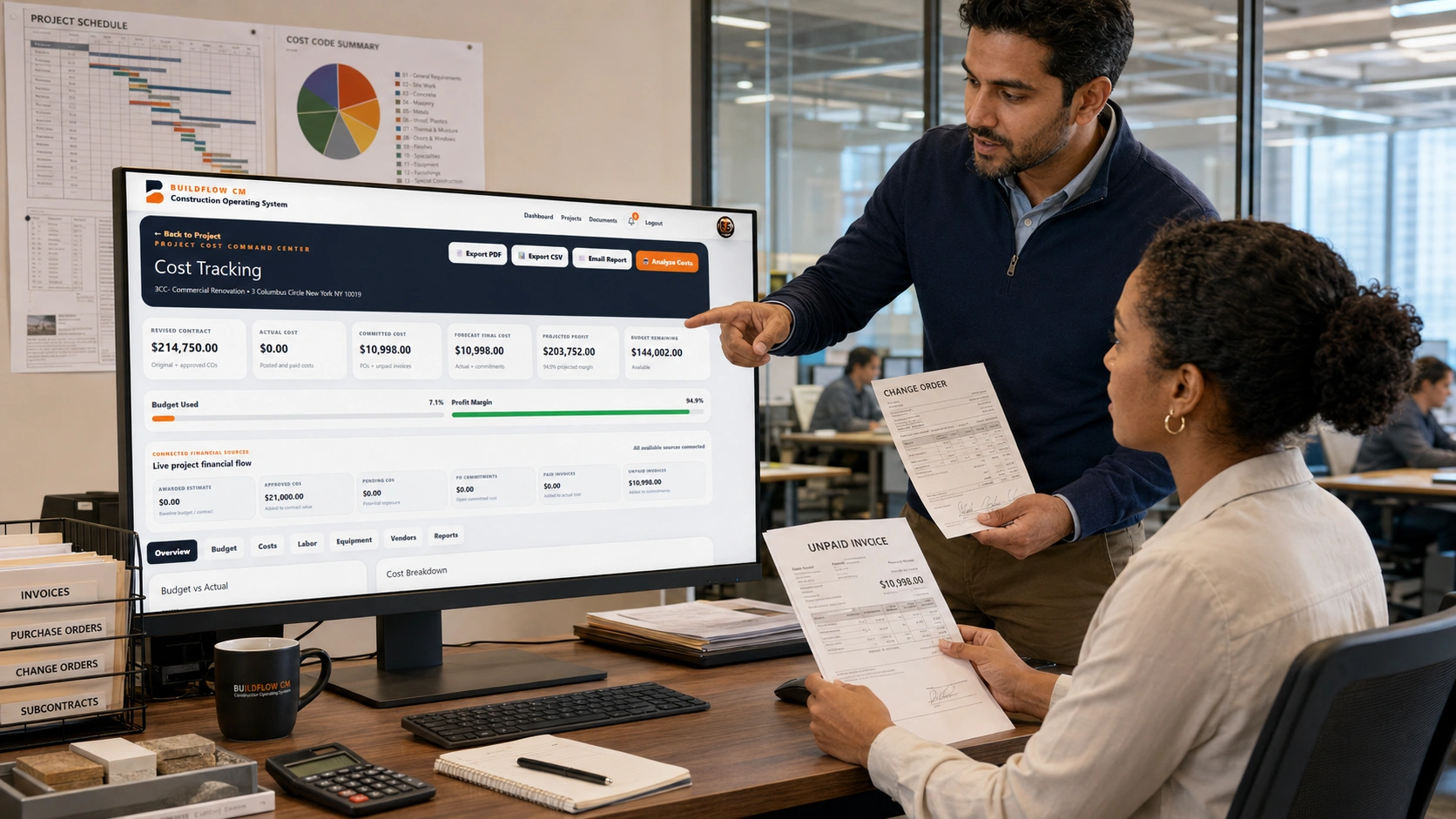
Know what the project can spend and what profit remains.
Assign the people, capture the hours, and connect labor to cost.
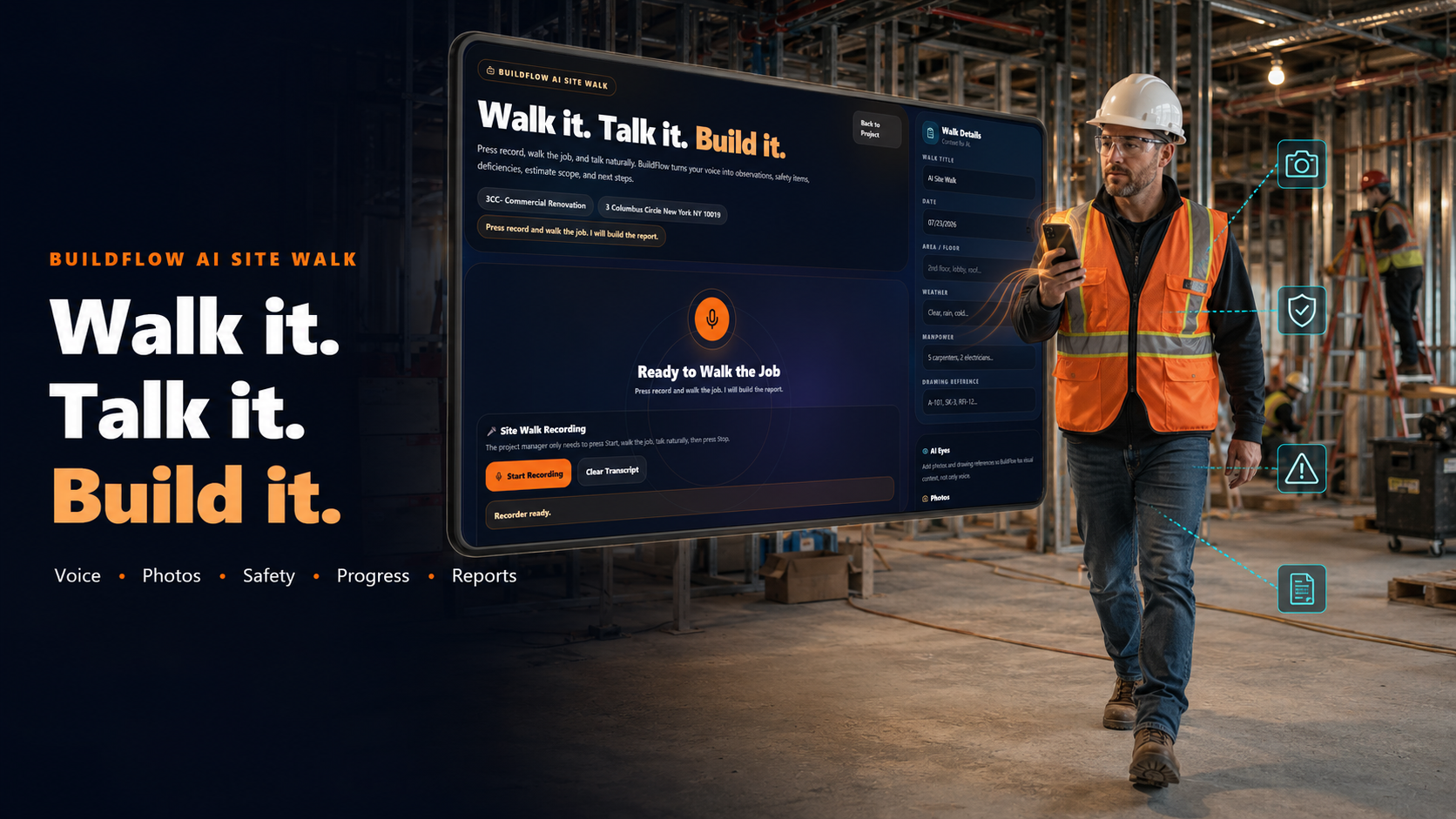
Document work, inspections, incidents, photos, delays, and conditions.
Handle invoices, AIA billing, changes, and approvals in the project.
Carry drawings, specs, permits, reports, photos, and records with you.
Give clients current information while it can still affect decisions.
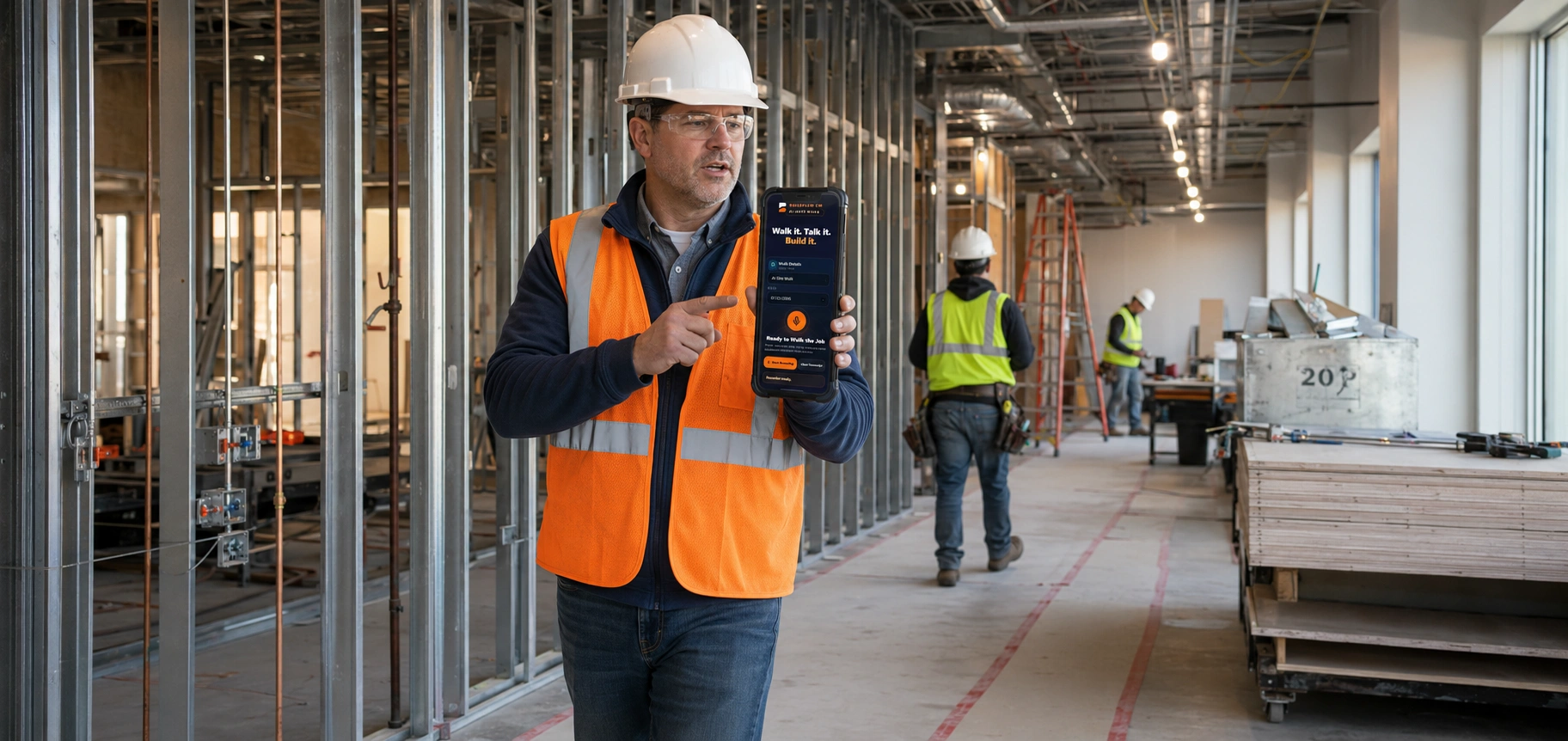
A contractor should not have to finish the field day and then start a second shift rebuilding the day at a desk. Capture the condition, create the report, mark the drawing, prepare the change, review the timecard, send the update, and keep the project record moving while the work is happening.
Every module exists because a real construction problem needed a better solution.
“You were hired to make your client's life easier—not create more problems for them.”
Fast reporting, organized documents, clear changes, better cost visibility, and timely communication help clients make decisions and help contractors stay in control.
Read Why BuildFlow-CM →Create detailed estimates with labor, materials, cost codes, overhead, profit, taxes, alternates, and client-ready proposals.
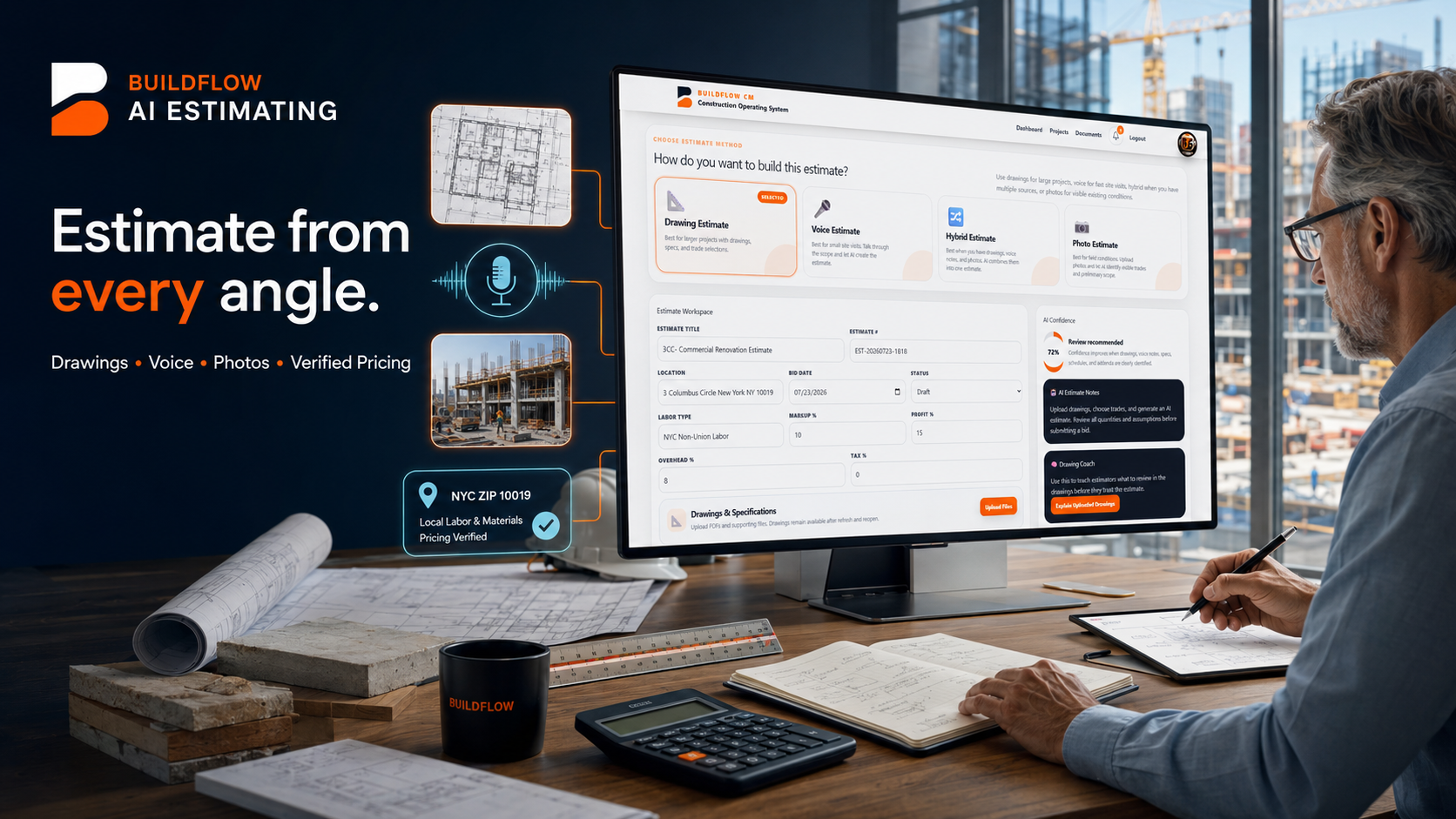

Capture opportunities, organize customer details, follow up, and move qualified leads directly into estimating.
Create detailed estimates with quantities, labor, materials, cost codes, markup, alternates, and signatures.
Manage schedules, tasks, teams, milestones, files, photos, and daily activity from one connected workspace.
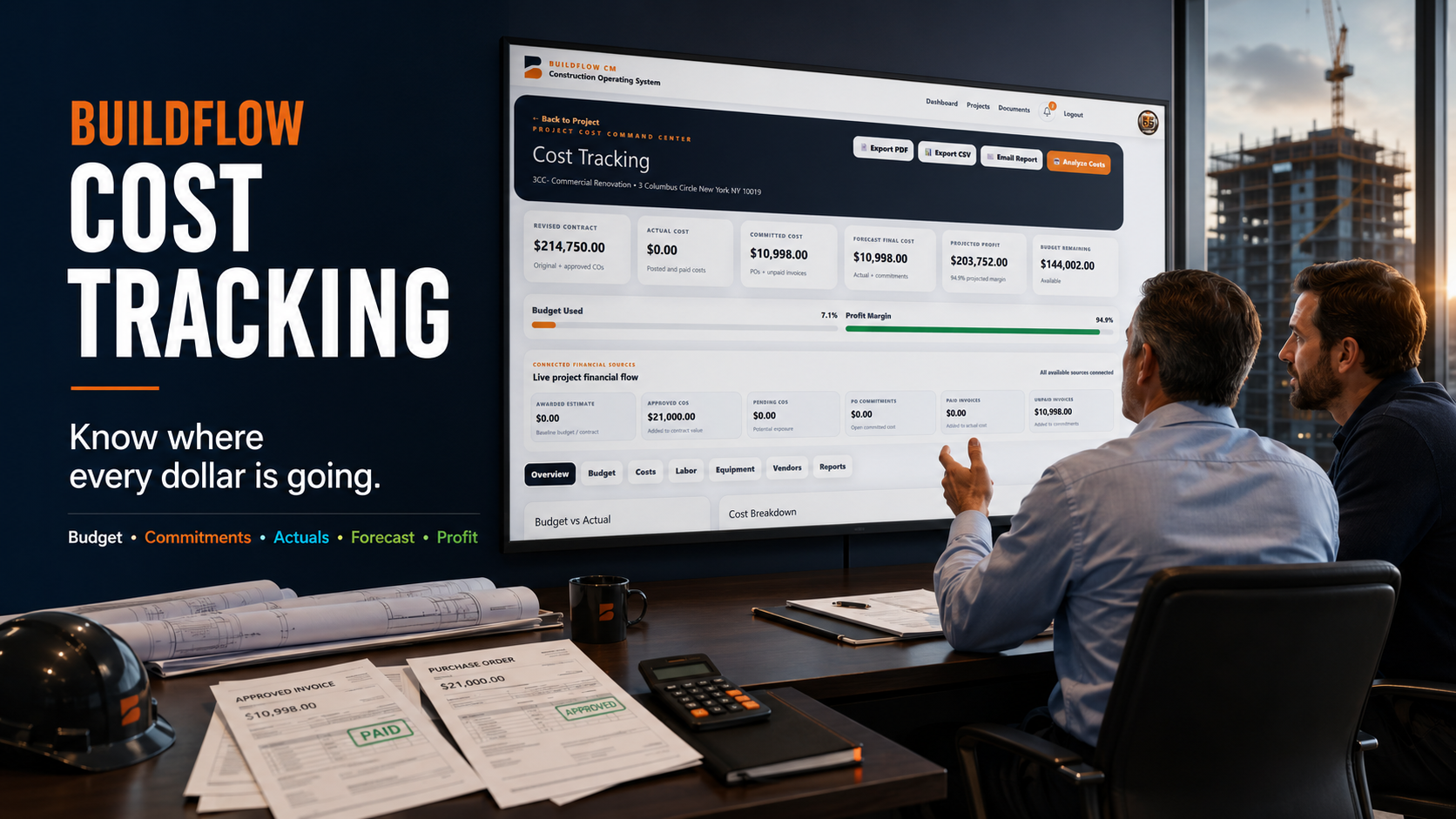
Monitor budgets, committed costs, actual spending, labor, purchase orders, and profitability by cost code.
Track labor hours by employee, project, phase, and cost code from desktop or mobile.
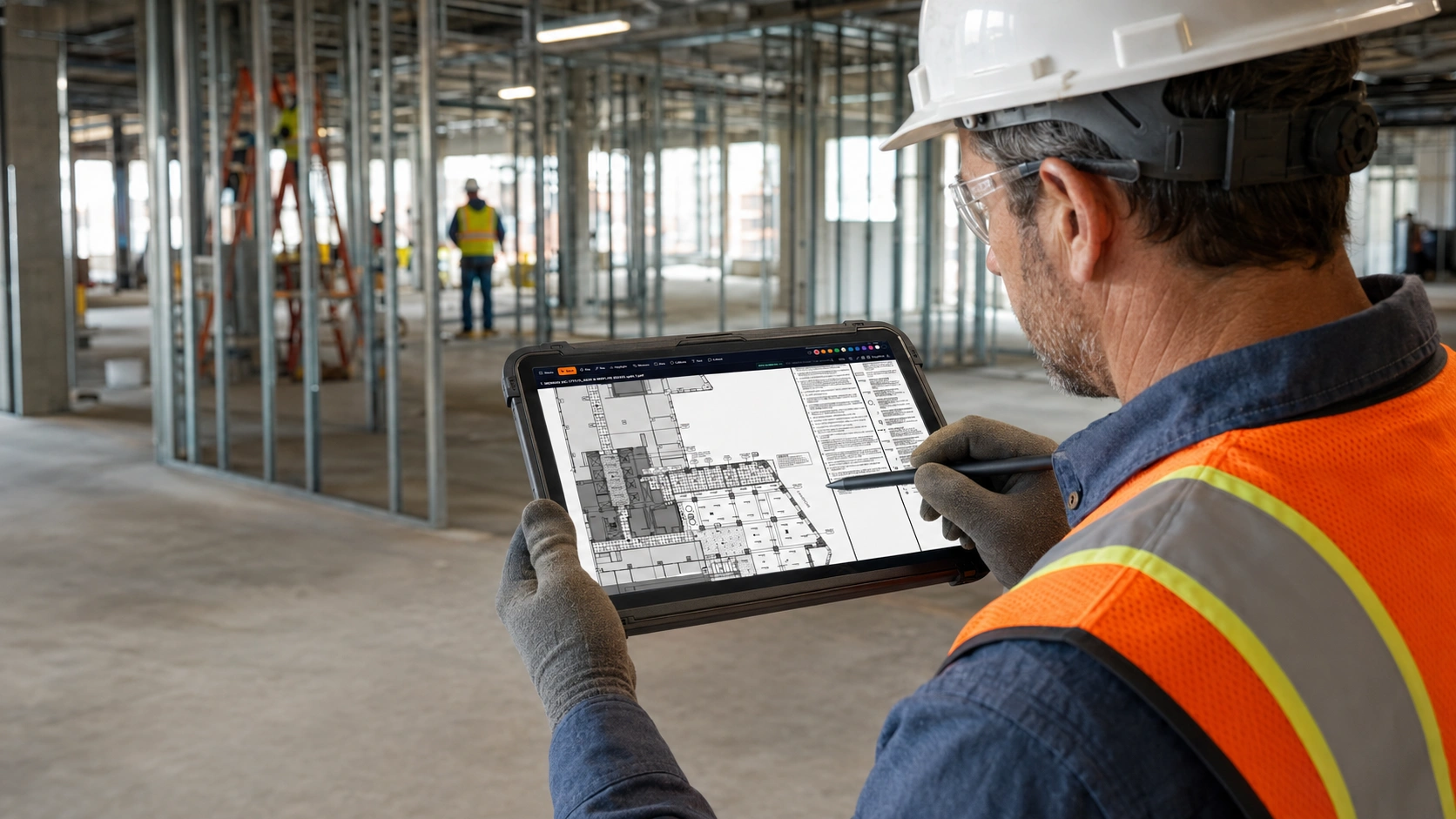
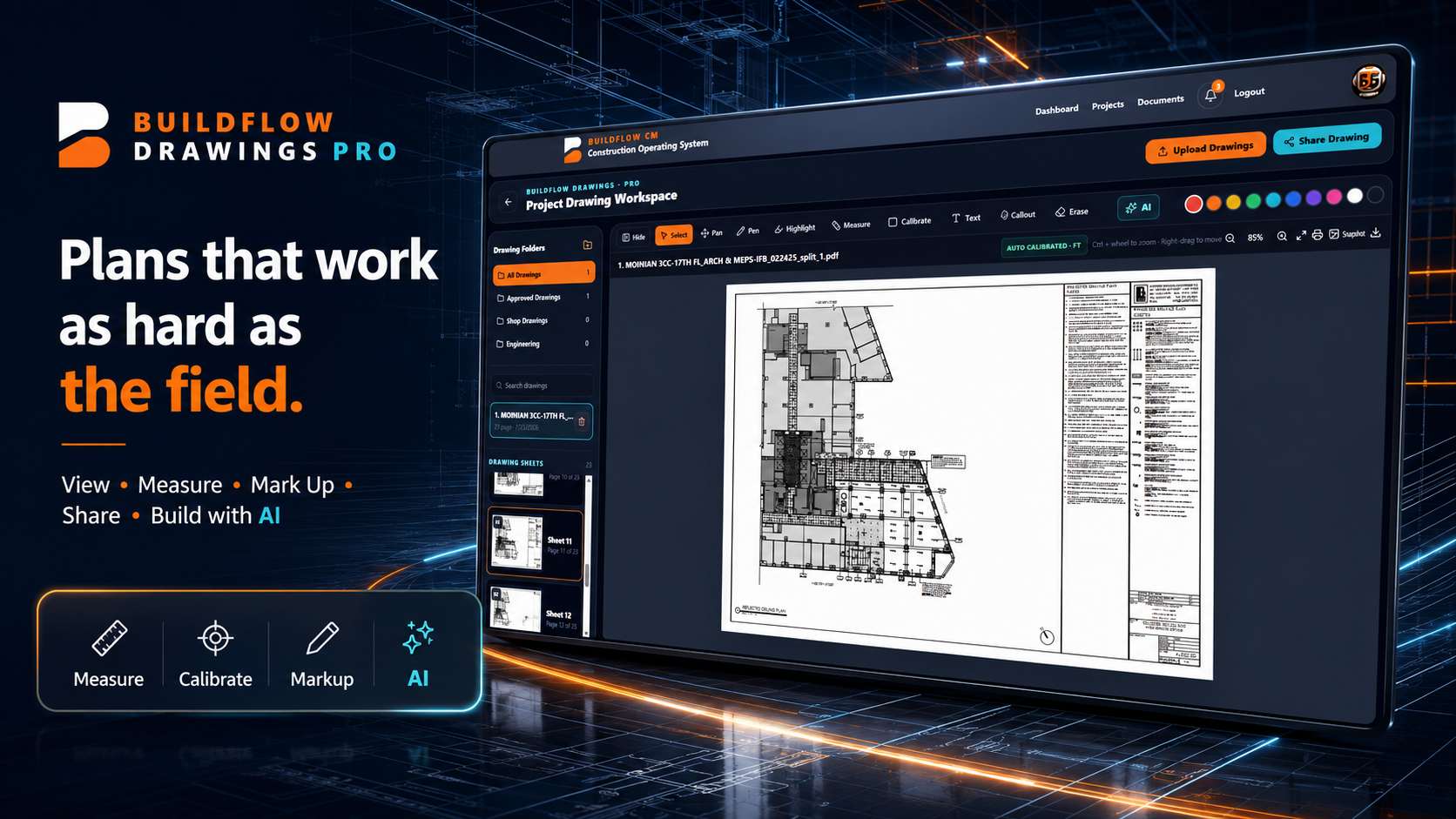
View, measure, calibrate, mark up, organize, and share project drawings from one connected workspace.
Open BFD →Keep contracts, plans, permits, invoices, photos, reports, and project files organized in one location.
Turn project information into clear financial, operational, labor, and executive reports.
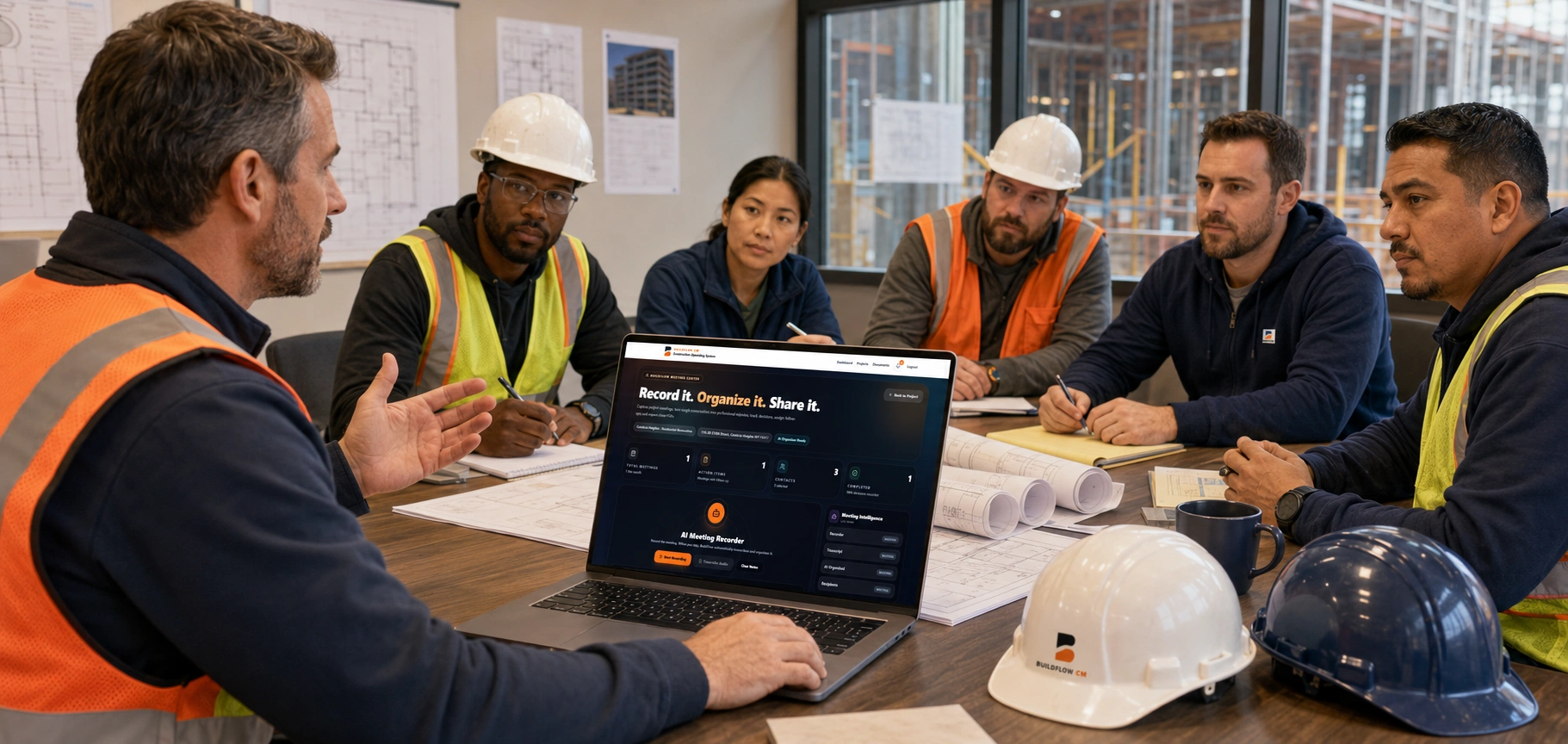
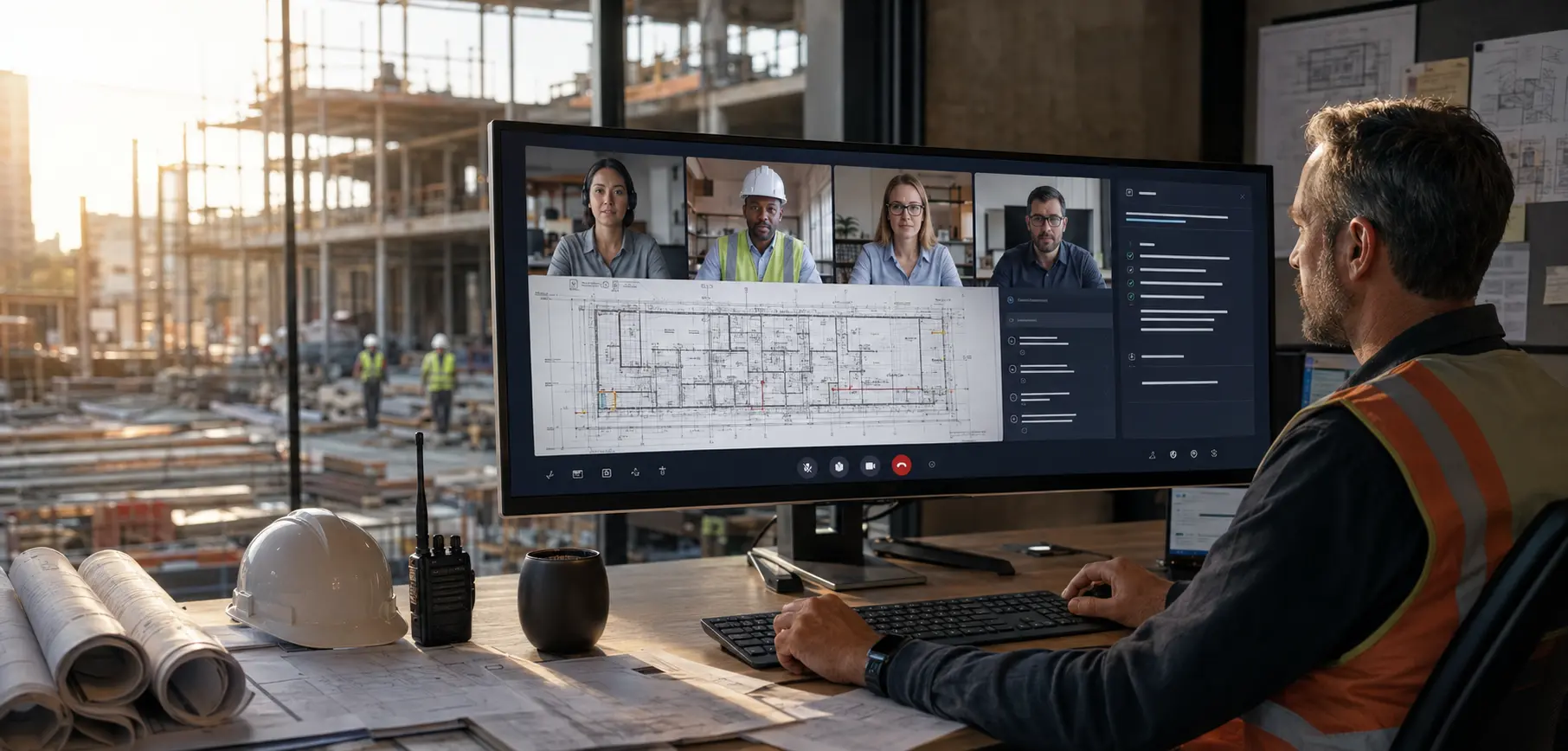
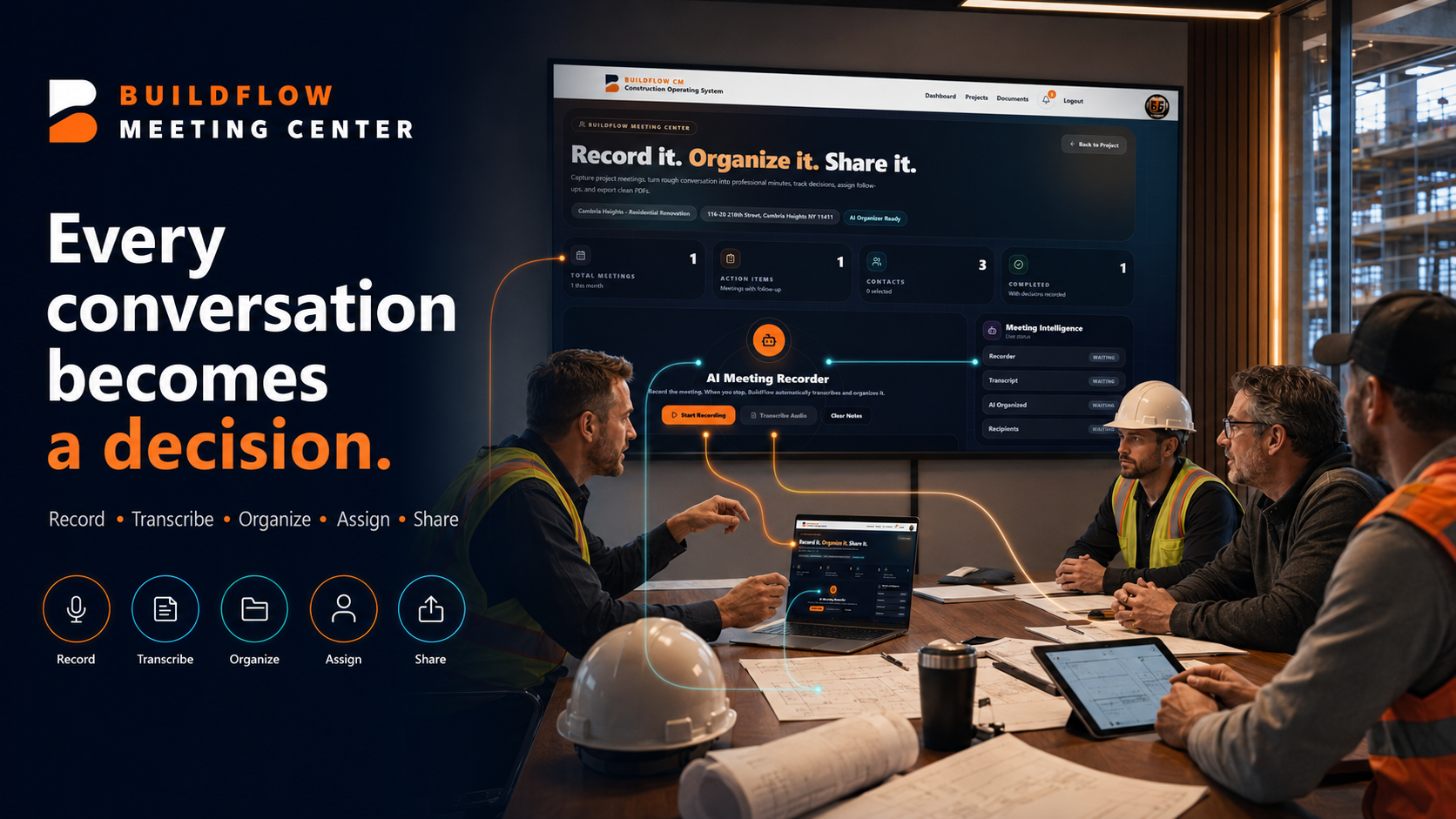
Schedule secure project meetings, invite the right people, share screens, chat, and turn the conversation into editable AI Meeting Minutes.
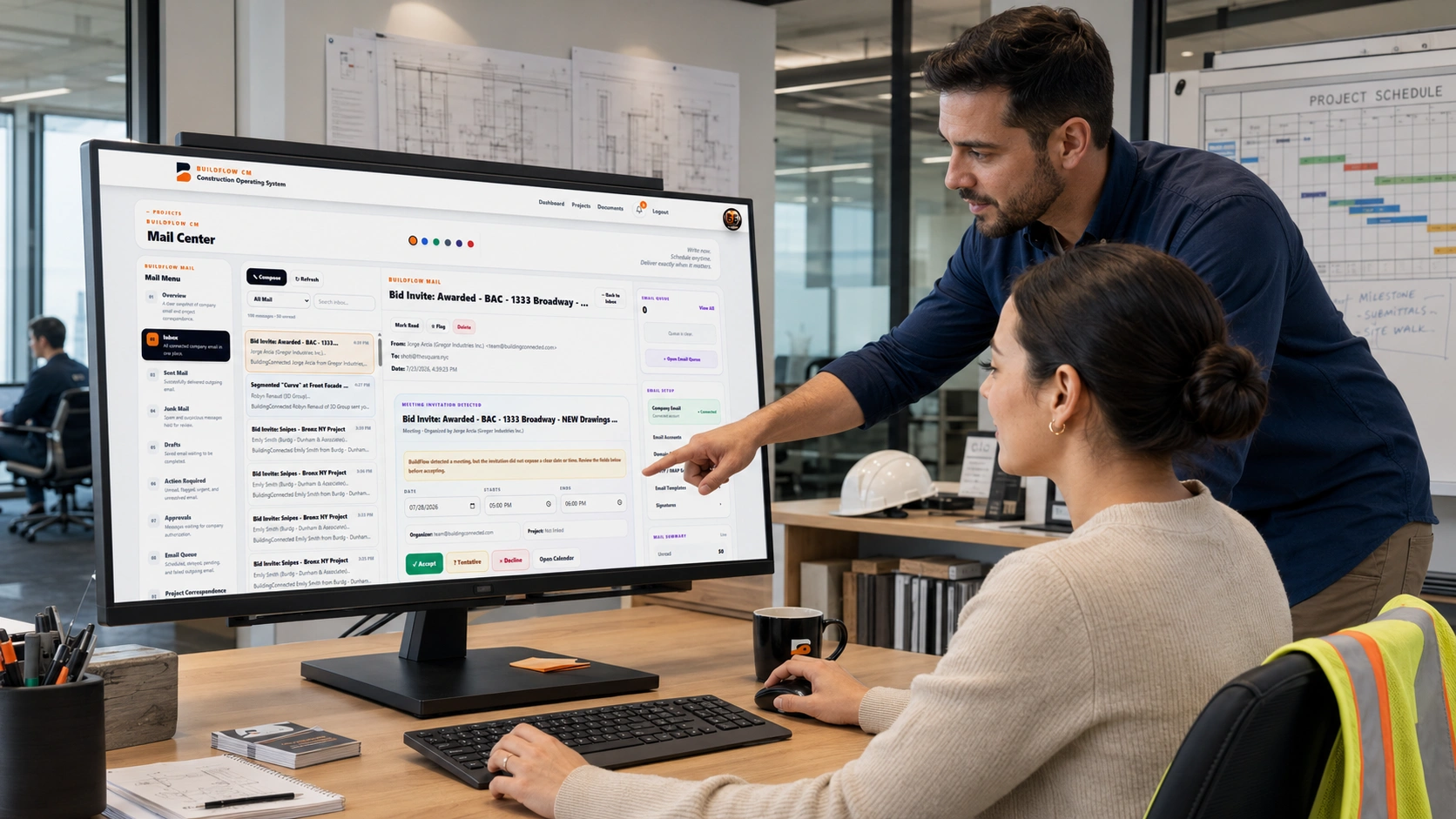
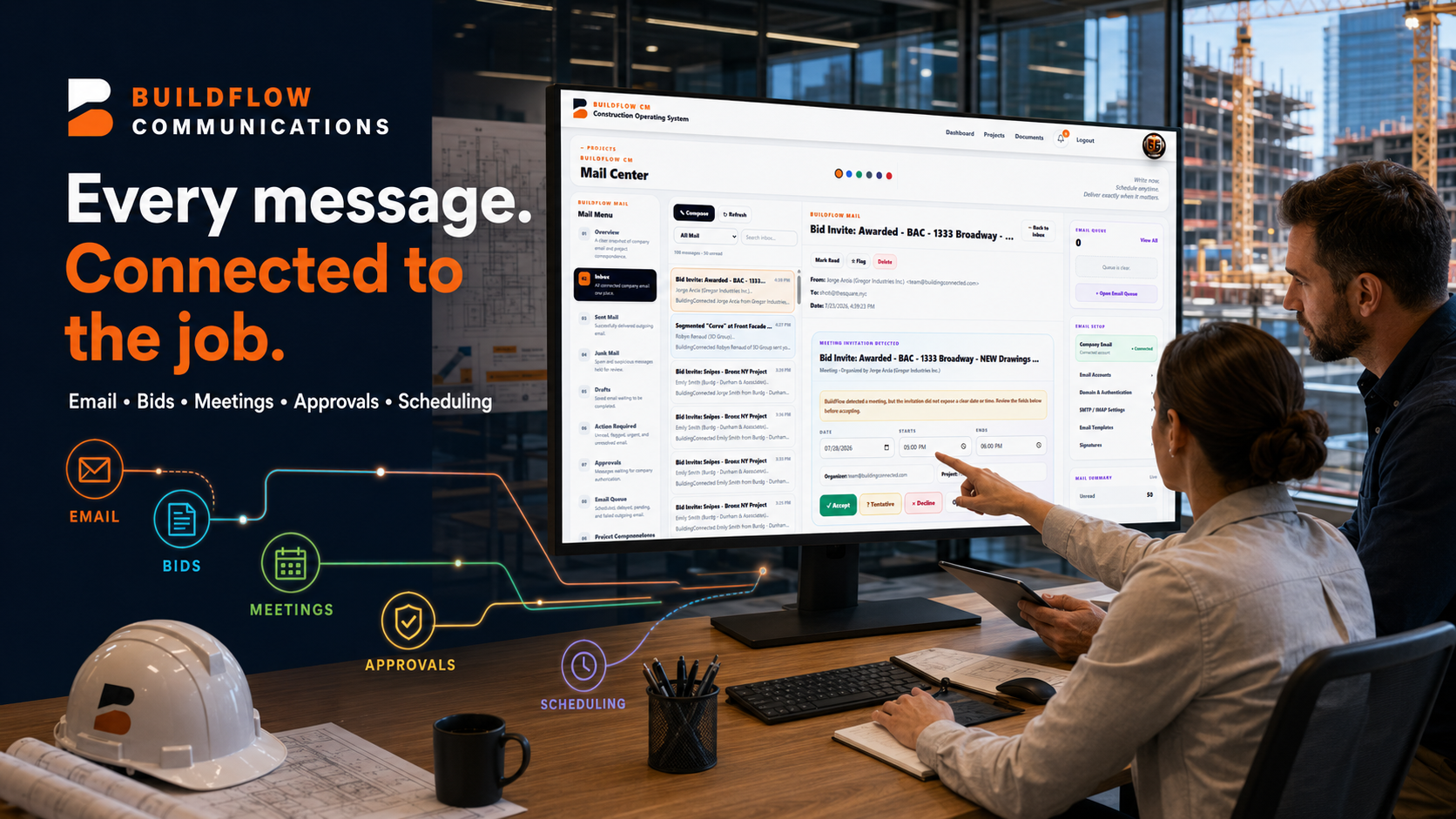
Bring meetings from your email directly into your calendar, manage project correspondence, and schedule email delivery for exactly when it is needed.
Prepare, send, track, and organize conditional and unconditional lien waivers with project payment records in one connected workspace.
Prepare state-aware mechanical lien prefiling packages with required claim, property, tax-parcel, and supporting-document information for attorney review and filing.
Start or schedule secure project conferences directly from BuildFlow-CM. Invite project contacts, share screens, chat, control participants, and automatically turn the conversation into editable AI Meeting Minutes—without leaving the Project Command Center.
Schedule from Mail Center with contacts and calendar RSVP.
Review drawings, decisions, and work in real time.
Invite during the call and manage participant access.
Host-only recording, editing, PDF export, and email sharing.
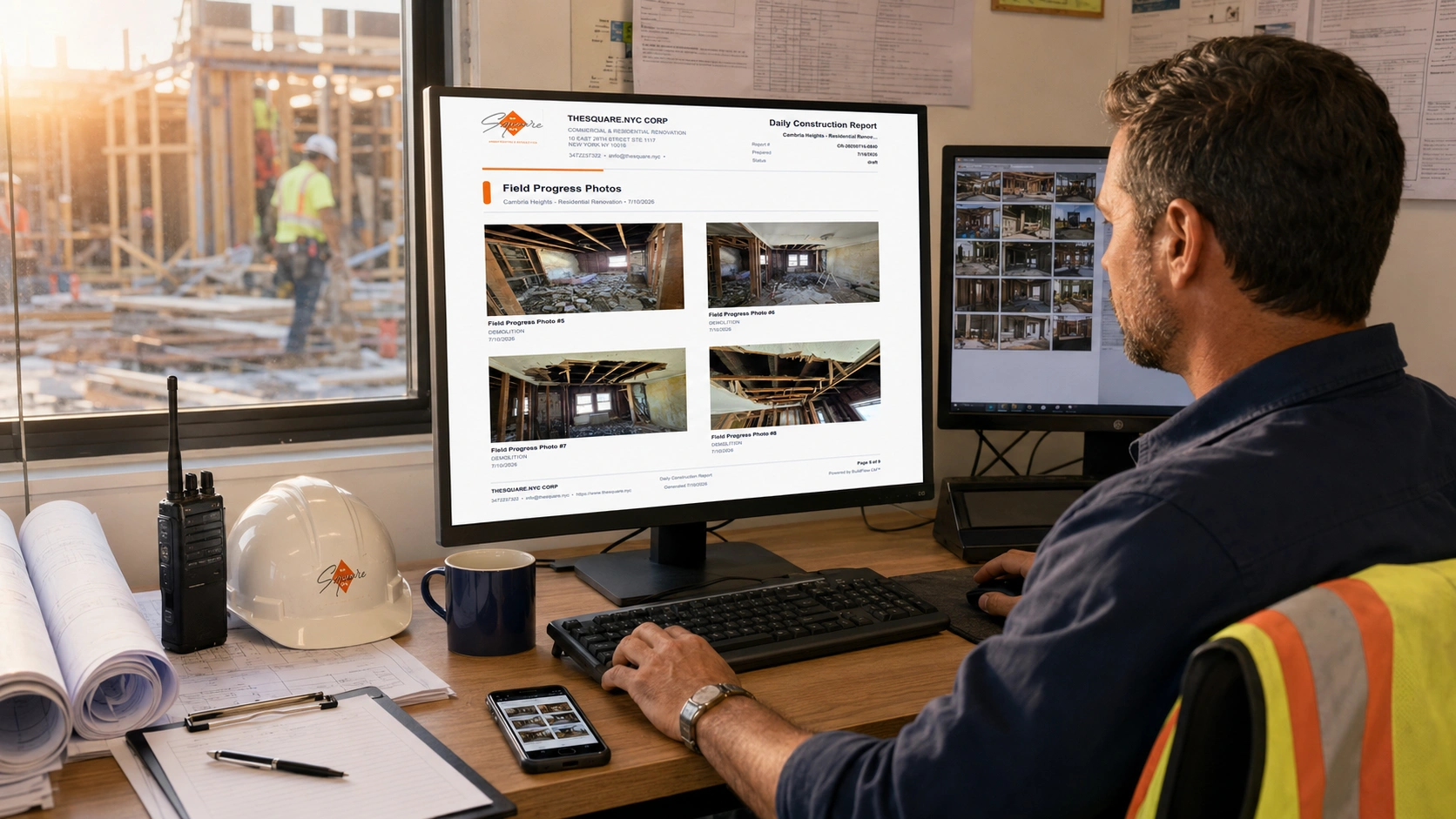
Give your team one place to estimate, manage, track, communicate, and grow.