BuildFlow-CM construction change order workflow
Change Orders

Construction Change Order Software

Turn a field condition into photos, drawing references, pricing, client approval, negotiation, and an approved budget change without handing the problem off to the office.

BuildFlow-CM Change Orders was built around the real field sequence: discover the condition, document it, price it, send it, receive the client's response, and keep the approved value connected to the project budget.

Field condition

Construction changes often start with something nobody could see on the drawing.

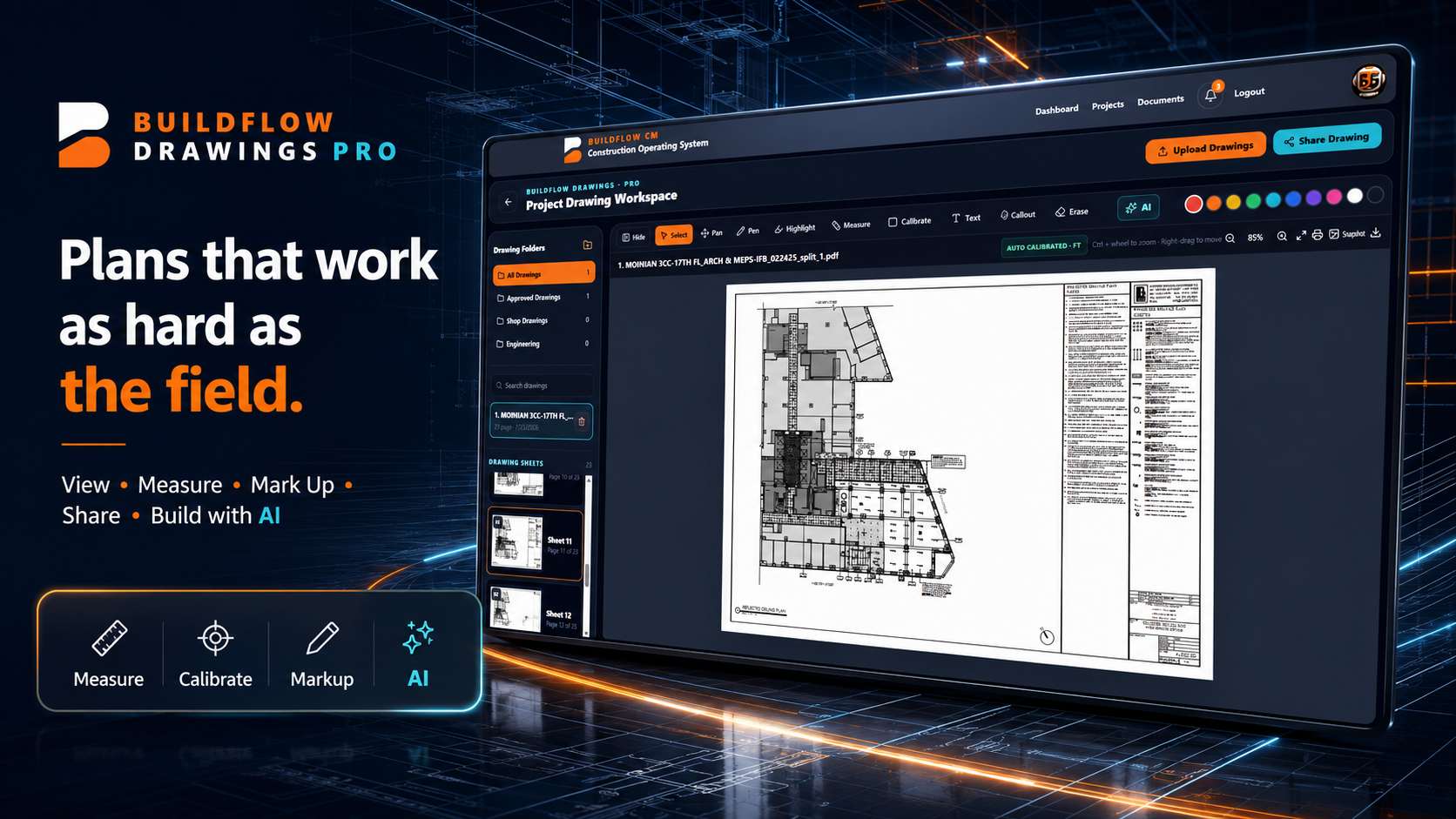
A wall is opened and an existing condition appears. A client requests additional work. A detail does not match the field. The contractor photographs the condition, finds the location in the drawings, estimates the added cost, and explains the issue to the client. Traditionally the next step is another office process just to create the change-order proposal.

  • ●Photos
  • ●Drawing reference
  • ●Added scope
  • ●Price impact
Construction drawing and field condition used for a change order
Create it where you found it

Open Change Orders, add the condition, price it, and send it from the field.

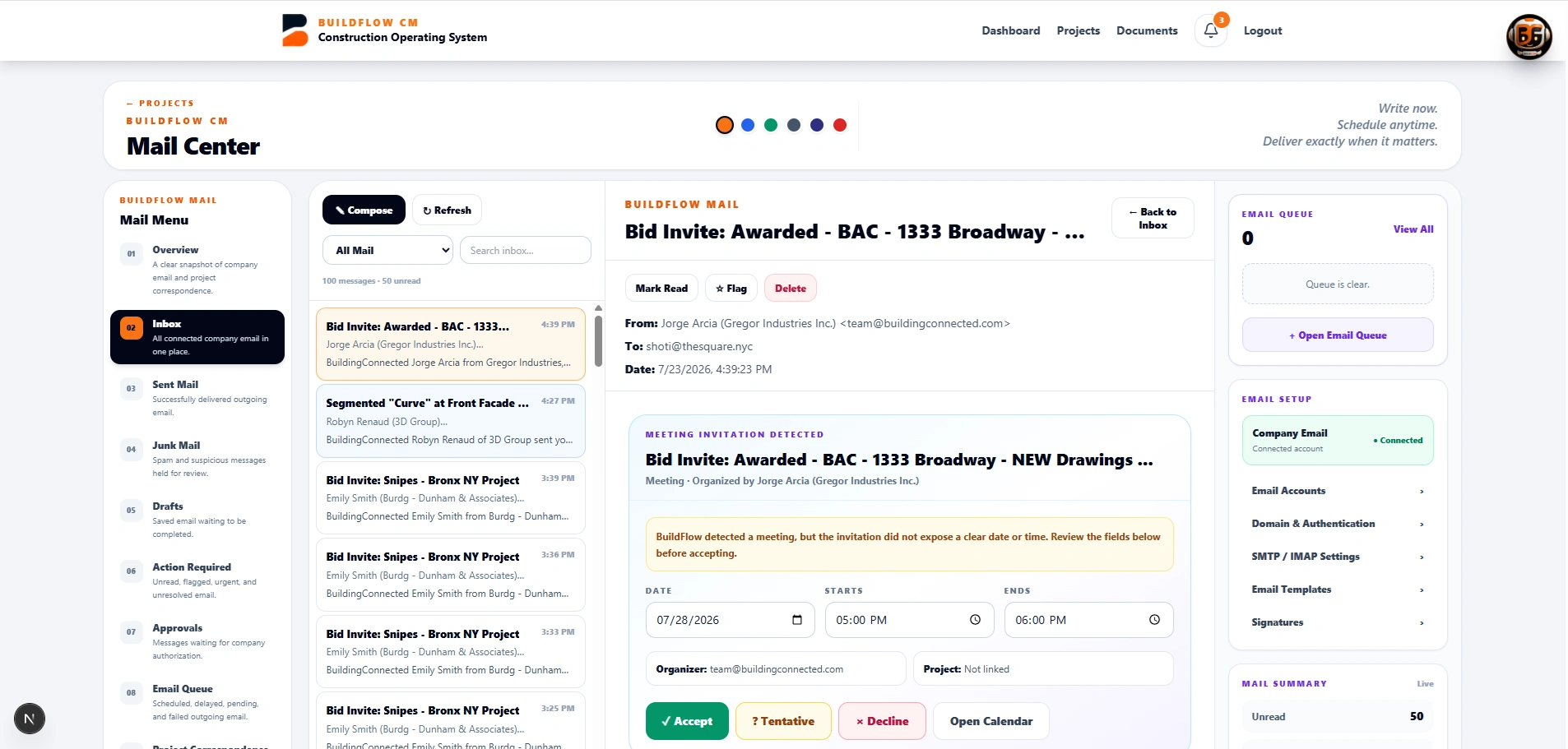
BuildFlow-CM keeps the workflow direct. Start a new change order, attach field photos, mark the location on the drawing, describe the added work, enter the price, and send the proposal through the project communication workflow without waiting for somebody in the office to rebuild the information.

  • ●Create from field
  • ●Attach photos
  • ●Mark drawings
  • ●Add pricing
BuildFlow-CM change order communication workflow
Client response

Approve, reject, or counter without another chain of calls and attachments.

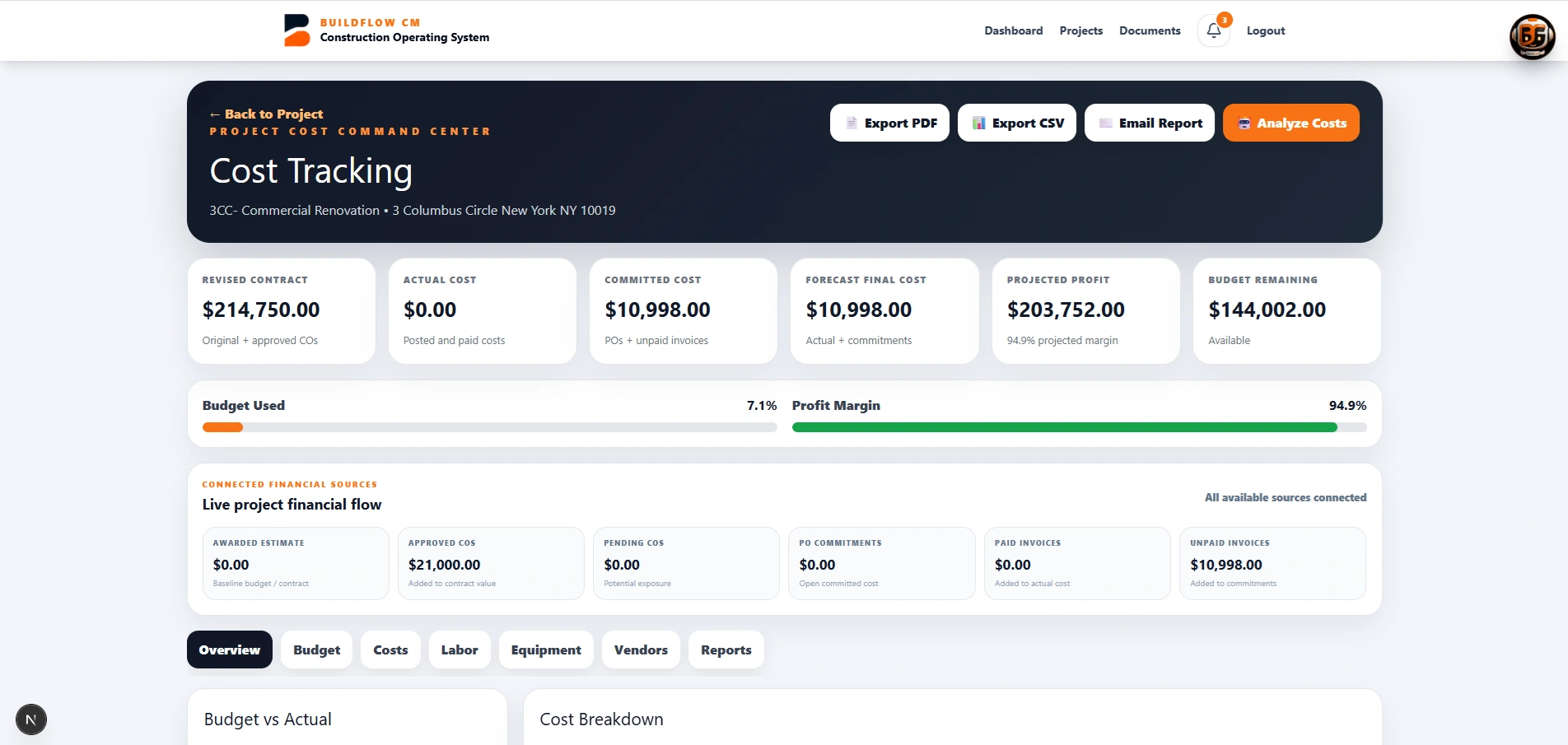
The client can open the request and respond to the change. Approval, rejection, or a pricing question can return to the contractor inside the BuildFlow-CM workflow so the negotiation stays attached to the same project record.

  • ●Approve
  • ●Reject
  • ●Counter or question
  • ●Connected response history
BuildFlow-CM client approval and project notification workflow
Approved change

When the client approves the change, the financial picture should change too.

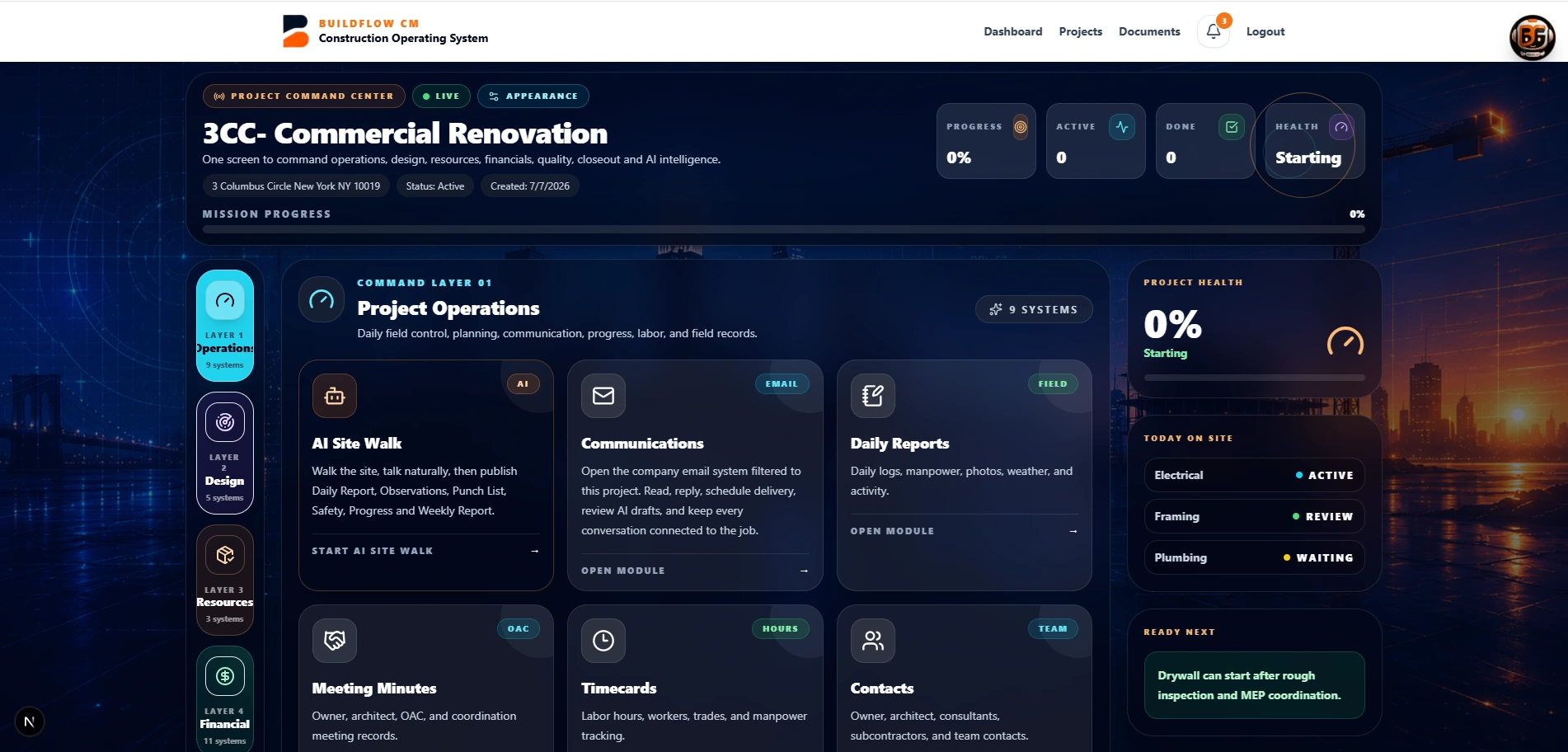
An approved change order should not remain an isolated PDF in an inbox. BuildFlow-CM is designed so the approved value can become part of the project budget and financial record, connecting the field event to its commercial result.

  • ●Approved value
  • ●Budget connection
  • ●Project financial record
  • ●Billing context
Approved change order connected to BuildFlow-CM project financials
FAQ

Questions contractors ask before changing systems.

Can a change order include photos and drawing references?

Yes. The workflow is designed to keep supporting field photos and drawing context with the change request.

Can the client approve or reject from the email workflow?

BuildFlow-CM is designed to let the client respond to the change request directly from the shared approval experience, with the response returning to the project workflow.

What happens after approval?

The approved change can be connected to the project budget and financial record so the commercial impact is not left as a separate document.

Get Started with BuildFlow-CM

Create your account and put your construction operation in one connected system.

Create your BuildFlow-CM account, choose the plan that fits your company, and start connecting estimating, projects, field activity, costs, billing, documents, and workforce workflows.