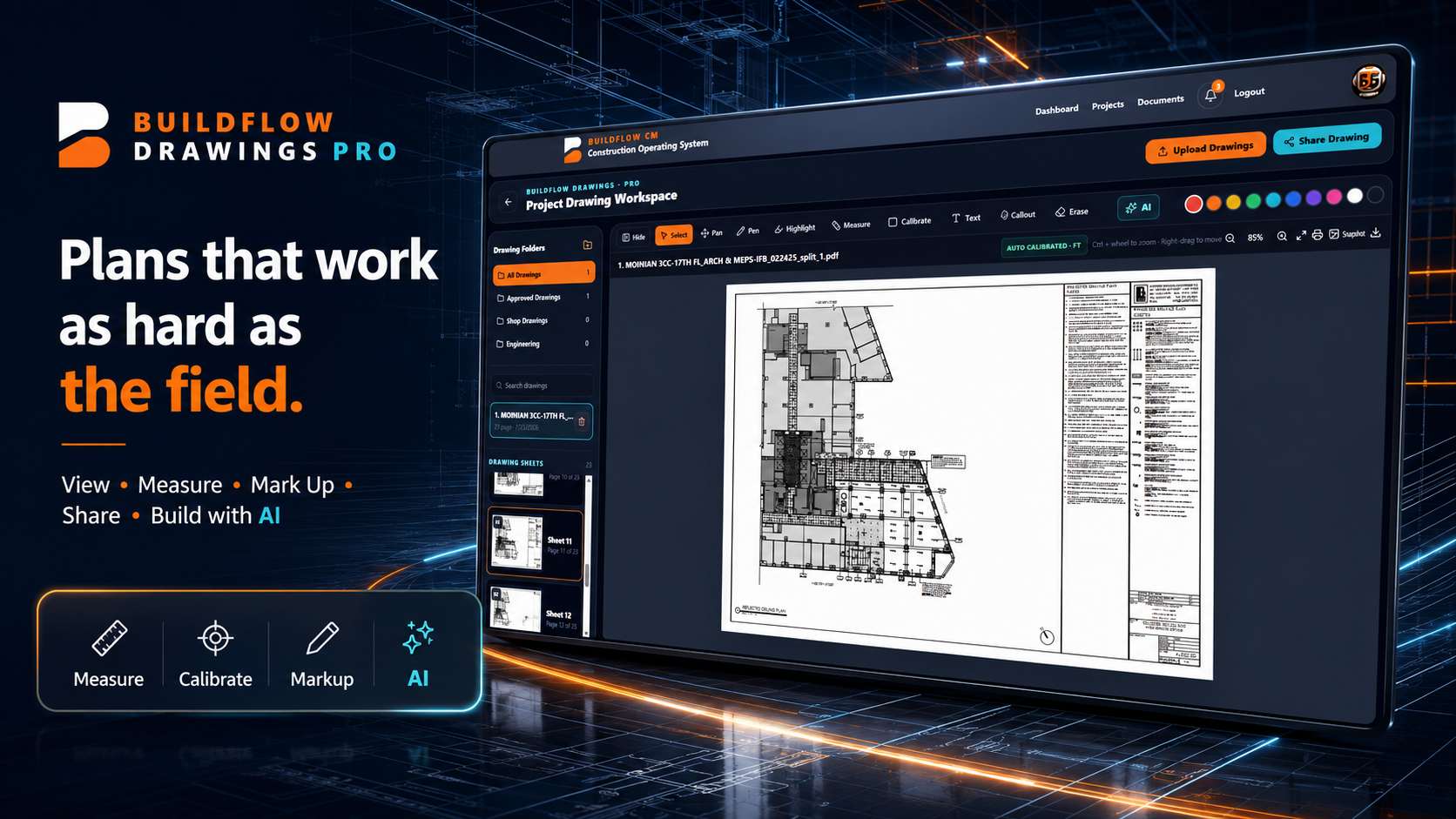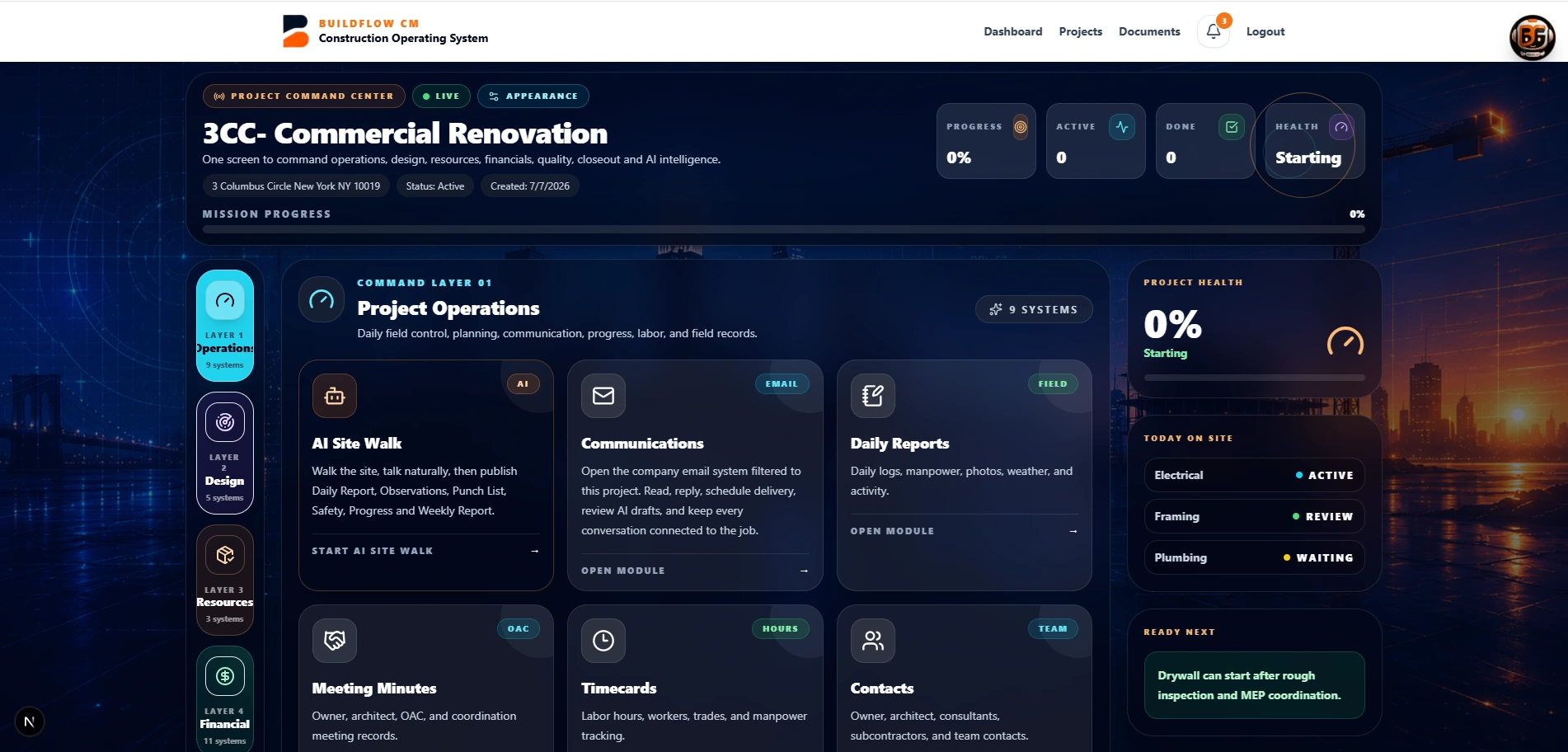
BuildFlow-CM Drawings markup measurement and takeoff workspace
BuildFlow-CM Drawings

Construction Drawings, Markup and Takeoff Software

View, calibrate, measure, mark up, count, take off, photograph, and share drawing information in a field-ready workspace connected to the project.

The drawing workflow was shaped by years of using digital plan and takeoff tools in the field and seeing how much time could still be lost just getting marked information to the next person.

A turning point

Digital drawings changed what professional field management could look like.

Years ago, seeing an experienced superintendent mark and share digital drawings made the value immediately obvious. Plans became easier to carry, annotate, and use during the work. But the experience also revealed the next problem: useful drawing information could still take too many steps to share and connect to the rest of the project.

  • ●Digital plans
  • ●Field markup
  • ●Plan sharing
  • ●Professional project communication
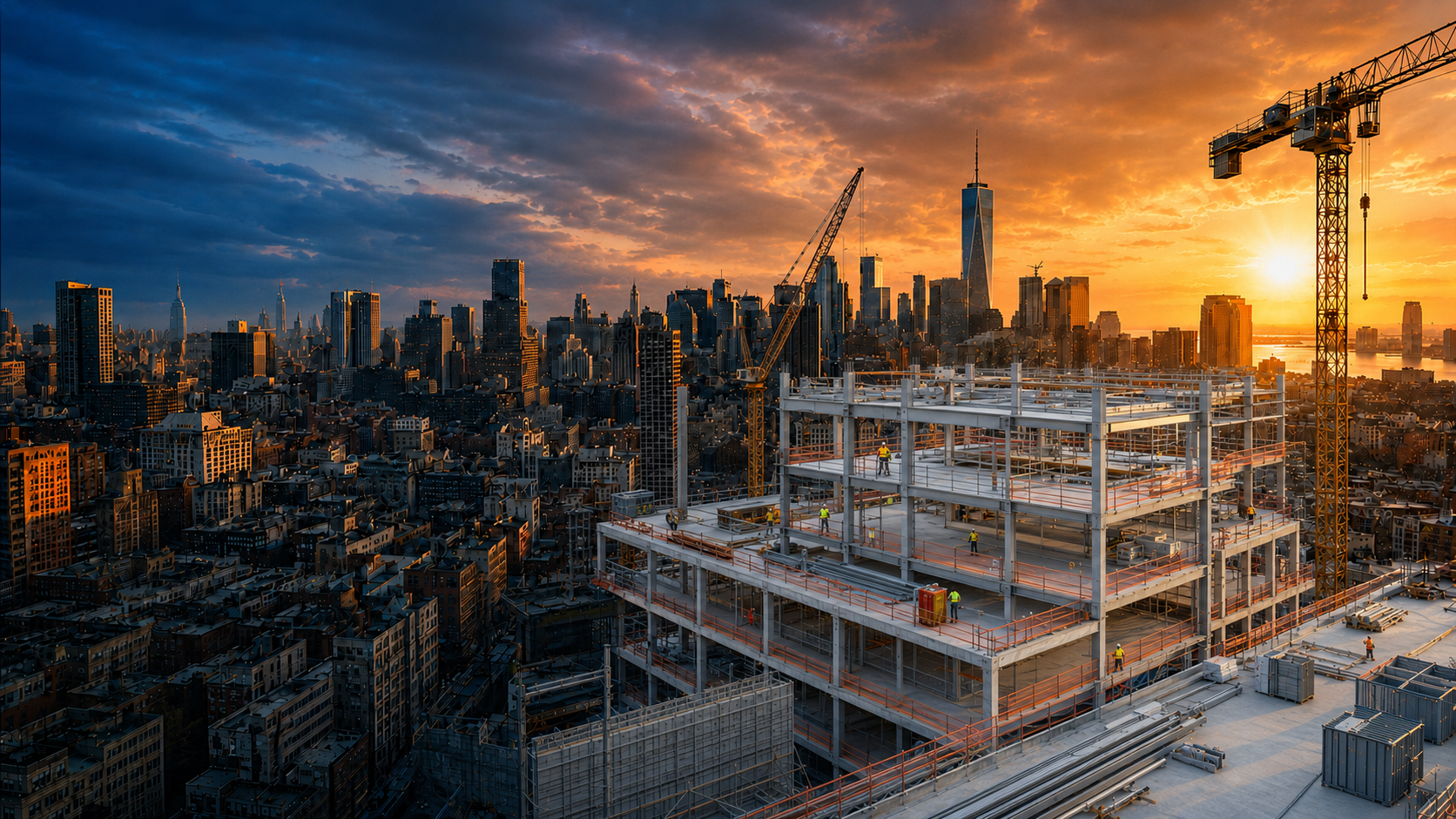
Digital construction drawings used in the field
Field drawing workspace

The drawing should become part of the construction operation—not remain a PDF viewer.

BuildFlow-CM Drawings is designed for plan navigation, calibration, measurements, counts, callouts, photos, markups, and sharing. The contractor can use the same workspace for field questions and for quantities that matter during takeoff and estimating.

  • ●Calibration and measurement
  • ●Counts and quantities
  • ●Callouts and photos
  • ●Markup and sharing
BuildFlow-CM drawings and project workspace
Takeoff

Measure it once and keep the quantity useful.

Lengths, wall surfaces, areas, volumes, and counts are useful both in the field and during estimating. BuildFlow-CM Drawings is built to let those measurements support takeoff and estimating workflows instead of forcing the estimator to recreate the same information elsewhere.

  • ●Linear takeoff
  • ●Surface area
  • ●Wall surface and volume
  • ●Counts
BuildFlow-CM drawing takeoff connected to estimating
BFD

Use the drawing workspace inside BuildFlow-CM or as the focused BFD application.

The drawing technology is available inside the full BuildFlow-CM operating system and also as a separate drawings-focused experience for teams that primarily need plans, photos, documents, measurements, and takeoff. The goal in both cases is the same: make drawing information easier to use where construction happens.

  • ●Inside BuildFlow-CM
  • ●Standalone BFD option
  • ●Multilingual field use
  • ●Drawings, photos, and documents
BuildFlow-CM and BFD construction drawing workflows
FAQ

Questions contractors ask before changing systems.

Can BuildFlow-CM Drawings be used for takeoff?

Yes. The workspace is designed to support measurement and quantity workflows such as lengths, areas, wall surfaces, volumes, and counts.

Is the drawing workspace available separately?

BuildFlow Drawings, or BFD, is available as a focused drawings experience in addition to the drawing workflow inside the full BuildFlow-CM platform.

Why connect drawings to the project?

Because field conditions, quantities, change orders, estimates, photos, and project decisions often begin with a location on the plan. Keeping drawings close to those workflows reduces the handoff between separate tools.

Get Started with BuildFlow-CM

Create your account and put your construction operation in one connected system.

Create your BuildFlow-CM account, choose the plan that fits your company, and start connecting estimating, projects, field activity, costs, billing, documents, and workforce workflows.