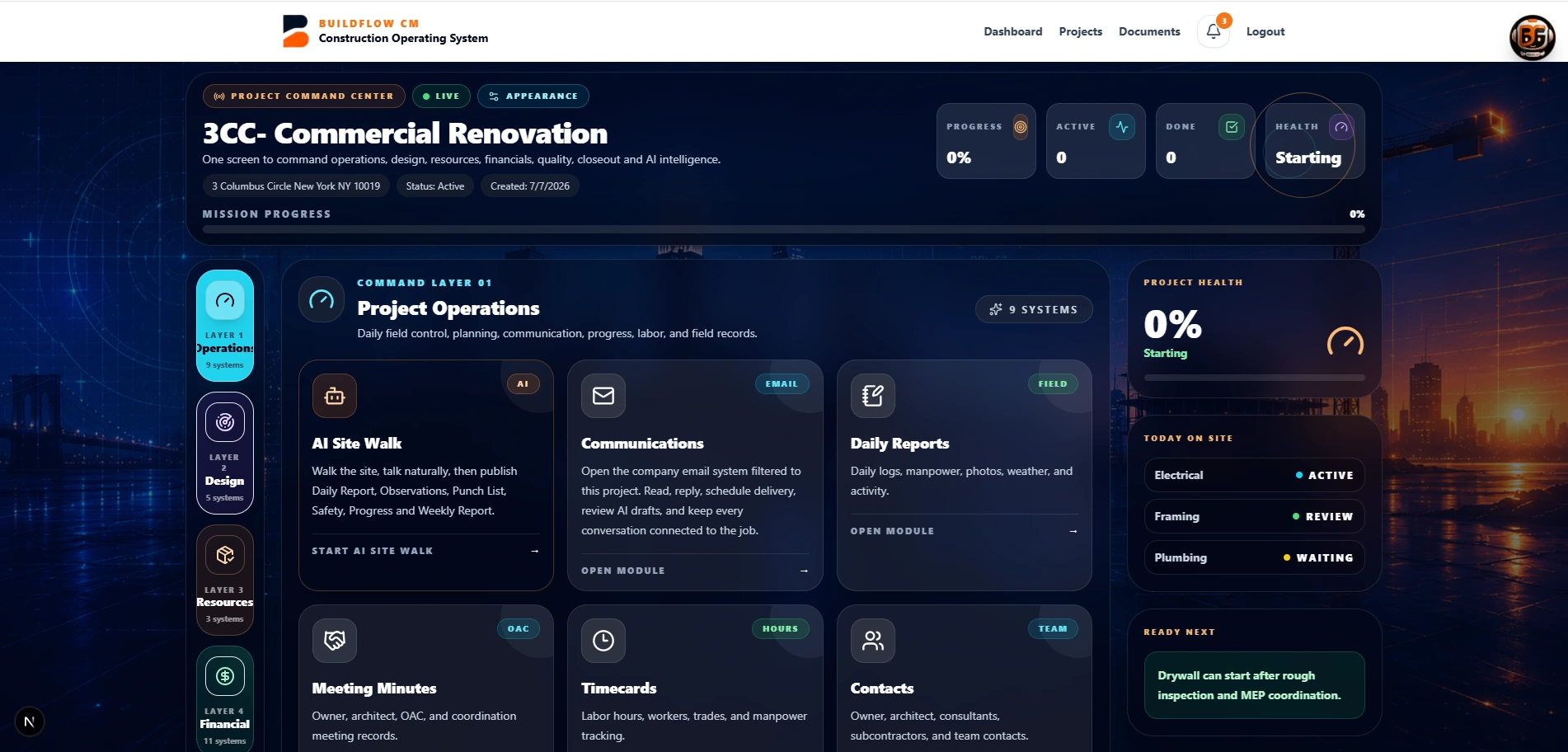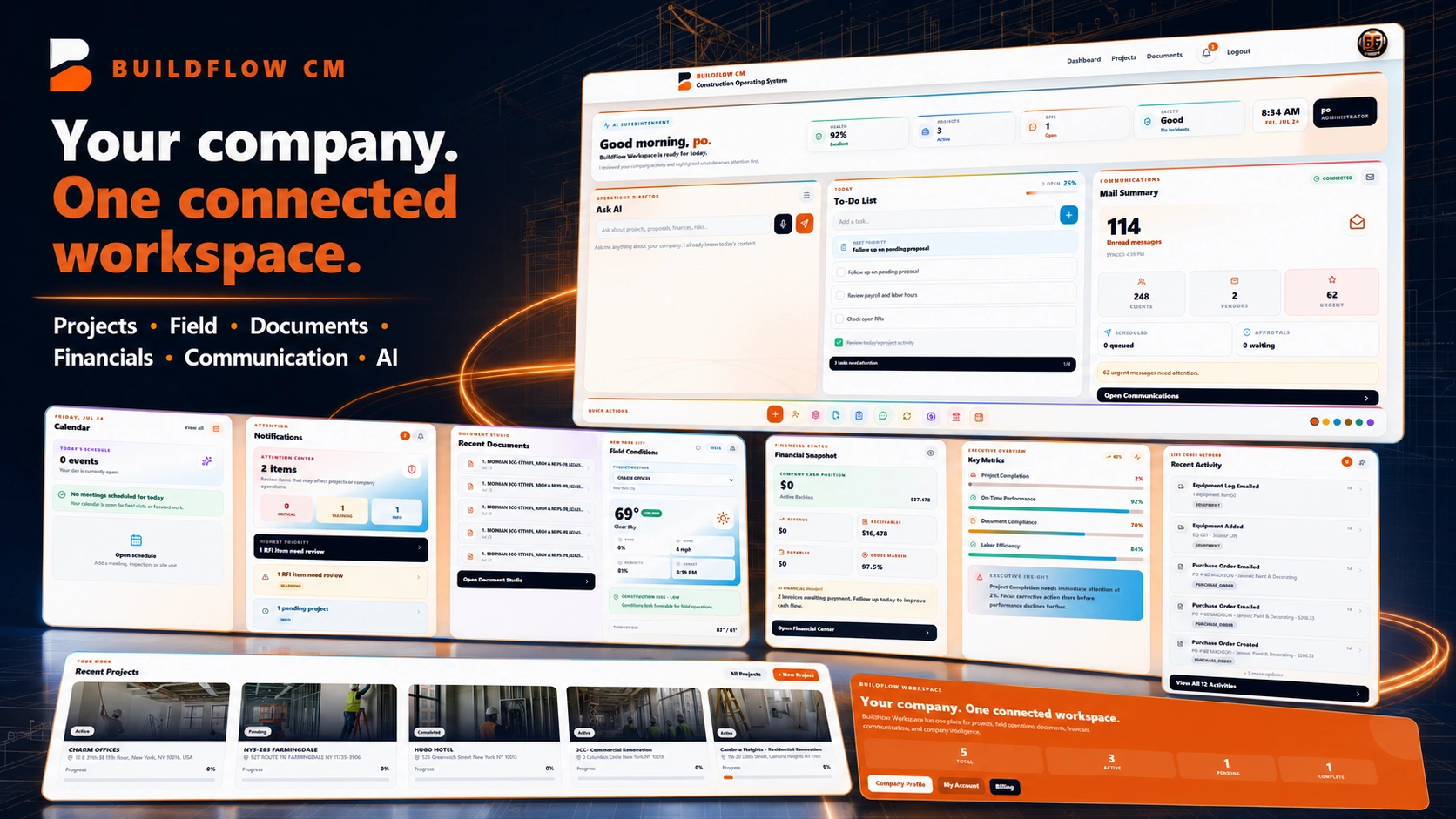
BuildFlow-CM construction document management workspace
Project Documents

Construction Document Management Software

Keep drawings, specifications, permits, submittals, proposals, photos, reports, invoices, and project records organized where the team can reach them from the field or office.

The document workflow was created around a simple reality: the computer becomes the project's main source of information, but the contractor cannot carry the office computer everywhere construction takes them.

The folder problem

Every project creates another world of folders on the computer.

Drawings, specifications, permits, submittals, proposals, contracts, photos, reports, invoices, and correspondence all need a place. As project count grows, the computer becomes the map to the company. That works until someone needs the information while the contractor is at another jobsite, in a meeting, or standing in the field.

  • ●Drawings and specs
  • ●Permits and submittals
  • ●Proposals and contracts
  • ●Photos, reports, and invoices
BuildFlow-CM organized construction project files
Take the project with you

Project information should be available where the work happens.

BuildFlow-CM keeps project documents attached to the project so the contractor can review the information without depending on one office computer. The point is not just cloud storage—it is keeping records close to the workflows that use them.

  • ●Field access
  • ●Project context
  • ●Shared team record
  • ●Less folder hunting
BuildFlow-CM project information available across the construction operation
Create records in the field

Do not just carry documents—create the next one from what you see.

A photo can support a daily report. A field condition can support a change order. A drawing can be marked for the person who needs to act. A meeting can produce minutes. BuildFlow-CM keeps document creation connected to field activity instead of treating the document folder as a dead archive.

  • ●Photos to reports
  • ●Conditions to changes
  • ●Drawings to decisions
  • ●Meetings to minutes
Construction records created from the field in BuildFlow-CM
FAQ

Questions contractors ask before changing systems.

What types of project documents can BuildFlow-CM organize?

Project document needs vary, but BuildFlow-CM is designed around common construction records such as drawings, specifications, permits, submittals, proposals, contracts, photos, reports, invoices, and other project files.

Is document management only for the office?

No. The workflow is intended to make project records available to authorized users from the field as well as the office.

Get Started with BuildFlow-CM

Create your account and put your construction operation in one connected system.

Create your BuildFlow-CM account, choose the plan that fits your company, and start connecting estimating, projects, field activity, costs, billing, documents, and workforce workflows.