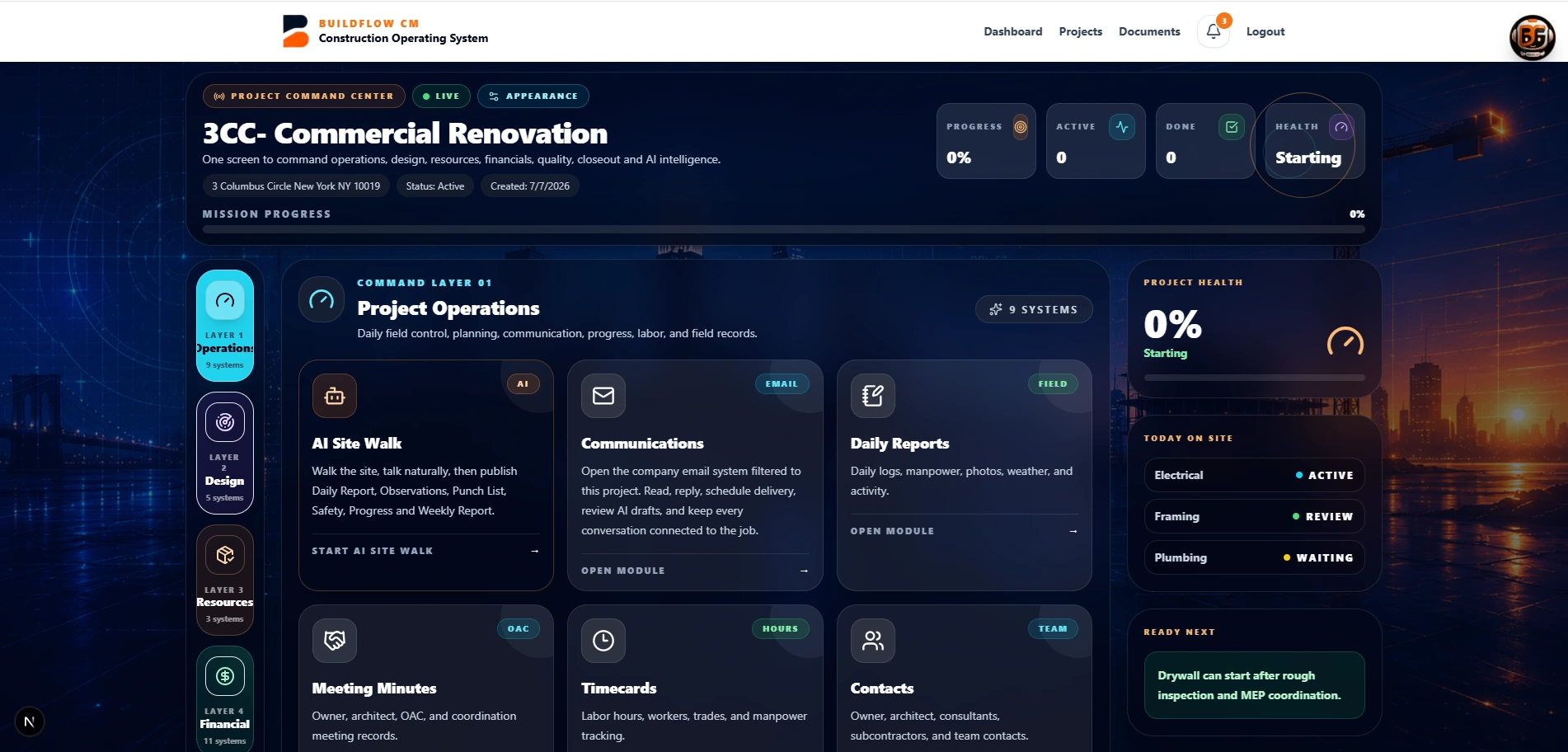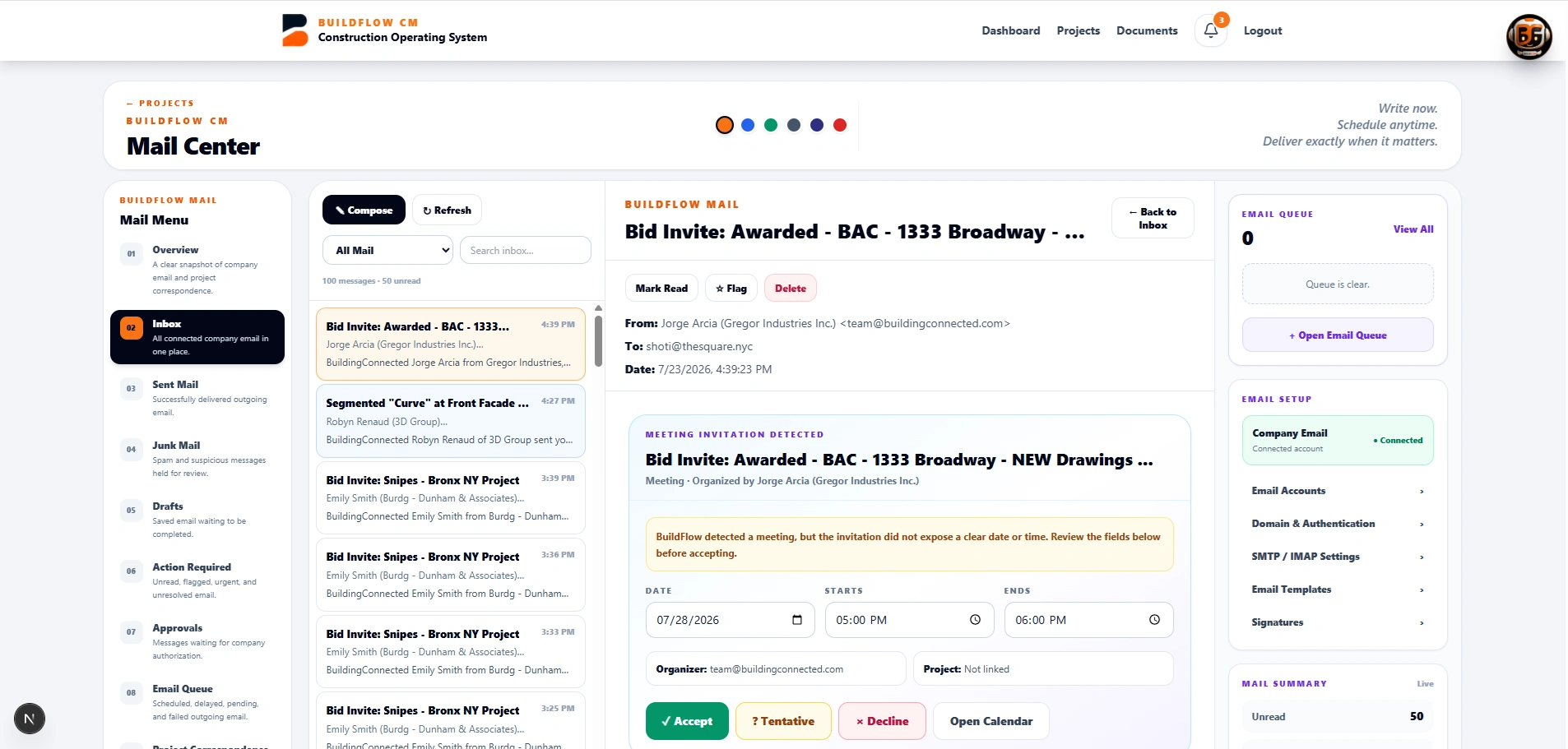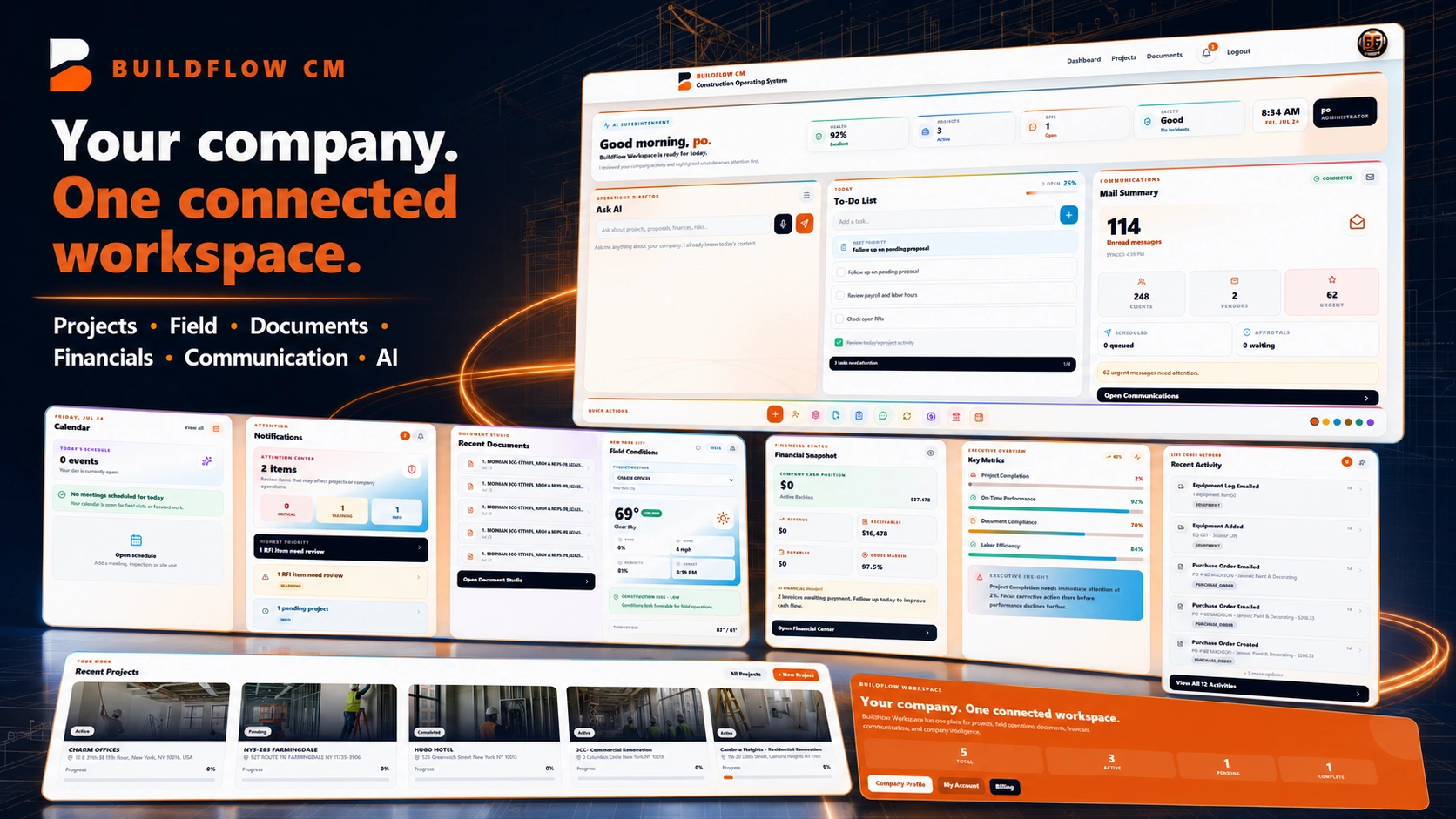
BuildFlow-CM construction daily reports and field documentation
Daily Reports & Field Documentation

Construction Daily Report Software

Capture the daily jobsite record while the work is happening so clients and project teams receive the information while it can still affect schedule, budget, and decisions.

BuildFlow-CM Daily Reports grew from the experience of finishing a full day in the field and then spending the evening reconstructing what happened for the client.

Document the day

Daily operations, inspections, incidents, photos, labor, and delays belong in the project record.

As work progresses, the contractor has to document much more than completed scope. Daily operations, inspections, accidents or safety events, labor, deliveries, weather, photographs, field conditions, delays, and upcoming work can all affect what happens next and what needs to be explained later.

  • ●Work performed
  • ●Labor and visitors
  • ●Inspections and incidents
  • ●Photos, deliveries, delays, and weather
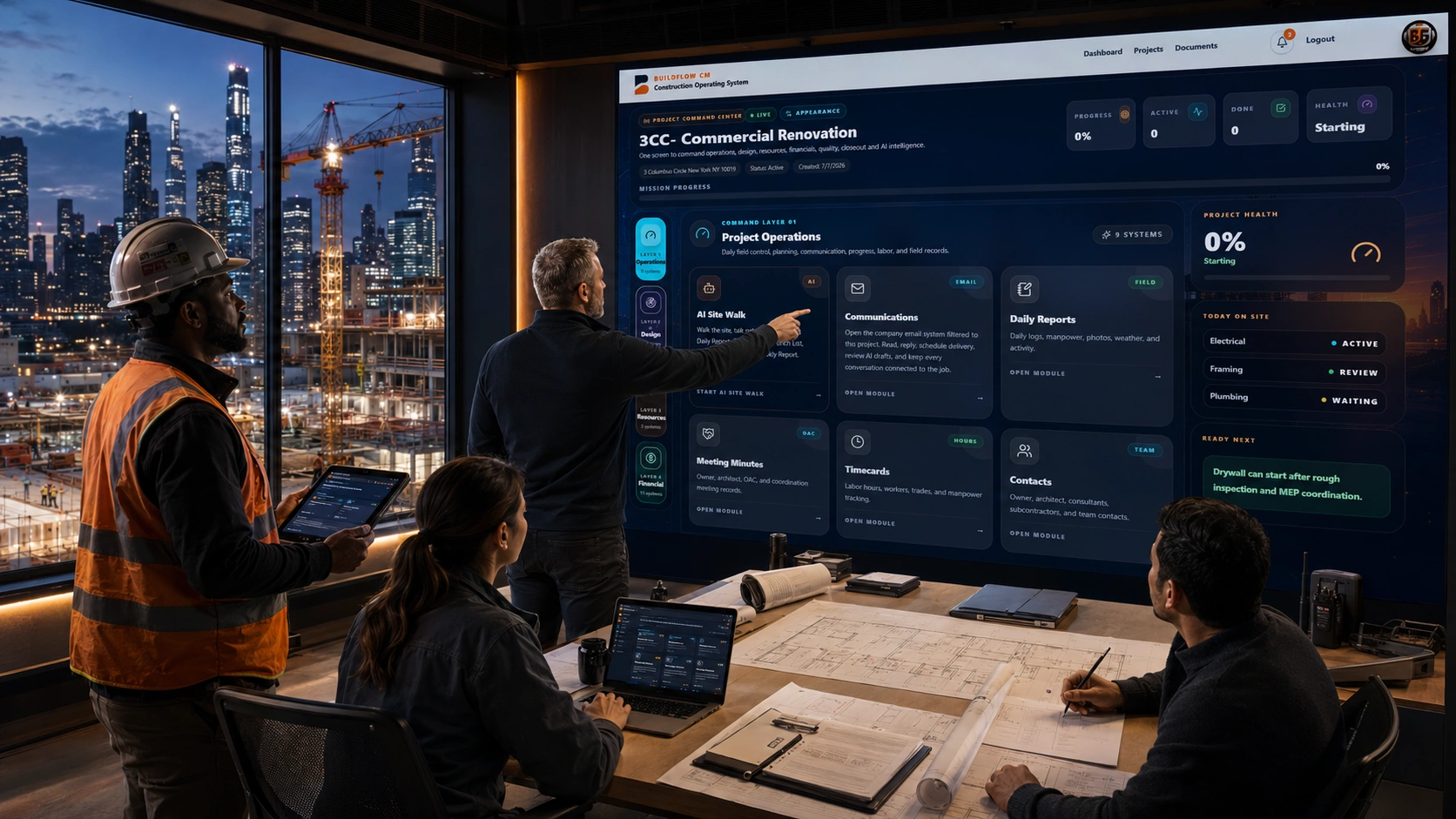
Construction daily field activity recorded in BuildFlow-CM
Capture it while it is fresh

Do not spend the evening rebuilding the day from memory.

Traditional reporting often means taking notes and photos during the day, returning to a computer later, organizing everything, writing the report, and finally sending it to the client. BuildFlow-CM is designed to capture the information in the field and turn it into a professional report with far less after-hours work.

  • ●Field-first capture
  • ●Photos in context
  • ●Professional report
  • ●Less after-hours admin
BuildFlow-CM field documentation and project report workflow
Information creates decisions

Clients need the project story while the information can still change the outcome.

A current daily report can help the client or project team make decisions involving schedule, budget, sequencing, approvals, workforce, changes, and upcoming work. A report delivered days later may explain what happened, but it may arrive too late to help decide what should happen next.

  • ●Budget decisions
  • ●Schedule decisions
  • ●Change follow-up
  • ●Upcoming work planning
BuildFlow-CM client reporting and project communication
Protect the record

A consistent daily history makes later questions easier to answer.

When important field information is recorded consistently, the contractor has a better project history to review if there is a disagreement about delays, conditions, labor, inspections, extra work, deliveries, or progress. The purpose is not paperwork for its own sake—it is creating a useful record of the project as it happened.

  • ●Historical field record
  • ●Photos and conditions
  • ●Delay context
  • ●Progress documentation
BuildFlow-CM project history and daily report records
FAQ

Questions contractors ask before changing systems.

What should a construction daily report capture?

The exact requirements vary by company and project, but useful daily records commonly include work performed, labor, weather, deliveries, equipment, inspections, visitors, incidents, delays, photos, field conditions, and important follow-up items.

Why send daily reports quickly?

Because field information can affect current decisions about budget, schedule, sequencing, approvals, changes, and upcoming work. Faster reporting gives the project team more time to react.

Can reports be created from the field?

That is the intended workflow. BuildFlow-CM was designed so the contractor can capture and organize the daily record where the work is happening instead of waiting to return to the office.

Get Started with BuildFlow-CM

Create your account and put your construction operation in one connected system.

Create your BuildFlow-CM account, choose the plan that fits your company, and start connecting estimating, projects, field activity, costs, billing, documents, and workforce workflows.