BuildFlow-CM project management and daily reporting
Project Management & Daily Reports

Construction Project Management and Daily Reports

Plan what comes next, document what happened today, and keep drawings, responsibilities, reports, field conditions, approvals, and client communication connected to the same project.

Managing a construction project means understanding today's work while planning tomorrow, next week, and the next phase—all while preserving the record needed to explain how the project got there.

Plan the next phase

Project management is today's execution plus tomorrow's priorities.

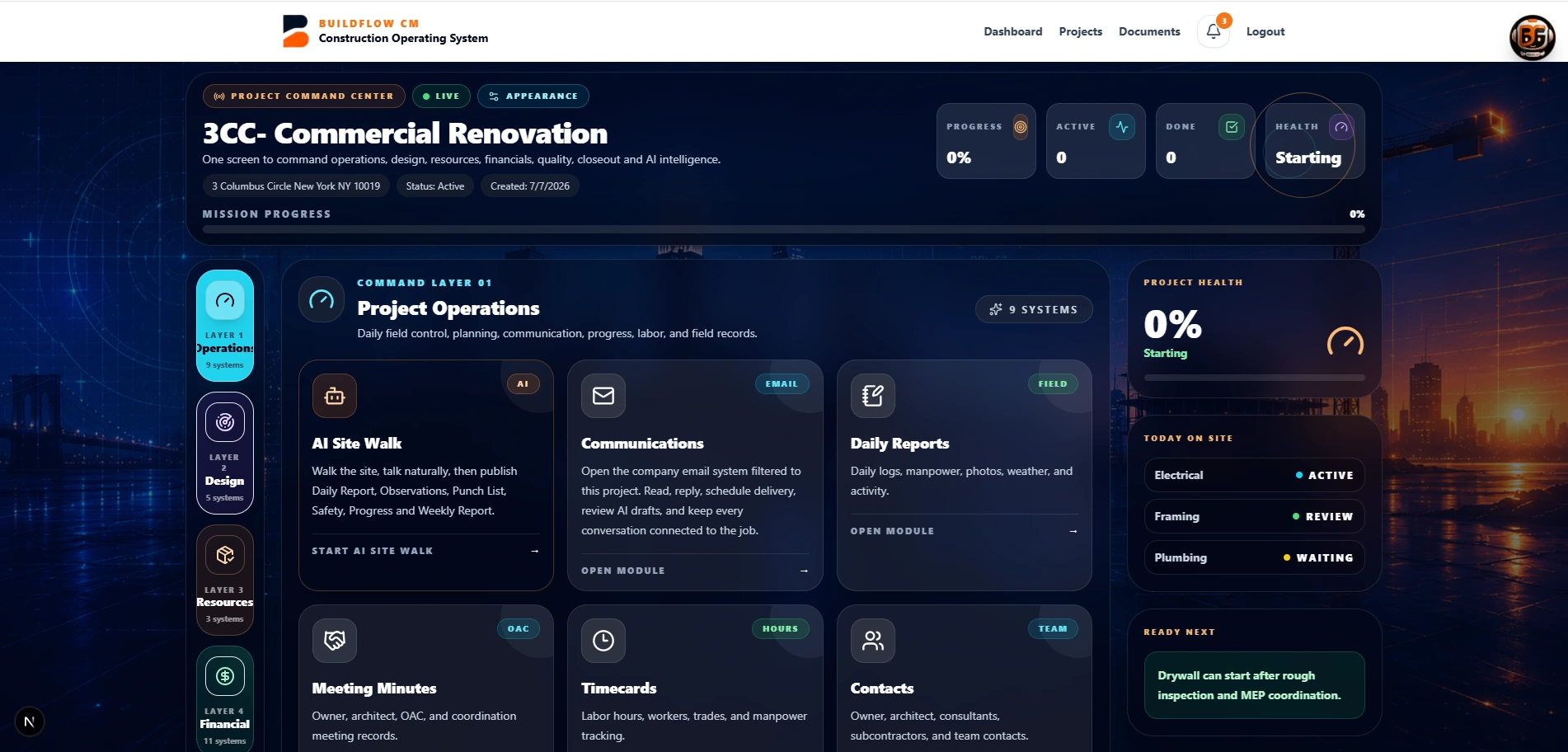
A project manager has to inspect current work, gather information, understand what is blocking progress, identify the priority for the current phase, and prepare the work that comes immediately after. That planning discipline is what helps the project keep moving toward its deadlines.

  • ●Current-phase priorities
  • ●Upcoming work
  • ●Responsible people
  • ●Schedule awareness
BuildFlow-CM current work and upcoming project priorities
Document the operation

The project record should be created as the work happens.

Daily reports, photos, inspections, incidents, deliveries, delays, observations, drawings, and field conditions all become part of the construction story. Keeping those records inside the project makes follow-up easier and reduces the need to reconstruct events later from texts, emails, and personal notes.

  • ●Daily reports
  • ●Photos and observations
  • ●Inspections and incidents
  • ●Deliveries and delays
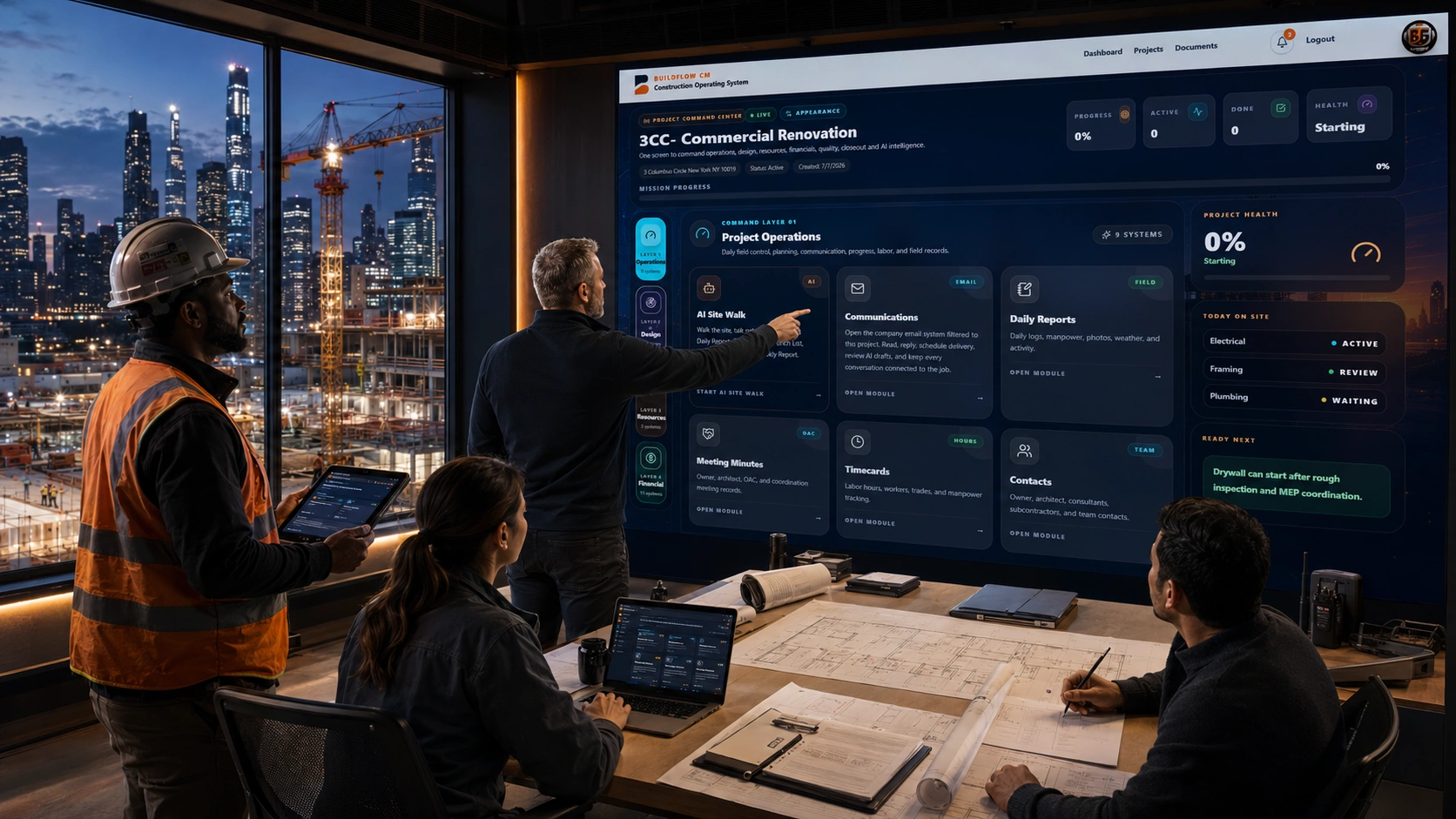
BuildFlow-CM construction field record and daily reporting
Connected decisions

A field condition should be able to become the next project action.

If the team discovers a condition, it may need a marked drawing, an RFI, a change order, a photo record, a client message, or a cost decision. BuildFlow-CM keeps those workflows close to the project so information can move into action without starting over in another application.

  • ●Drawings and markups
  • ●RFIs and changes
  • ●Client communication
  • ●Cost and schedule follow-up
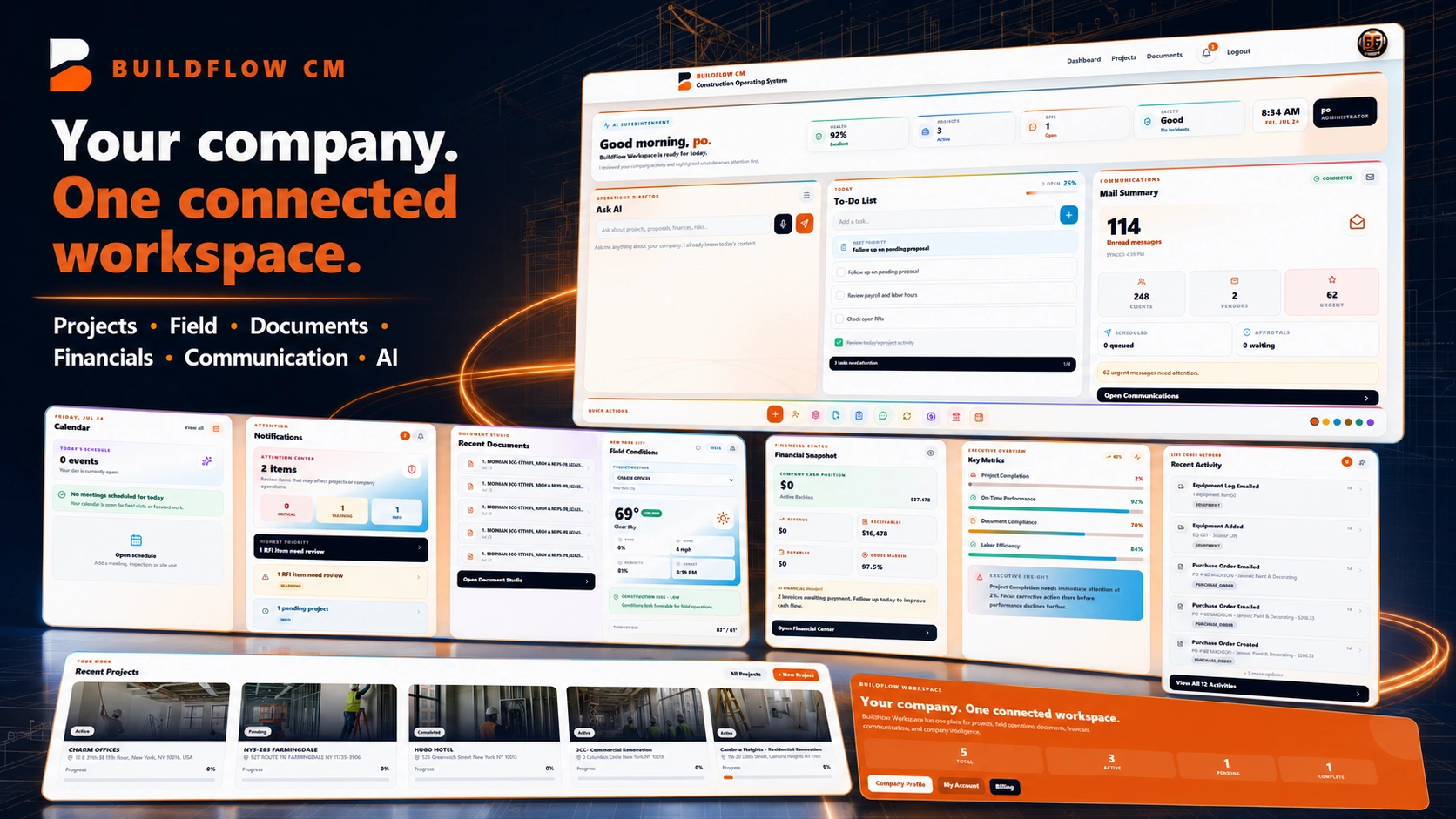
BuildFlow-CM connected field-to-project workflow
Multiple projects

The system becomes more important as the company manages more jobs at the same time.

Ten projects can create ten separate worlds of documents, people, deadlines, client expectations, and financial decisions. BuildFlow-CM gives the contractor a consistent structure for each project so growth does not depend on remembering where every file, note, or conversation was left.

  • ●Consistent project structure
  • ●Central documents
  • ●Company visibility
  • ●Repeatable workflows
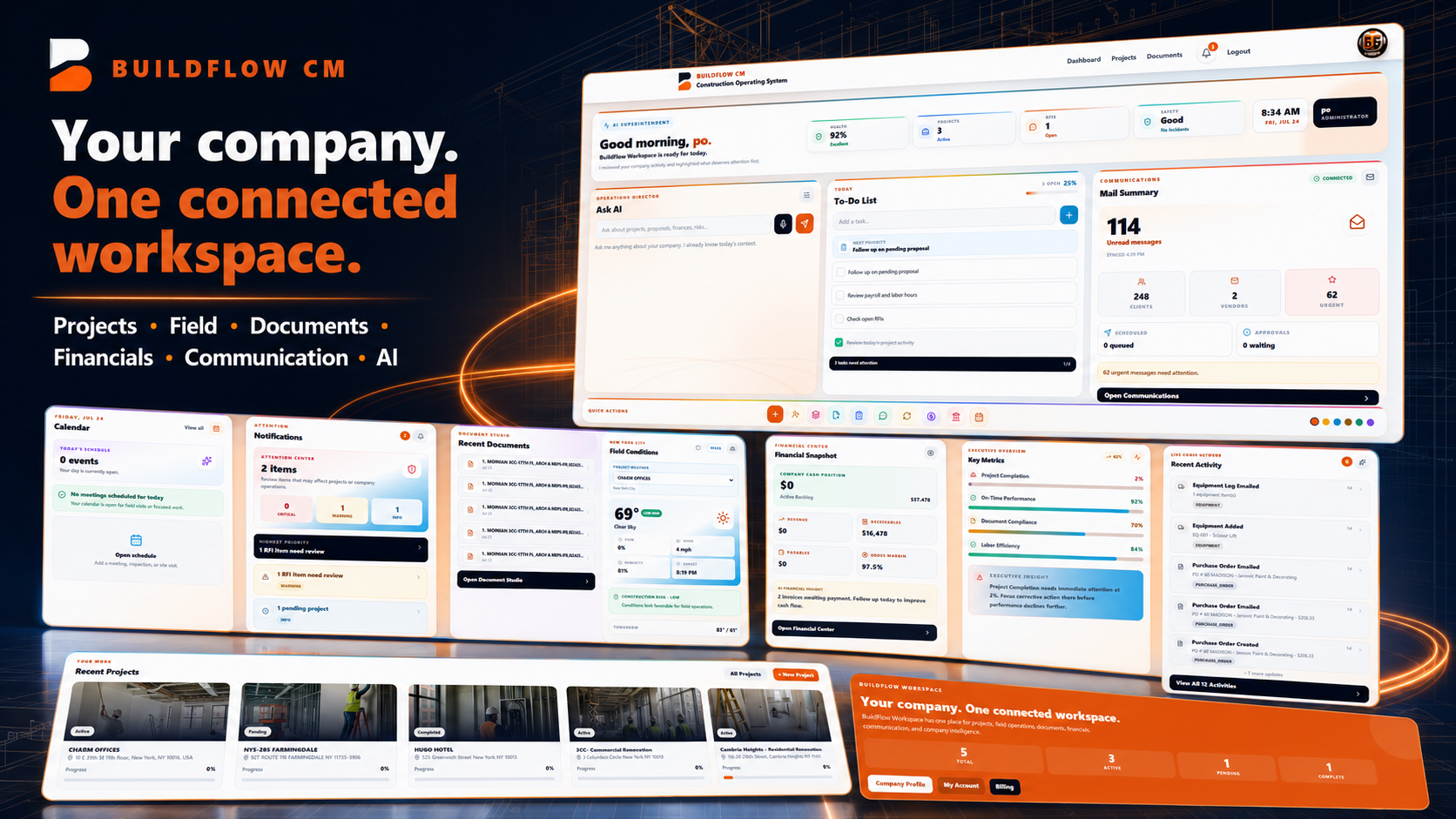
BuildFlow-CM managing multiple construction projects
FAQ

Questions contractors ask before changing systems.

What does BuildFlow-CM connect inside project management?

The project workflow is designed to connect schedules, tasks, drawings, documents, field activity, daily reports, teams, issues, approvals, communication, and financial follow-up inside the same job context.

Why is daily reporting part of project management?

Because the daily record provides the facts project managers use to understand progress, delays, labor, field conditions, deliveries, and what needs to happen next.

Get Started with BuildFlow-CM

Create your account and put your construction operation in one connected system.

Create your BuildFlow-CM account, choose the plan that fits your company, and start connecting estimating, projects, field activity, costs, billing, documents, and workforce workflows.