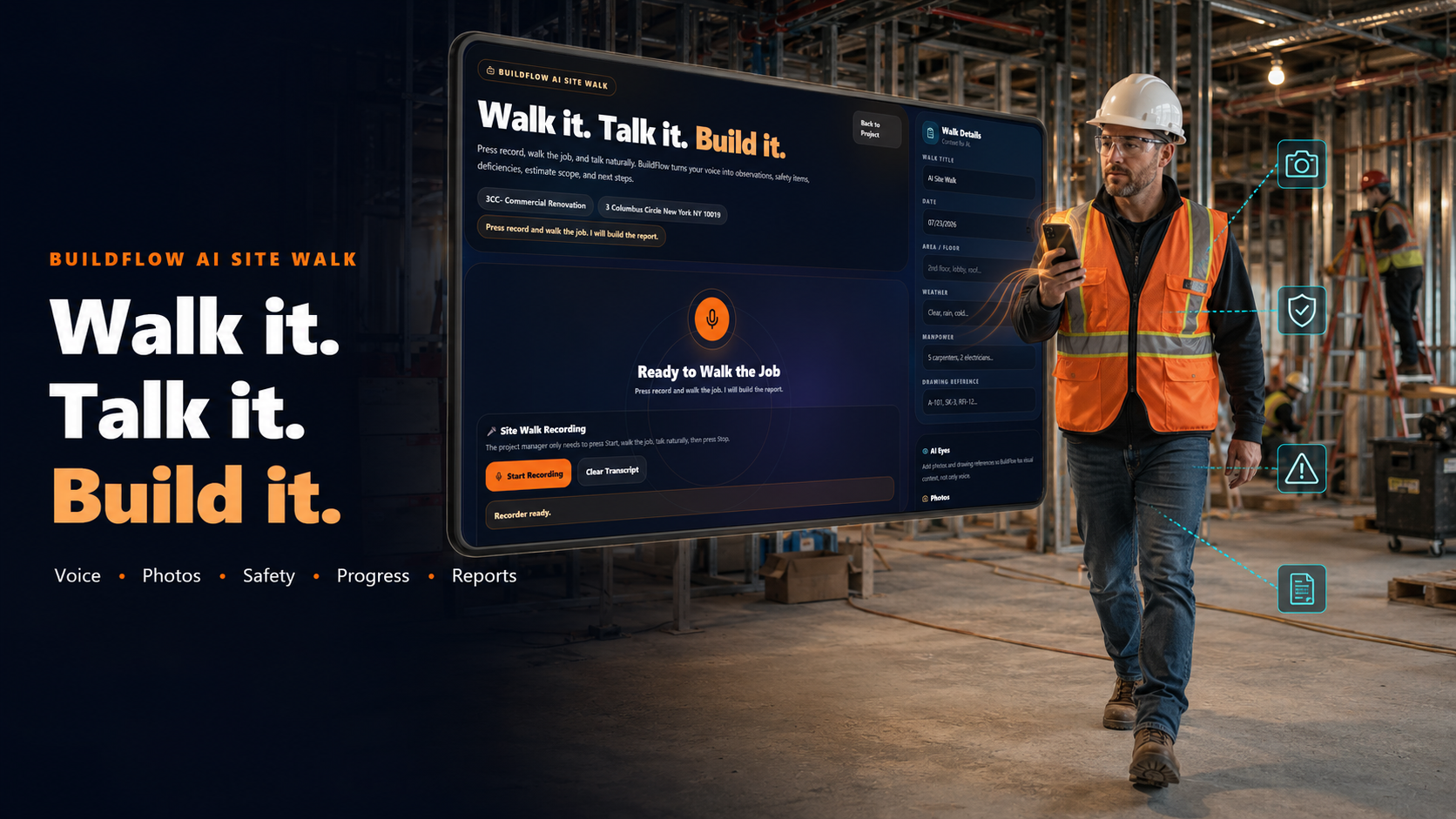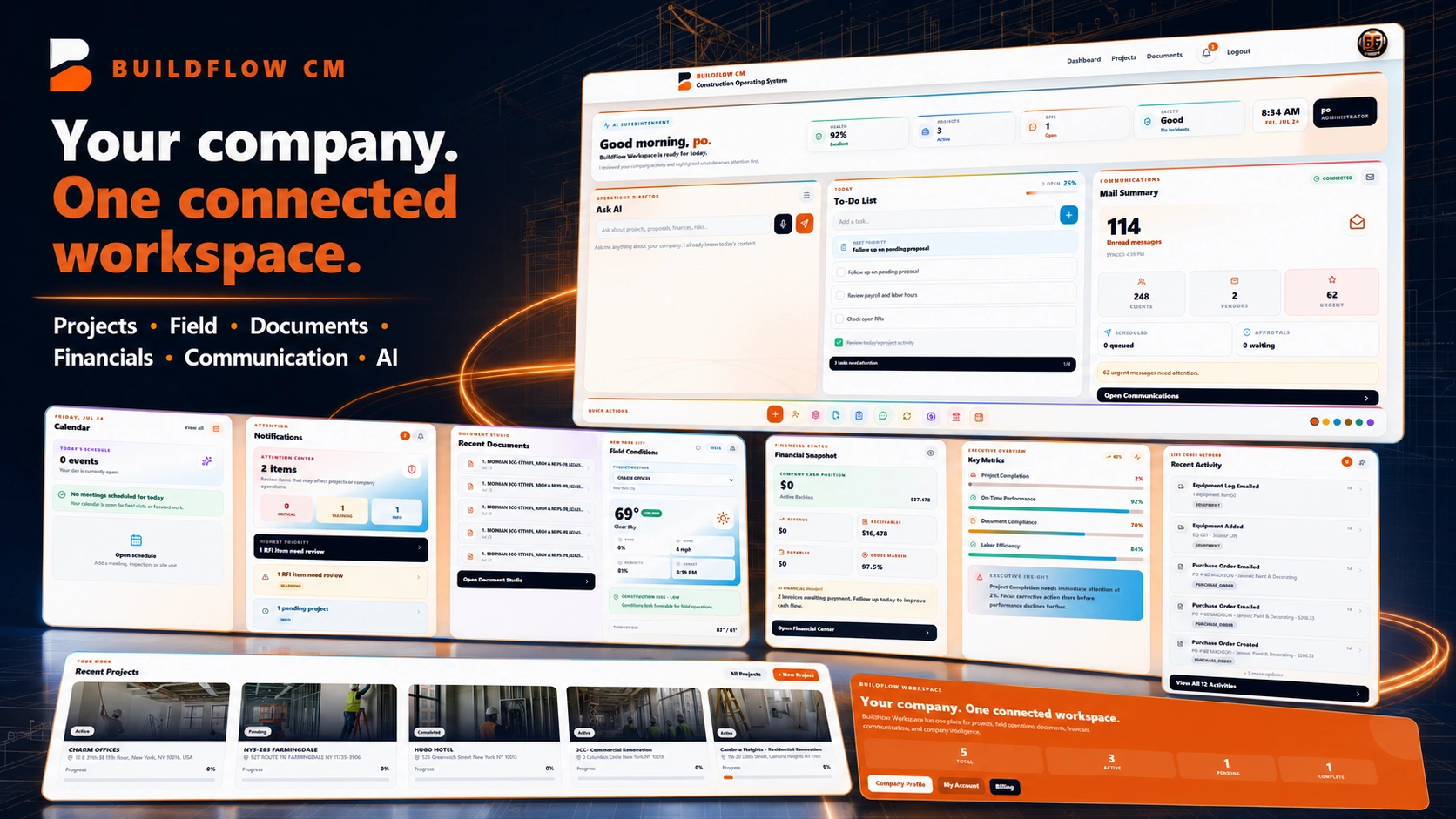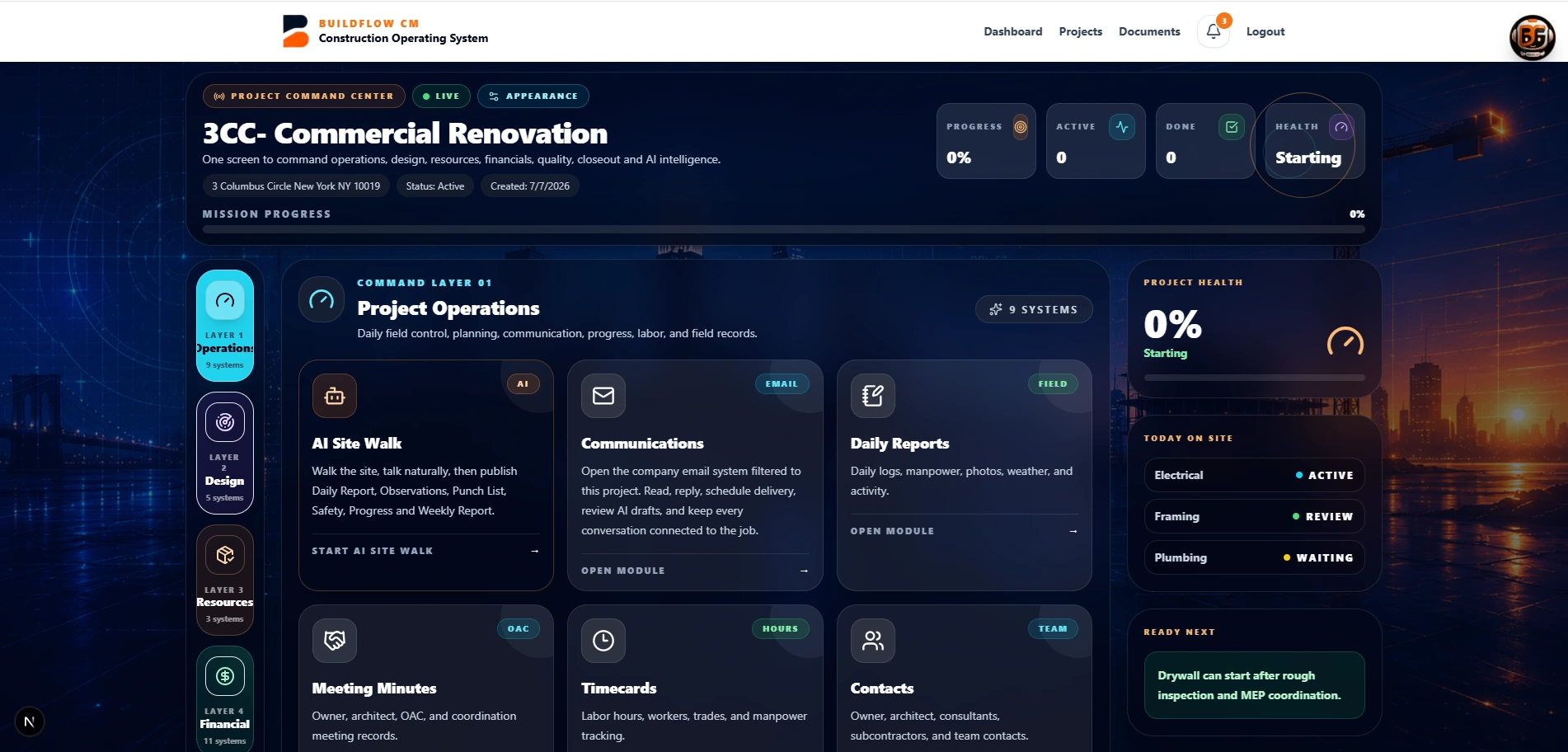
BuildFlow-CM workforce and construction time tracking
Workforce & Time Tracking

Construction Workforce and Time Tracking Software

Move a new worker from invitation and documents to jobsite Punch In / Out, timecards, payroll preparation, and project labor-cost visibility in one connected workflow.

BuildFlow-CM Workforce was created after trying time-clock apps that were too expensive, too complicated, or disconnected from how contractors actually manage workers and labor budgets.

New worker onboarding

A worker starting tomorrow should not create an afternoon of office paperwork today.

Send the new worker an invitation link. They can open it from a phone, enter their information, and provide requested IDs, licenses, and other documents. Multilingual support helps workers complete the process in a language they understand. The company can then maintain the worker record and employment classification used in its operations.

  • ●Invitation link
  • ●Worker information
  • ●ID and license uploads
  • ●Multilingual onboarding
BuildFlow-CM worker onboarding and field access
Simple Punch In / Out

Workers should not need another complicated app just to record their time.

BuildFlow-CM uses a focused phone-number and short-PIN workflow so workers can access their assignment and Punch In / Out without navigating the full management platform. They can review recorded time while project leaders receive the timecards needed for operations and payroll preparation.

  • ●Phone + PIN access
  • ●Punch In / Out
  • ●Worker time view
  • ●Timecards for payroll preparation
BuildFlow-CM workforce timecard and project visibility
Jobsite proximity

Replace the 8:00 versus 8:10 argument with a consistent digital record.

Jobsite proximity rules can restrict Punch In to the configured project area—for example, approximately 75 feet where that setting is used. That reduces paper sign-in sheets, handwritten arrival notes, and daily disputes about when a worker actually reached the site.

  • ●Configurable proximity control
  • ●Arrival record
  • ●Assigned project
  • ●Less manual attendance tracking
BuildFlow-CM jobsite worker and project assignment records
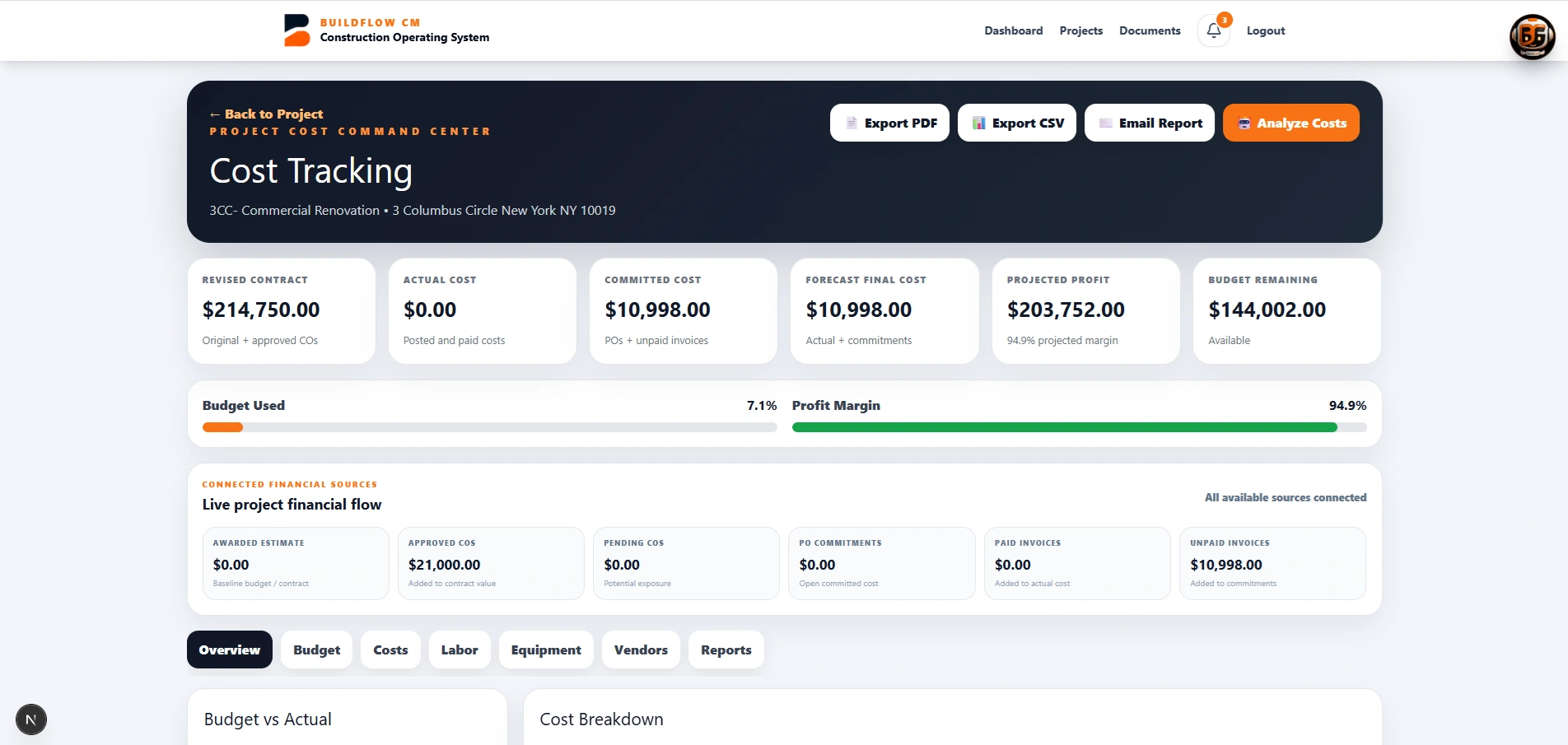
Labor is a project cost

Every labor hour belongs to a project budget.

Timecards are not only attendance records. When hours stay connected to the assigned project, the contractor can understand how labor is affecting cost and whether a job is consuming more workforce than the estimate allowed.

  • ●Worker hours
  • ●Project assignment
  • ●Labor-cost visibility
  • ●Payroll preparation
BuildFlow-CM labor hours connected to project cost
FAQ

Questions contractors ask before changing systems.

Do workers need full platform access to punch in?

No. The workforce flow uses a focused phone-and-PIN experience for worker Punch In / Out rather than requiring the worker to navigate the full management platform.

Can new workers upload IDs and licenses?

The onboarding workflow is designed to collect worker information and requested documents such as identification and licenses through the invitation process.

Does BuildFlow-CM support jobsite proximity rules?

Yes. The workforce workflow includes configurable location or proximity controls. Device permissions and project location settings must be configured correctly for those controls to work.

Get Started with BuildFlow-CM

Create your account and put your construction operation in one connected system.

Create your BuildFlow-CM account, choose the plan that fits your company, and start connecting estimating, projects, field activity, costs, billing, documents, and workforce workflows.