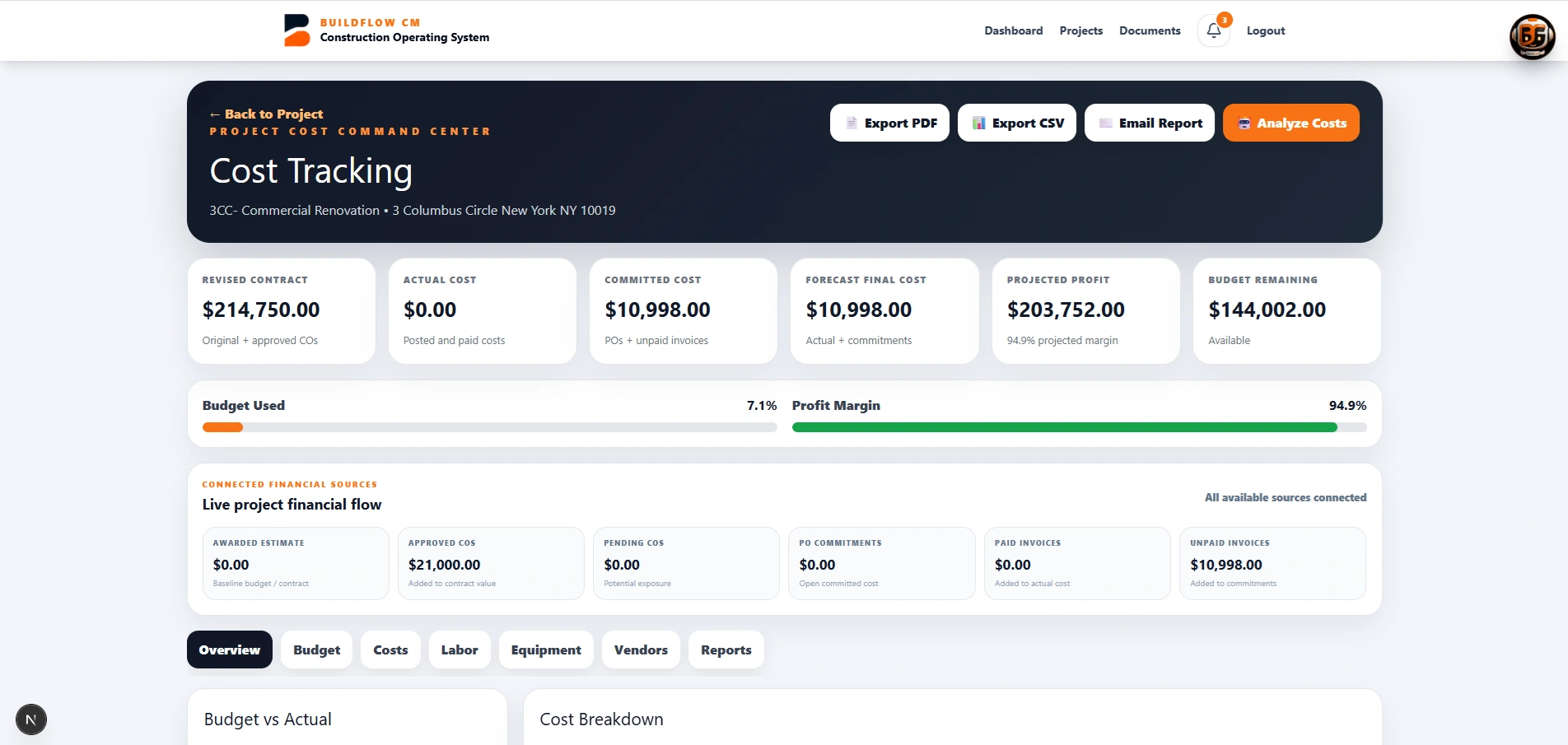
BuildFlow-CM construction material tracking workflow
Material Tracking

Construction Material Tracking Software

Track materials from request and approval through ordering, delivery, storage, installation, and connected project cost.

BuildFlow-CM product content describes request-to-installation tracking with quantities, vendors, dates, receipts, photos, locations, and cost context.

Request to order

Keep material requests connected to the project decision.

Organize the material request, responsible party, approval, vendor, quantity, expected date, and related project information before the order becomes another email thread or spreadsheet row.

  • ●Requests and approvals
  • ●Vendor and quantity
  • ●Expected dates
  • ●Project context
Material planning on a construction project
Delivery to installation

Document what arrived, where it is, and what still needs attention.

Track deliveries, storage, installation status, receipts, photos, and locations so office and field teams can review material progress against the job rather than search across messages and folders.

  • ●Delivery status
  • ●Receipts and photos
  • ●Storage and location
  • ●Installation progress
Construction material delivery and installation tracking
Cost connection

Keep material activity near project cost review.

Material decisions affect project cost and schedule. BuildFlow-CM is designed to keep material records connected to the project so cost review and project reporting can use the same operational context.

  • ●Material cost context
  • ●Project reporting
  • ●Procurement visibility
  • ●Schedule awareness
Construction material cost information in BuildFlow-CM
FAQ

Questions contractors ask before changing systems.

What stages of material tracking are covered?

The current product positioning covers requests, approvals, orders, deliveries, storage, installation, quantities, vendors, dates, receipts, photos, locations, and connected project cost.

Get Started with BuildFlow-CM

Create your account and put your construction operation in one connected system.

Create your BuildFlow-CM account, choose the plan that fits your company, and start connecting estimating, projects, field activity, costs, billing, documents, and workforce workflows.