BuildFlow-CM Conference and AI Meeting Minutes
Meetings that finish with a record

BuildFlow-CM Conference and AI Meeting Minutes

Record the meeting, transcribe it, organize the discussion, review the minutes, and share the project record without turning the meeting into another task for later.

The Meeting Minutes workflow grew from a familiar construction problem: weekly meetings ended on time, but the minutes often arrived the next day because the project manager still had to create them.

The old workflow

The meeting ends, but the project manager still has another meeting-sized task waiting.

Weekly construction meetings can produce decisions about schedule, trades, RFIs, submittals, materials, change orders, inspections, and responsibilities. Traditionally the project manager takes notes, goes back to work, then finds time later to reconstruct and distribute what happened. By then, details may already be remembered differently.

  • ●Decisions
  • ●Responsibilities
  • ●Schedule and trades
  • ●Follow-up items
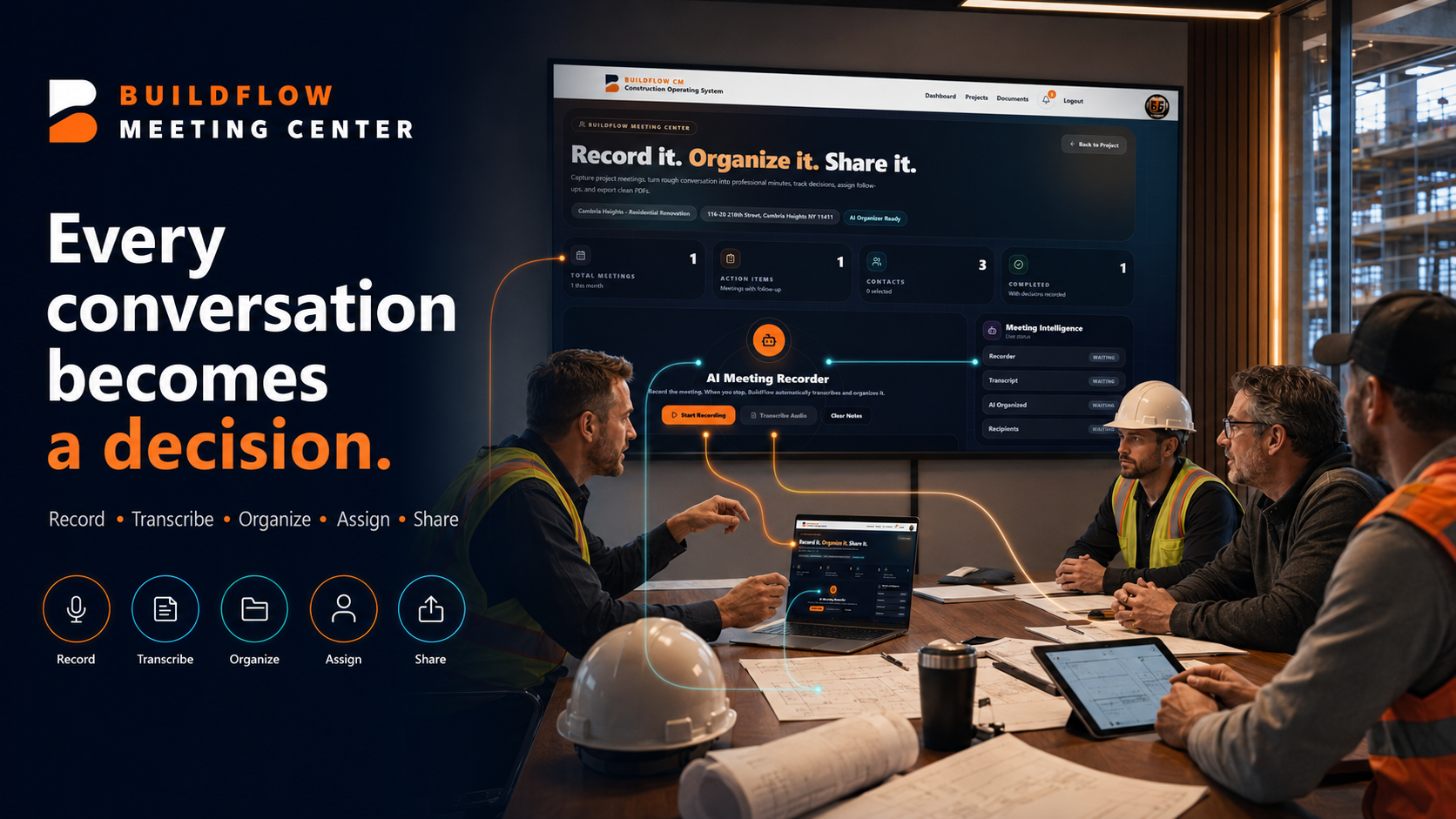
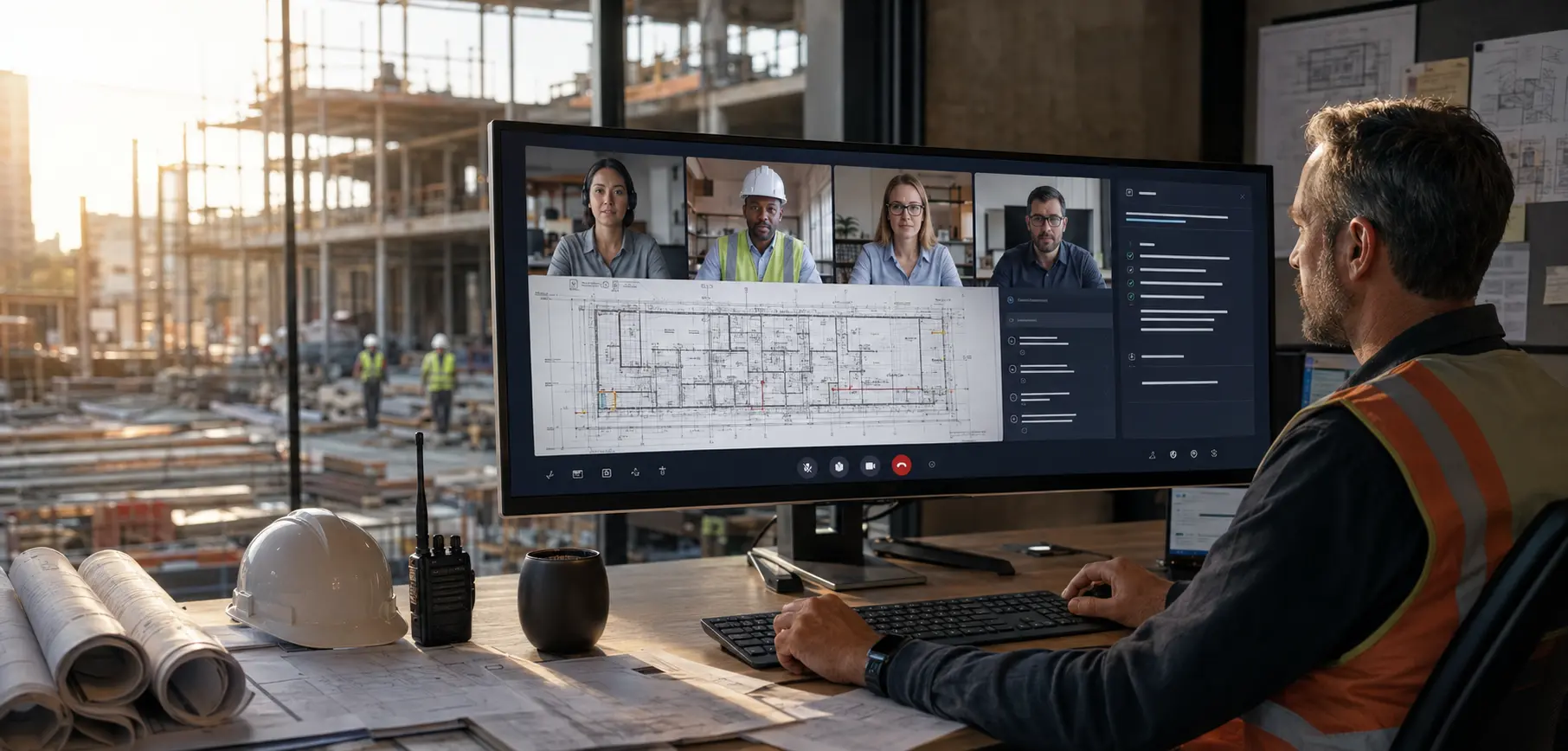
BuildFlow-CM weekly construction project meeting
Record → transcribe → organize

Let BuildFlow-CM do the heavy documentation while the meeting is happening.

Open Meeting Minutes and press Record. BuildFlow-CM can capture the meeting, transcribe the conversation, and organize the discussion into a structured draft around topics, trades, responsibilities, decisions, and action items.

  • ●Meeting recording
  • ●AI transcription
  • ●Trade and topic organization
  • ●Decisions and action items
BuildFlow-CM AI Meeting Minutes recording and transcription workflow
Review before sharing

The project manager stays in control of the final record.

AI prepares the draft, but the meeting owner can review the wording, correct details, add or remove information, and confirm responsibilities before the minutes are distributed. The goal is speed without giving up professional review.

  • ●Editable draft
  • ●Human review
  • ●PDF output
  • ●Email sharing
BuildFlow-CM meeting minutes review and communication
Efficiency

The meeting ends. The minutes are ready. Everyone knows what happens next.

When the project record can be reviewed and shared before everyone has even left the meeting, decisions move faster and the project manager does not carry another documentation task into the evening. That, my friend, is called efficiency.

  • ●Faster distribution
  • ●Clear responsibilities
  • ●Immediate project record
  • ●Less after-hours admin
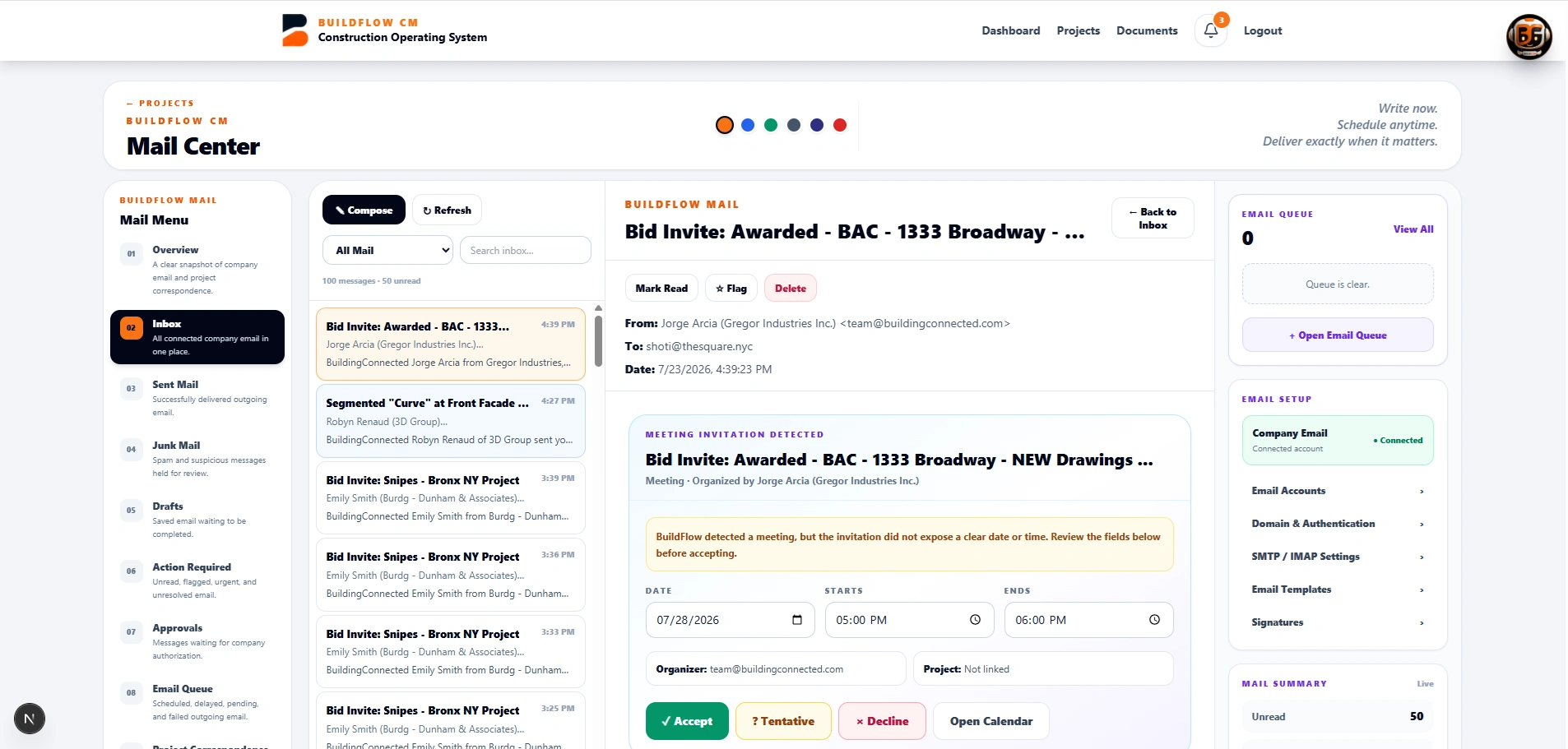
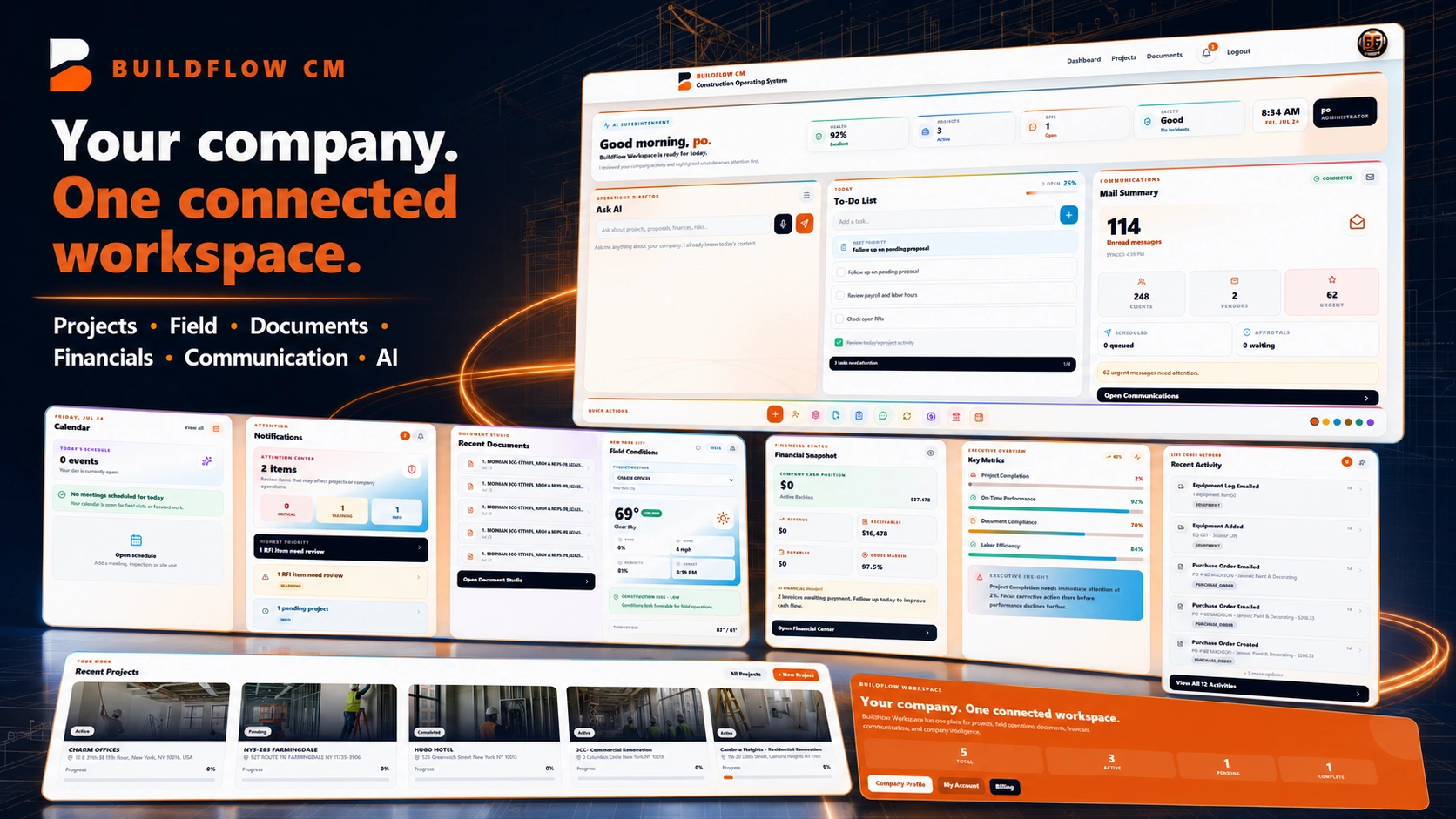
BuildFlow-CM meeting record connected to project operations
FAQ

Questions contractors ask before changing systems.

Can BuildFlow-CM create meeting minutes from a recorded meeting?

The Meeting Minutes workflow is designed to record, transcribe, organize, and prepare an editable draft that the project manager can review before sharing.

Does AI send the minutes without review?

No. The intended workflow keeps the meeting owner in control of corrections and final distribution.

What information can meeting minutes capture?

Construction meetings commonly include attendees, trade discussions, decisions, responsibilities, action items, schedule items, RFIs, submittals, materials, inspections, and other project follow-up.

Get Started with BuildFlow-CM

Create your account and put your construction operation in one connected system.

Create your BuildFlow-CM account, choose the plan that fits your company, and start connecting estimating, projects, field activity, costs, billing, documents, and workforce workflows.