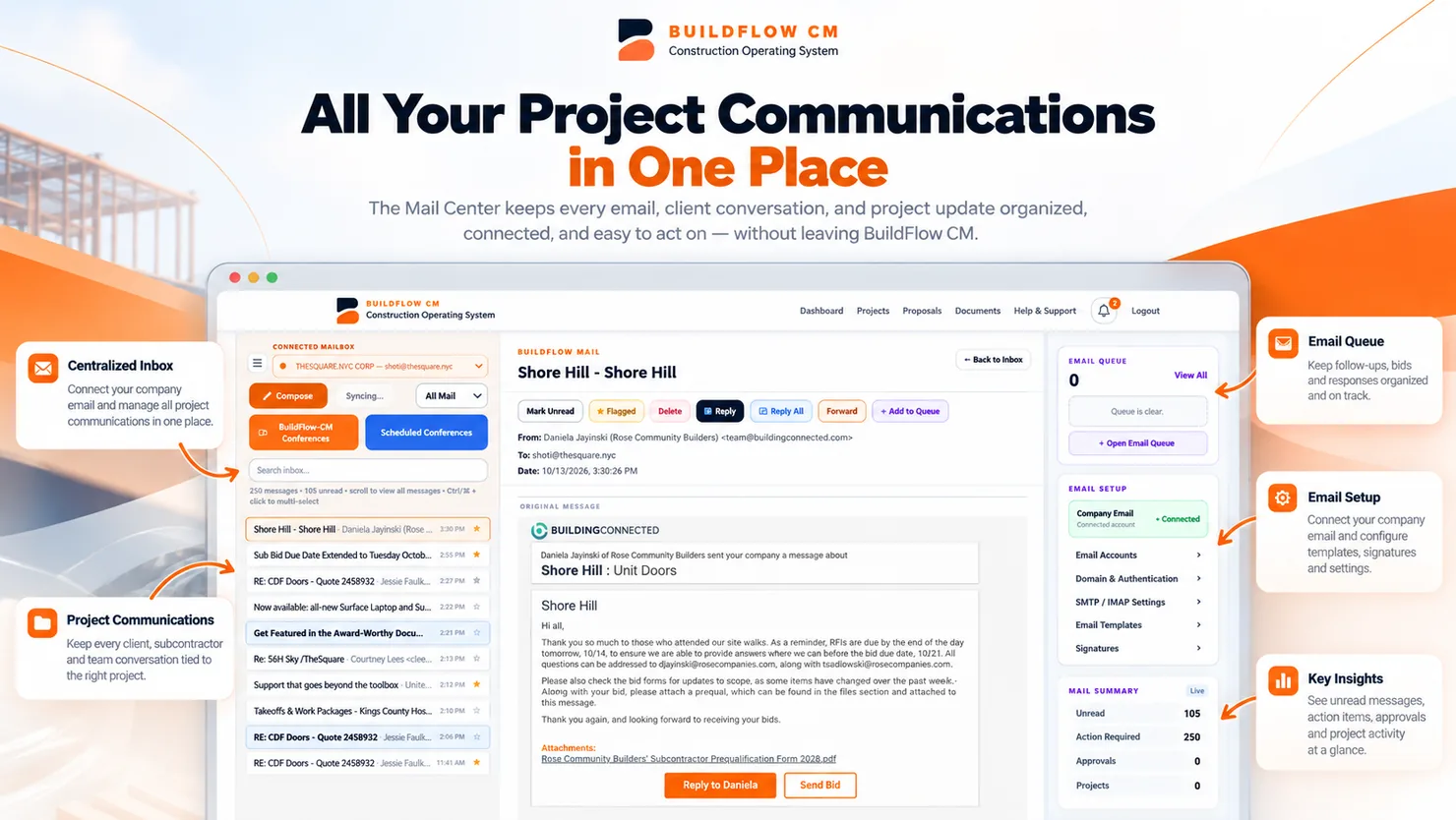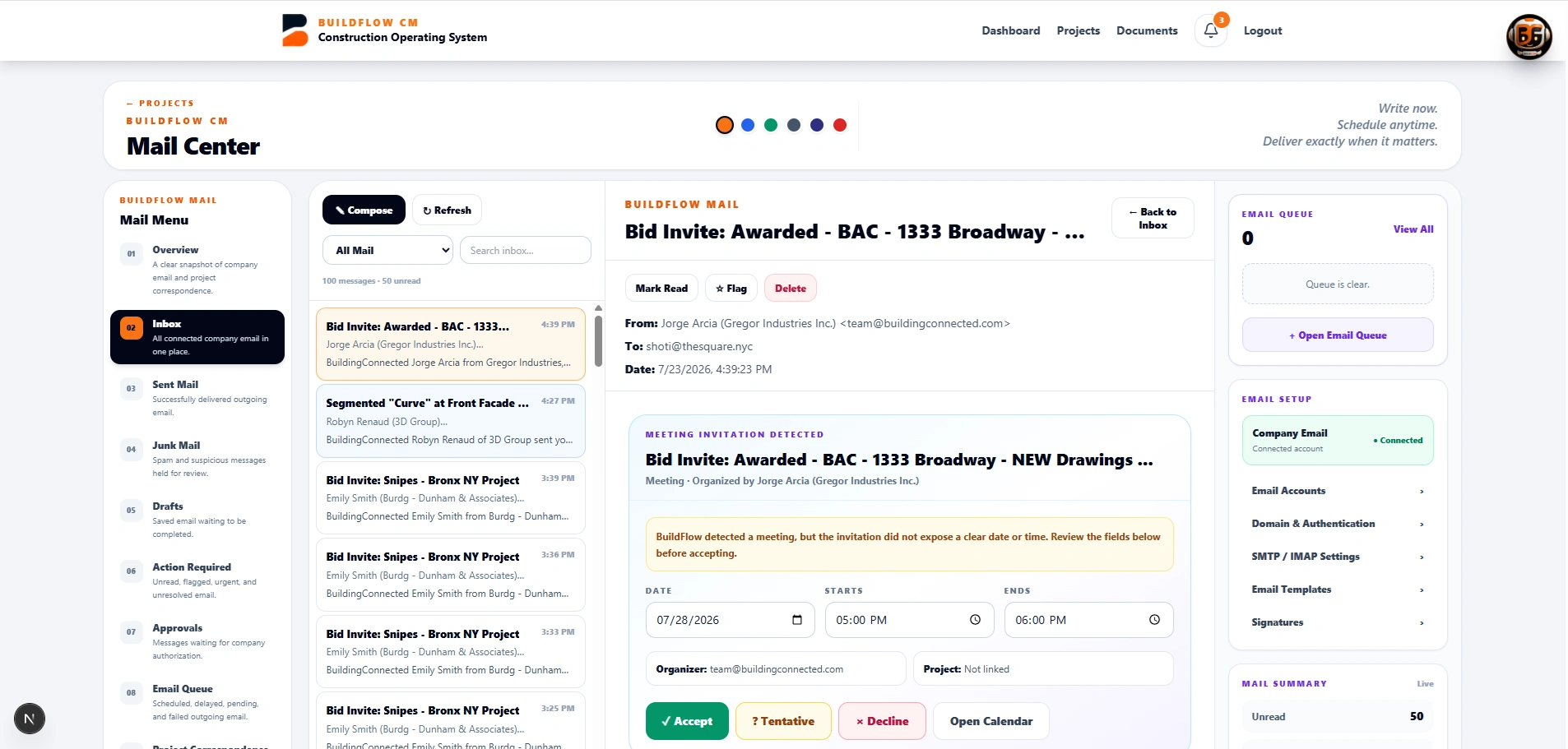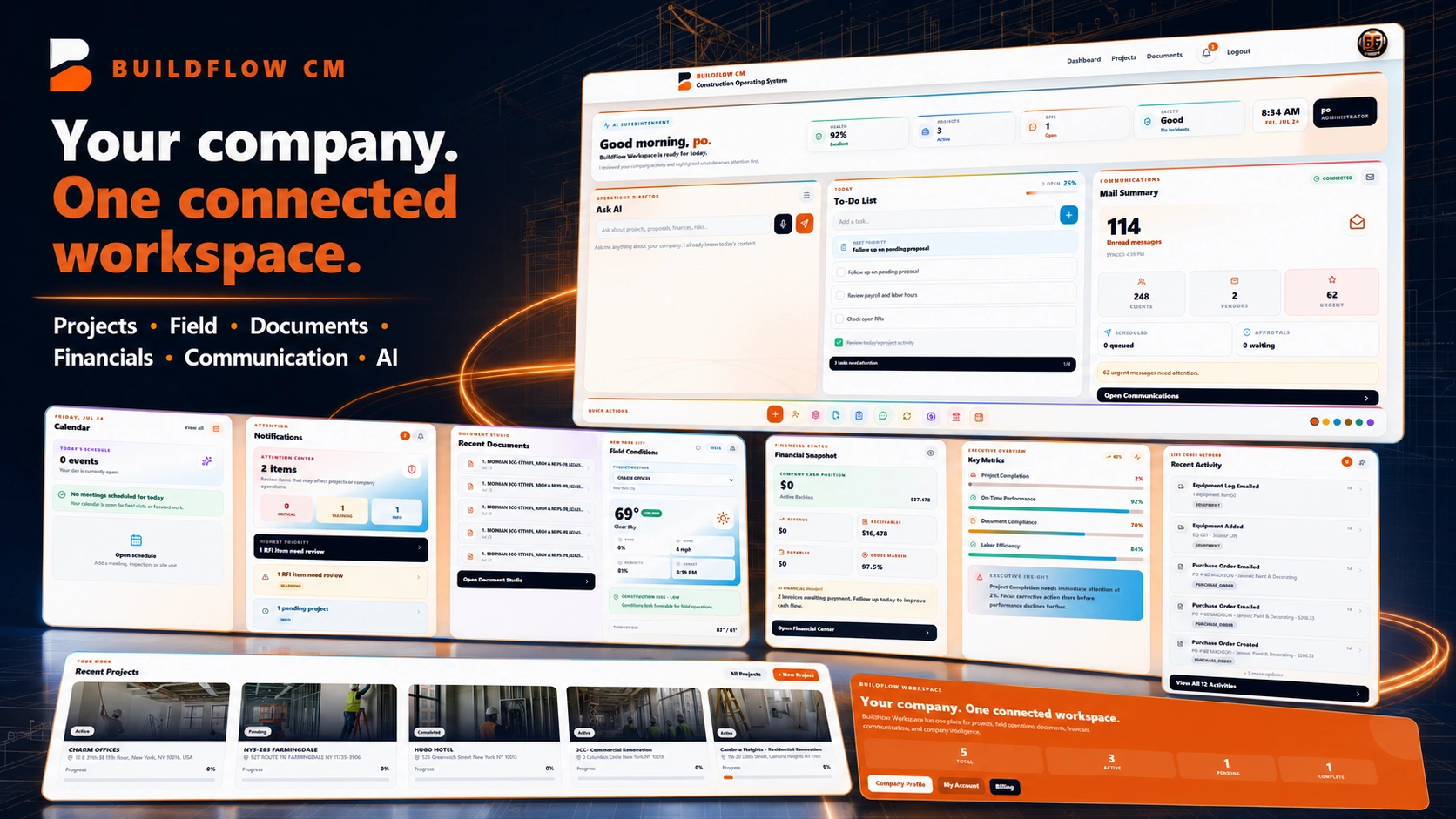
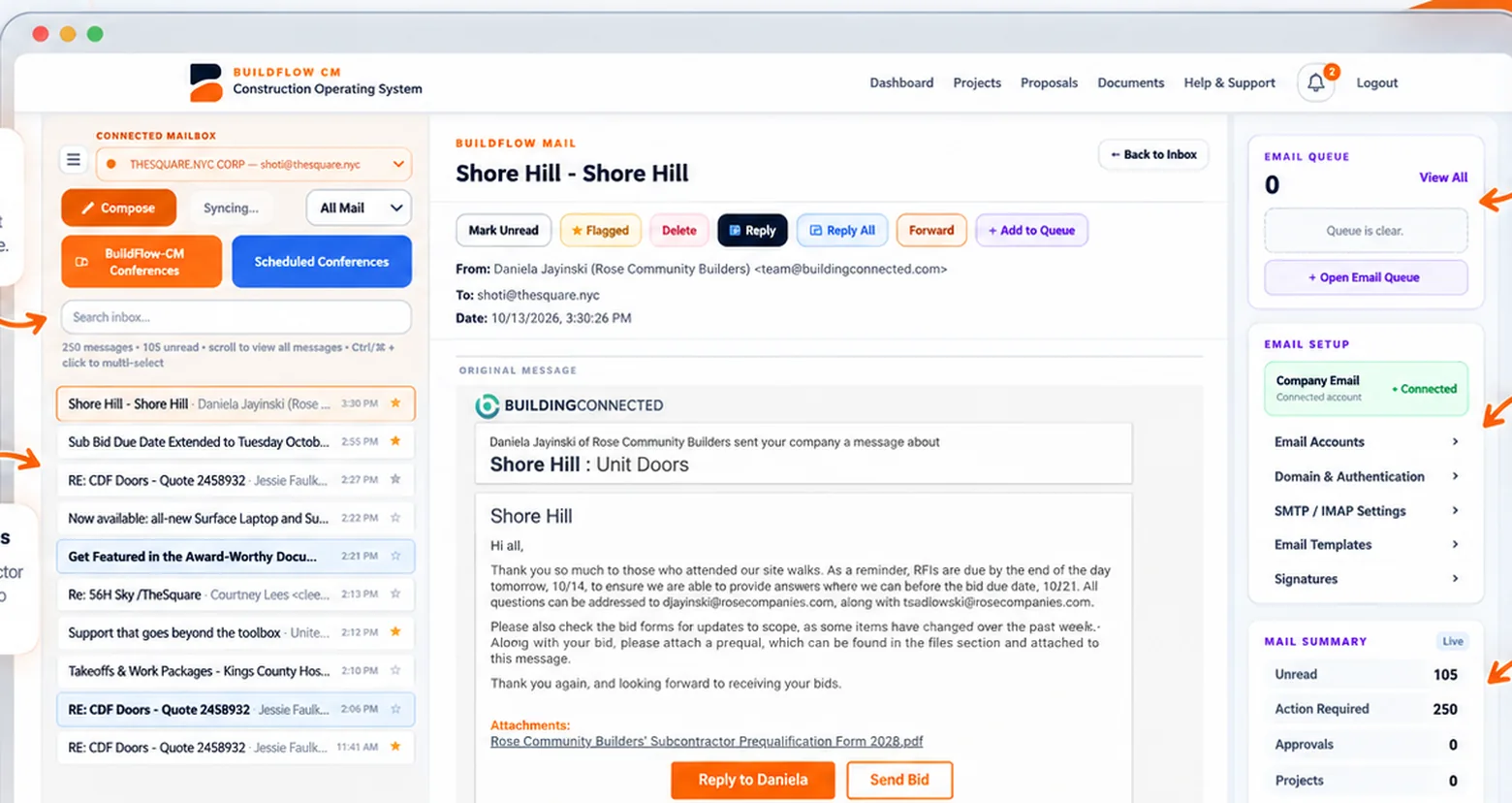
BuildFlow-CM Mail Center inbox, messages and email-queue interface
BuildFlow-CM Mail Center

Construction Email and Mail Center Software

Write project communication when you have time and send it when the recipient is most likely to see it, while keeping important correspondence connected to the construction workflow.

The Mail Center scheduling workflow was shaped by a contractor reality: late at night may be the first time you have to write the email, but it may be the worst time for the client to receive it.

Construction hours are not office hours

Write the email when you finally have time—deliver it when it will be useful.

After a full field day, contractors often catch up on communication late at night or early in the morning. An important message sent at the wrong hour can be buried under a new inbox by the time the client starts work. BuildFlow-CM Mail Center is designed to let the contractor prepare the message now and schedule delivery for tomorrow morning, next week, or the right project moment.

  • ●Scheduled delivery
  • ●Project correspondence
  • ●Work on your own schedule
  • ●Client-ready timing
BuildFlow-CM Mail Center campaign displaying connected inbox, project messages, queue, email setup and insight panels
Keep communication with the job

Important project emails should not become disconnected from the project record.

Construction communication can carry approvals, questions, schedule information, documents, meeting information, and financial follow-up. Keeping that correspondence close to the project makes it easier to understand why a decision happened and what needs attention next.

  • ●Project context
  • ●Attachments
  • ●Approvals and follow-up
  • ●Communication history
BuildFlow-CM project communication workflow
Client communication

Fast information helps clients make better decisions.

Clients may need current information to decide on budget, schedule, changes, materials, or upcoming work. The communication system should help the contractor send clear information without creating another long administrative process after the field day is over.

  • ●Budget decisions
  • ●Schedule decisions
  • ●Change follow-up
  • ●Project updates
BuildFlow-CM project information supporting client decisions
FAQ

Questions contractors ask before changing systems.

Can BuildFlow-CM schedule email delivery?

Yes. The Mail Center is designed so the contractor can prepare a message when time is available and schedule it for a later delivery time.

Why does scheduled email matter in construction?

Because the best time for a contractor to write an email is not always the best time for a client or project partner to receive it. Scheduling lets the contractor separate preparation time from delivery time.

Get Started with BuildFlow-CM

Create your account and put your construction operation in one connected system.

Create your BuildFlow-CM account, choose the plan that fits your company, and start connecting estimating, projects, field activity, costs, billing, documents, and workforce workflows.